

Support our independent tech coverage. Chrome Unboxed is written by real people, for real people—not search algorithms. Join Chrome Unboxed Plus for just $2 a month to get an ad-free experience, access to our private Discord, and more. Learn more about membership here.
START FREE TRIAL (MONTHLY)START FREE TRIAL (ANNUAL)
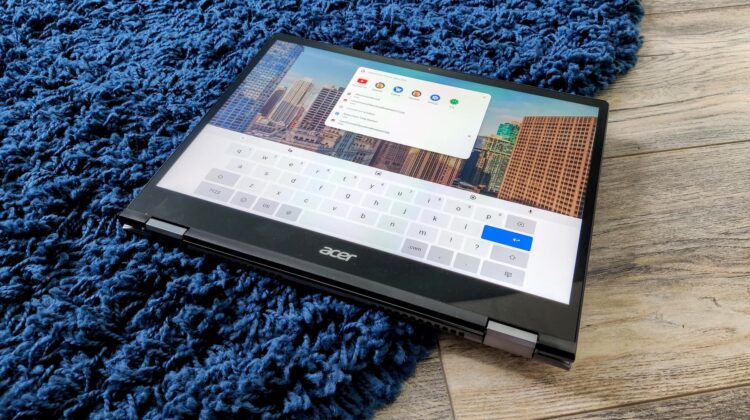
The Chrome OS virtual keyboard – the on-screen typing experience – has undergone plenty of changes for the better over the past year. In Chrome 85, it got a major facelift featuring key borders (love it or hate it) and even became resizable. While we knew it was going to receive light and dark mode at some point, the most we knew for sure is that it would coincide with the release of light and dark mode for the entire operating system.
Now, a new Chromium Repository flag discovered by 9to5Google reveals that a developer flag will soon allow Canary users to enable this. Obviously, toggling the system dark mode on Chrome OS via the quick settings menu will drag the virtual keyboard along with it to the dark side if this flag is enabled.
Enable Dark Mode support for virtual keyboard
Enable dark mode colors for the virtual keyboard when dark mode is active
#enable-cros-ime-dark-mode
While this doesn’t yet work, it will before long. It’s clearly in early development, but I don’t imagine it will take too much time to roll out once they get the basics in order. The more I think about it, the standard dark and light mode for Chrome OS is still half-implemented over a year later, so I could be wrong.
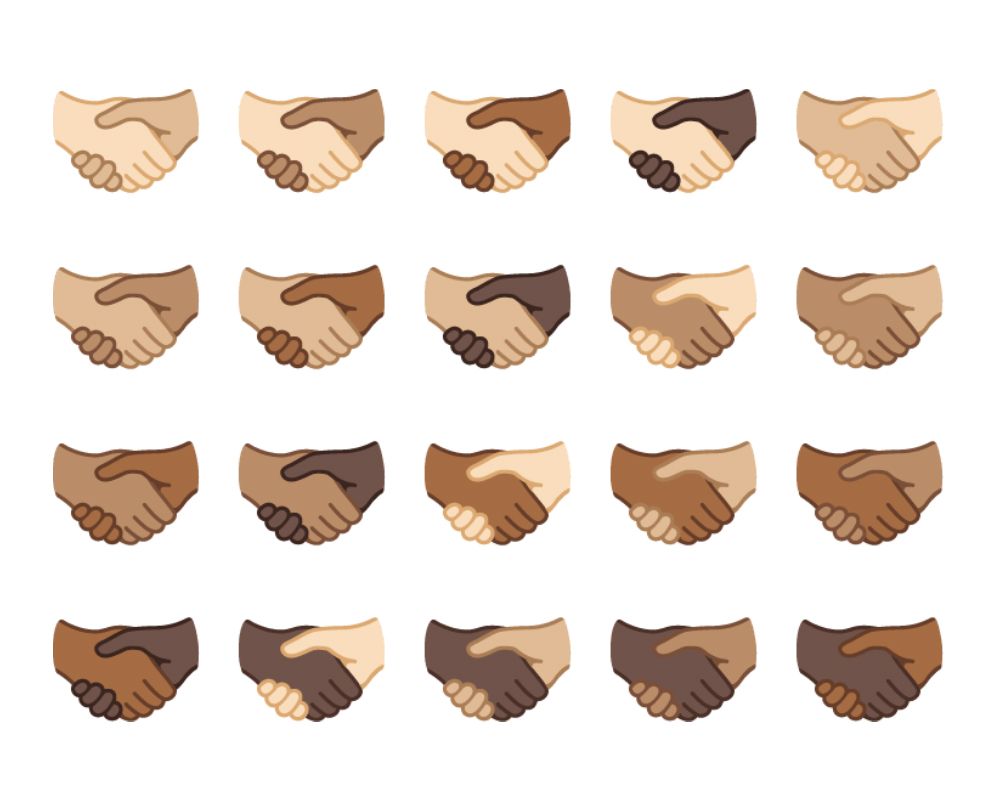
Another discovery that 9to5 made was that the system’s emoji picker that can be called up by tapping the smiley face on the virtual keyboard will be receiving the most up-to-date emoji packs from Unicode 14, bringing Google’s laptop offerings right in line with Android 12.
This is something we knew that had intentions to do, but it’s awesome to see them keeping their word and keeping both systems in step with one another. Basically, these emoji are more expressive and accurate, featuring new hand gestures, an up-to-date handshake emoji, and even bubbles. Yes, bubbles. You can see more about what’s on offer over on Emojipedia’s blog if you’d like.
[Emoj picker] Emoji 14.0
Add support for emoji 14.0 via new ordering
Uprev CLDR data to get search for the new emoji as well
Lastly, the virtual keyboard will soon work with Linux apps. A separate commit shows that a developer flag for IME and VK support in Crostini will be toggled when the flag is enabled. To date, the virtual keyboard simply doesn’t work inside of the Linux container, and any applications you’re working with require the physical or an external keyboard to be used instead. Additionally, other input methods (when you change the keyboard to Japanese input, etc) will also be supported at some point after implementation. This will be experimental at first.
Do you use a Chrome OS tablet like the Lenovo Duet or even the HP X2? Do you use the virtual keyboard, or do you simply attach a physical one? Are you looking forward to these changes, or is such a tool really just utilitarian and you don’t really mind what it looks like? What about the new emoji support – how often do you use emoji? Are you excited for more of a selection? Lastly, I’m curious to see how many of you are interested in the virtual keyboard being compatible with Linux apps. Drop a comment below to discuss!
SUBSCRIBE TO UPSTREAM
Get Chrome Unboxed delivered straight to your inbox
Upstream is our flagship, curated newsletter with the top stories, most click-worthy deals, giveaways, and trending articles from Chrome Unboxed sent directly to your inbox a few times a week. Join 31,000+ subscribers.

