

Support our independent tech coverage. Chrome Unboxed is written by real people, for real people—not search algorithms. Join Chrome Unboxed Plus for just $2 a month to get an ad-free experience, access to our private Discord, and more. Learn more about membership here.
START FREE TRIAL (MONTHLY)START FREE TRIAL (ANNUAL)
As I mentioned yesterday, the Chrome OS developer team is putting in some serious work on updating the overall UI of the Chrome operating system and recent updates to the Canary channel have surfaced a treasure trove of goodies for us to unearth. I’m still trying to get some more details on the collapsing icons on the Chrome OS shelf that we reported yesterday but I wanted to share another feature that is actually available in the Beta channel if you happen to be living that life.
If you ever lock your screen while you have media playing, you may have noticed that there is a media widget that now lives to the right of your login. You can use that widget to play, pause, and scrub forward or back five seconds at a time. A very handy feature if you’re listening to music or podcasts but don’t necessarily need your device to be unlocked. The feature works perfectly, as it should but another upcoming lock screen feature is already being tweaked to take advantage of the media widget.
Once referred to as “Ambient Mode,” the Beta channel has now renamed this feature “screensaver” because that’s exactly what it is. Unlike some variations of this feature from other operating systems, Chrome OS will use a similar setup to that of a Chromecast and allow you to display an ever-changing lineup of images from Google or your personally curated Google Photos collections. This is a welcome feature that many have wanted on Chrome OS for some time and it will be a great way to customize your Chromebook to make it truly one of a kind. Don’t worry. If you don’t like the screensaver feature, you can disable it in the system settings. As of right now, it’s actually off by default.
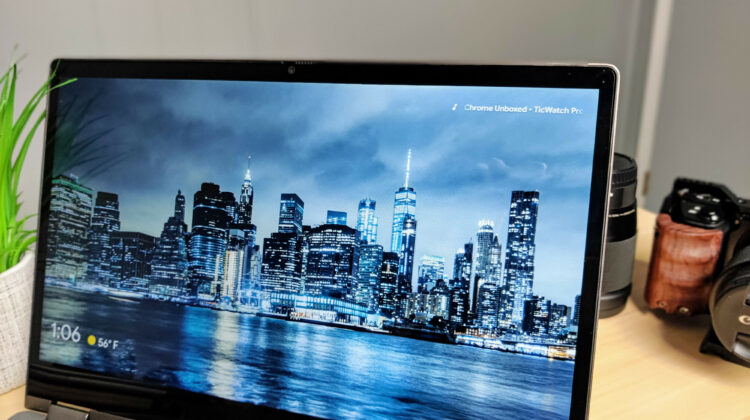
All that to say, when you have media playing and you lock your Chromebook, there will now be a ticker-style feed in the top-right corner that takes over when the screensaver kicks in. The media control widget will disappear but you’ll still be able to see what’s playing and quickly return to the main lock screen and controls with a simple touch on the trackpad. This will be extremely handy if you’re listening to a random playlist and you quickly want to see what song is on or who the artist may be so that you can add it to your favorites later.
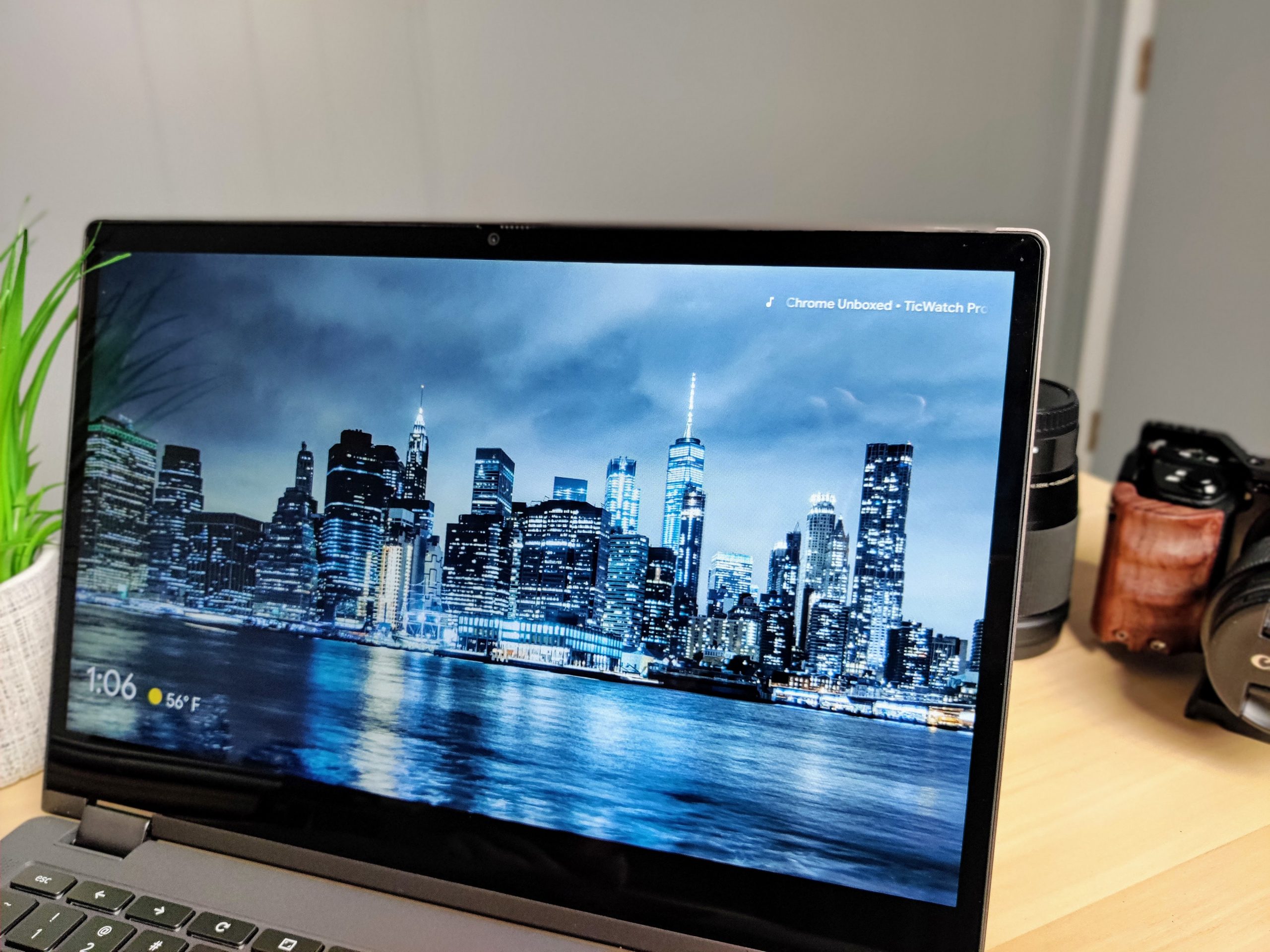
Seeing that this “now playing” feature has already landed in the Stable channel, it is plausible that we will see it roll out with the next major update to Chrome OS. That is slated to happen in late January which is just around the corner. If you want to check it out now, you can move over to the Beta channel but remember, when you move back to Stable, you will have to powerwash your Chromebook. To enable it, simply head to the Chrome OS settings and look for the screensaver tab. Make sure you back up anything that you don’t want to lose. If you’re not ready for that kind of commitment, you can check out some other cool features that are currently hidden behind flags in the Stable channel today. Check out Robby’s video below to see what’s waiting for you in Chrome OS 87.
Chrome OS 87 Flags
SUBSCRIBE TO UPSTREAM
Get Chrome Unboxed delivered straight to your inbox
Upstream is our flagship, curated newsletter with the top stories, most click-worthy deals, giveaways, and trending articles from Chrome Unboxed sent directly to your inbox a few times a week. Join 31,000+ subscribers.

