

Support our independent tech coverage. Chrome Unboxed is written by real people, for real people—not search algorithms. Join Chrome Unboxed Plus for just $2 a month to get an ad-free experience, access to our private Discord, and more. Learn more about membership here.
START FREE TRIAL (MONTHLY)START FREE TRIAL (ANNUAL)
Dark mode showed up for the Chrome browser some time ago, but for reasons unknown to us, dark mode never fully made it over to Chrome OS. In fact, there were some clear flags available the last time we talked about dark mode being near for Chromebooks back in October and the main one that turned on Dark Mode has been removed.
Flags for Chrome OS work as a way to turn on/off features that are in development and can be removed once that new feature has either been added to the build or removed entirely. For some reason, some flags stick around for a very long time even after the feature has been a part of Chrome OS for months and other times they vanish with the arrival of the feature in question. Depending on the feature, having the ability to turn it off or on quickly while testing an adjacent feature can be handy, so I’d suppose that’s why some flags linger longer than others.
I’m unsure what the reasoning is for the dark mode flag being gone, but either way, it is no longer with us in any channel of Chrome OS right now. There are two related flags still there, but they don’t do anything as they are relying on dark mode to be on to affect any change. For now, there’s simply no way to test or try dark mode on a Chromebook.
There is a big hint in Chrome OS 83 right now that shows dark mode might just be in the works – finally – for Chrome OS. Without any flags or changes in settings, we’ve noticed the following system menu getting a pseudo-dark mode change. If you have a Chromebook that takes stylus input, you’ll notice the pen tool that pops up near the bottom right next you your clock. Across the board in Chrome OS 83 for devices that have pen support, that pop-up menu is now a dark charcoal color. The font color hasn’t been adjusted, but every device we’ve tried has this semi-feature.

While this is clearly a work in progress, the pen input method toolbar is a system-level part of the UI. Without any changes, flags or settings, this is now set with a dark background across every device we could try, so it would seem that dark mode is finally being baked into the OS on a system level. Perhaps that’s the reason for the flag going away. After all, the original flag that was allowing us to try out dark mode was Force Dark Mode for Web Contents, so perhaps this is a more system-level implementation that will cover both the Chrome OS UI and web elements as well.
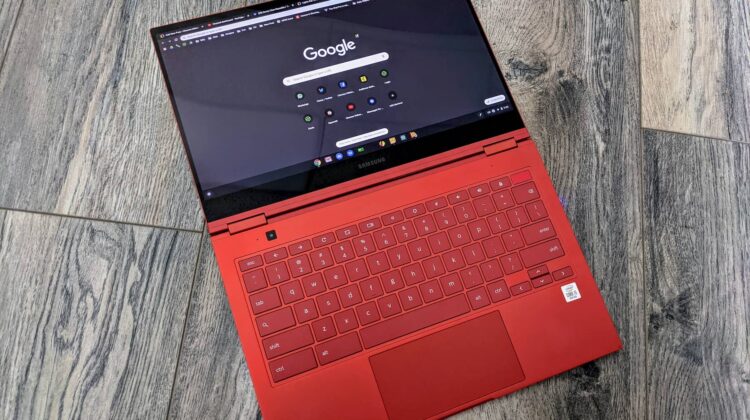
We’re digging for further evidence of this coming, but it is high time Chrome OS gets on board with dark mode across the board. With more and more websites, apps, and oprating systems offering dark mode, Chrome OS needs to be on board with this as well. While it is a nice feature that many people enjoy, there are real benefits to battery for devices like the Galaxy Chromebook that, as of right now, seems to be really struggling to get a reasonable amount of use between charges.
Shop All The Latest Chromebook Deals
SUBSCRIBE TO UPSTREAM
Get Chrome Unboxed delivered straight to your inbox
Upstream is our flagship, curated newsletter with the top stories, most click-worthy deals, giveaways, and trending articles from Chrome Unboxed sent directly to your inbox a few times a week. Join 31,000+ subscribers.

