


Support our independent tech coverage. Chrome Unboxed is written by real people, for real people—not search algorithms. Join Chrome Unboxed Plus for just $2 a month to get an ad-free experience, access to our private Discord, and more. Learn more about membership here.
START FREE TRIAL (MONTHLY)START FREE TRIAL (ANNUAL)
Update: February 3, 2022 – Chrome 98 is no longer in beta! You can now update to this version on the out-of-the-box Stable version of the browser to enjoy the mentioned improvements. The title of this article has been changed to remove the word “Beta”, but the body of the content keeps it intact.
Chrome 98 Beta is now available (v. 98.0.4758.34) and with it, several useful improvements that you can take advantage of immediately. While many of the updates are for Android, there are some features and fixes to Chrome for desktop’s screenshot tool and even its privacy as well. So, without further ado, let’s take a look!
Improvements to Progressive Web Apps
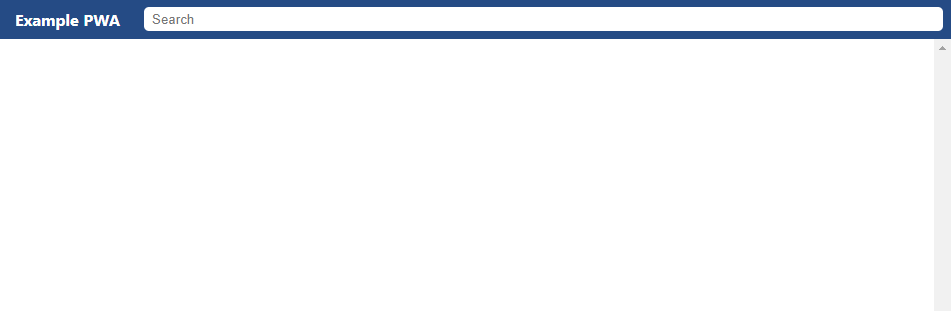
Progressive Web Applications, or PWAs for short, are getting a really interesting feature. While custom title bars were experimentally added into Chrome 93, this latest update makes them official. The top bar for the browser window when a web app is turned into a shortcut and made to be standalone can now feature the site title in a colorful strip, a search bar for that site, and more. There’s a demo website available if you’d like to take a look at what this would look like, but it will differ depending on the site you visit.
Clearer, more crisp Emoji
A new set of COLRv1 Color Gradient Vector Fonts are being implemented to enable emoji to take up less storage space than before. By reusing contours, supporting variations, and enabling 2D glyph definitions, the new icon fonts use vector formats instead of rasterized PNGs so they can look much more crisp and clear as well.

As a result, these new emoji will come packaged in smaller file sizes, and look better when scaled. While the images above may not be identical, you can click on them to see how much more clear the left side is compared to the right. If you can’t tell, then visit the Codepen site for yourself to see the difference!
Desktop Screenshots
Thanks to our friend Leopeva64-2 over on Reddit, we’ve been keeping tabs on the new Desktop Screenshot tool for Chrome. Version 98 brings it to the masses, and it’s no longer hidden behind a flag! If you click the share button in the browser’s Omnibox, you will now have an option for taking a desktop screenshot. Afterward, you can share it out however you’d like, download it for safekeeping, or edit it.
In addition to this, you can now add emoji to your screenshots before finalizing them. This should give you some more expression depending on the context of the content, and that’s always a great thing. While the share sheet is open, you’ll see a new ‘Add emotion’ button marked by a smiley face. Tapping it will give you a horizontally scrolling bar full of emoji to pick from, place, rotate and scale.
Privacy Guide
One great addition to this version of Chrome is what’s called the Privacy Guide. By enabling chrome://flags/#privacy-review and restarting your device (yep, sorry, it’s hidden behind a flag), you’ll be invited to walk through the new guide via the Chrome browser Settings page under ‘Security & Privacy’.
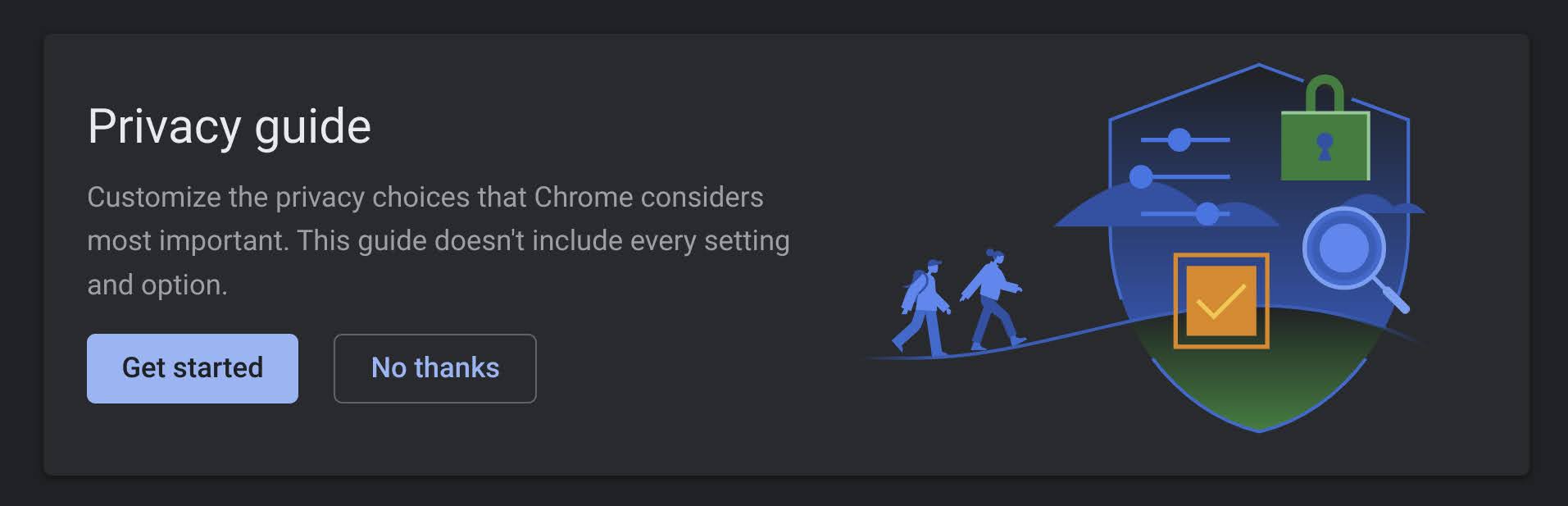
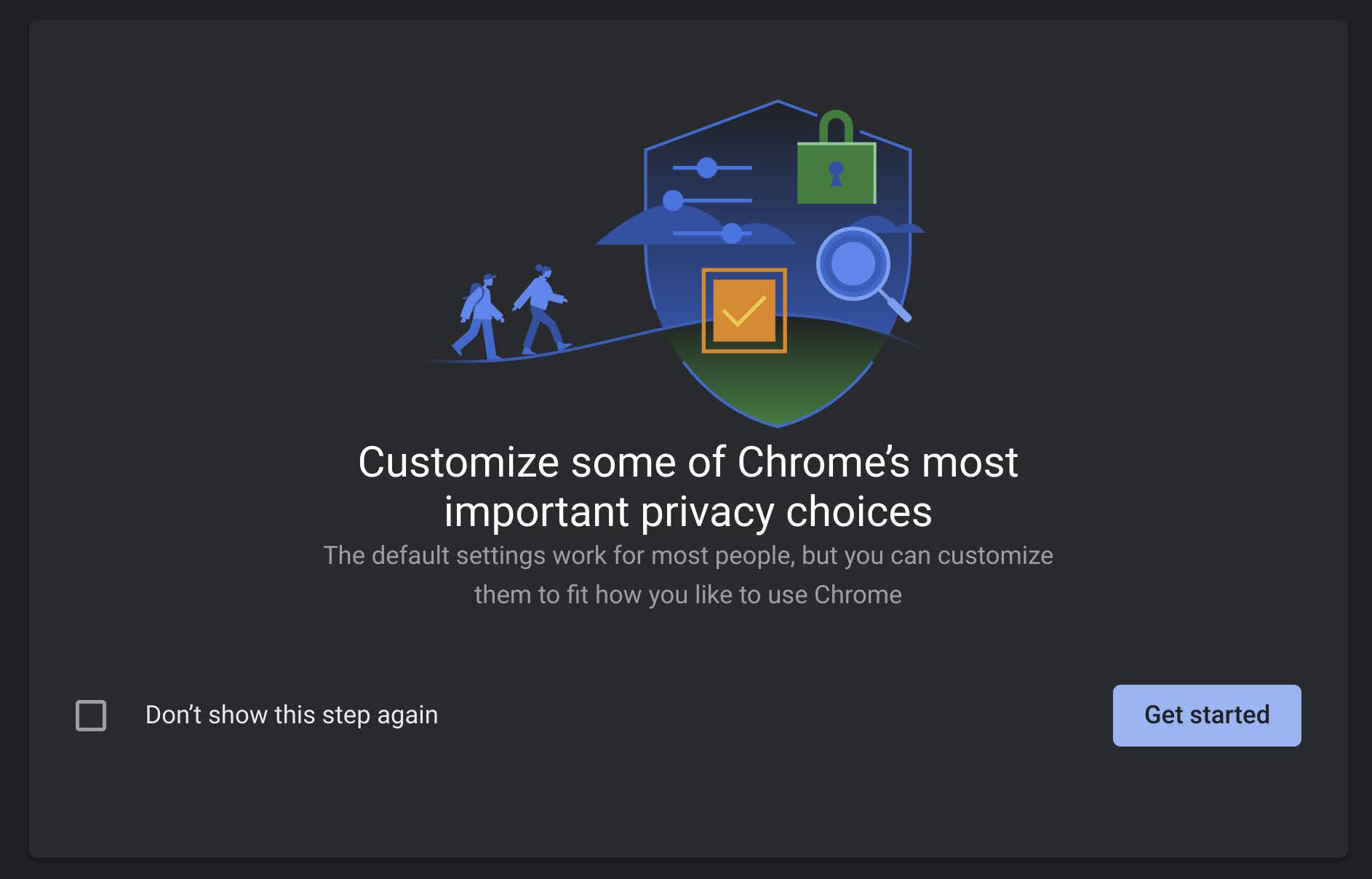
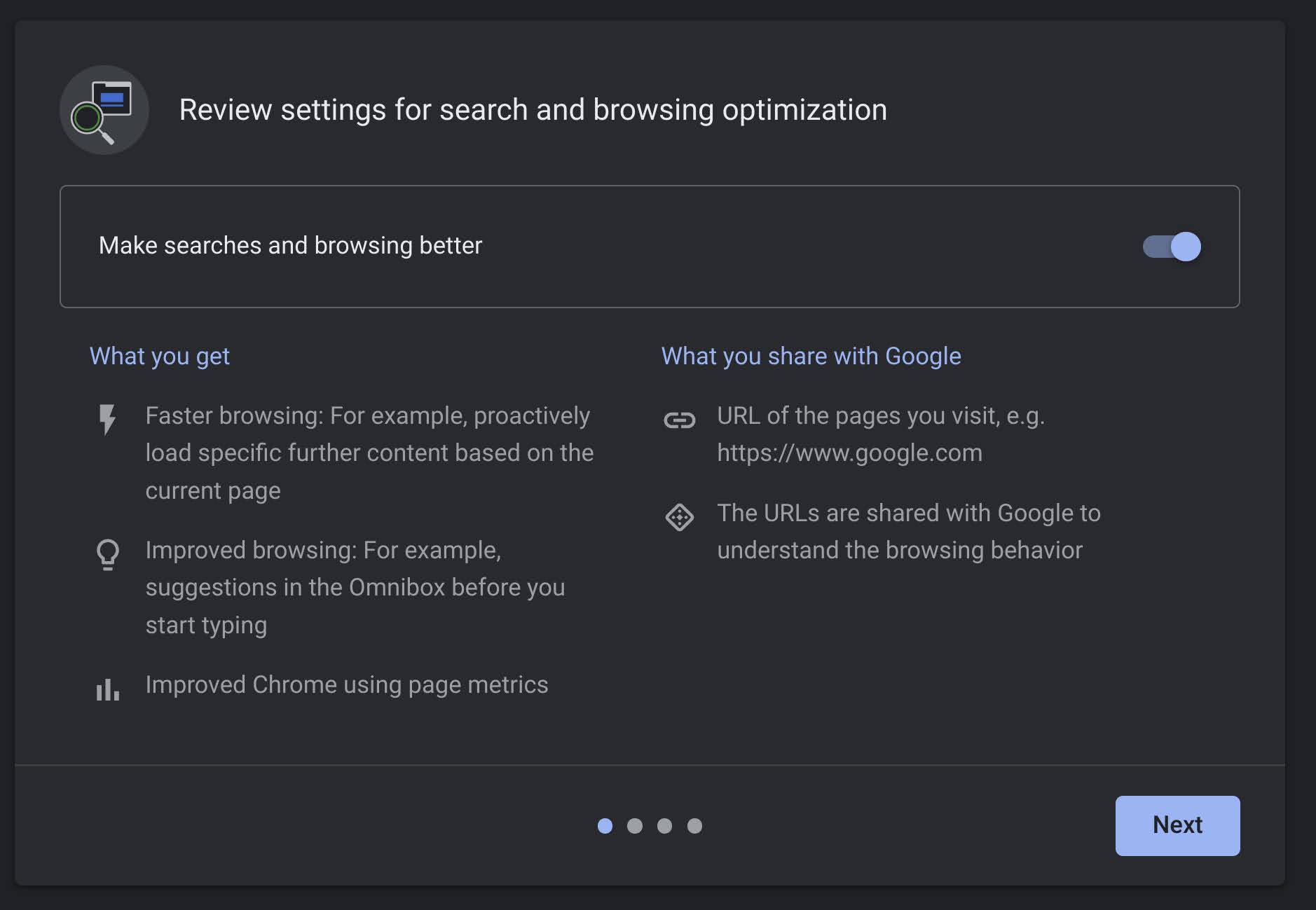
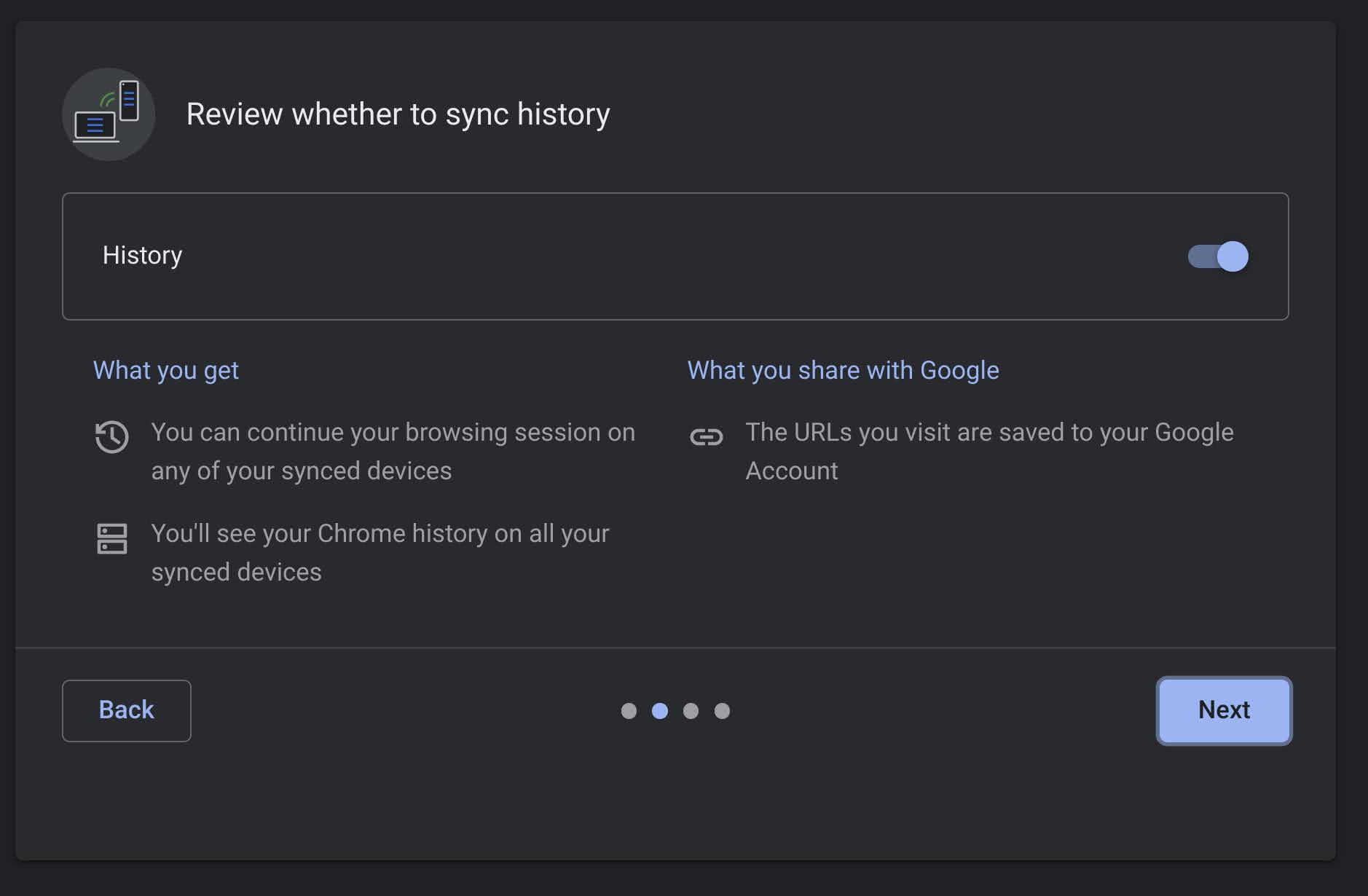
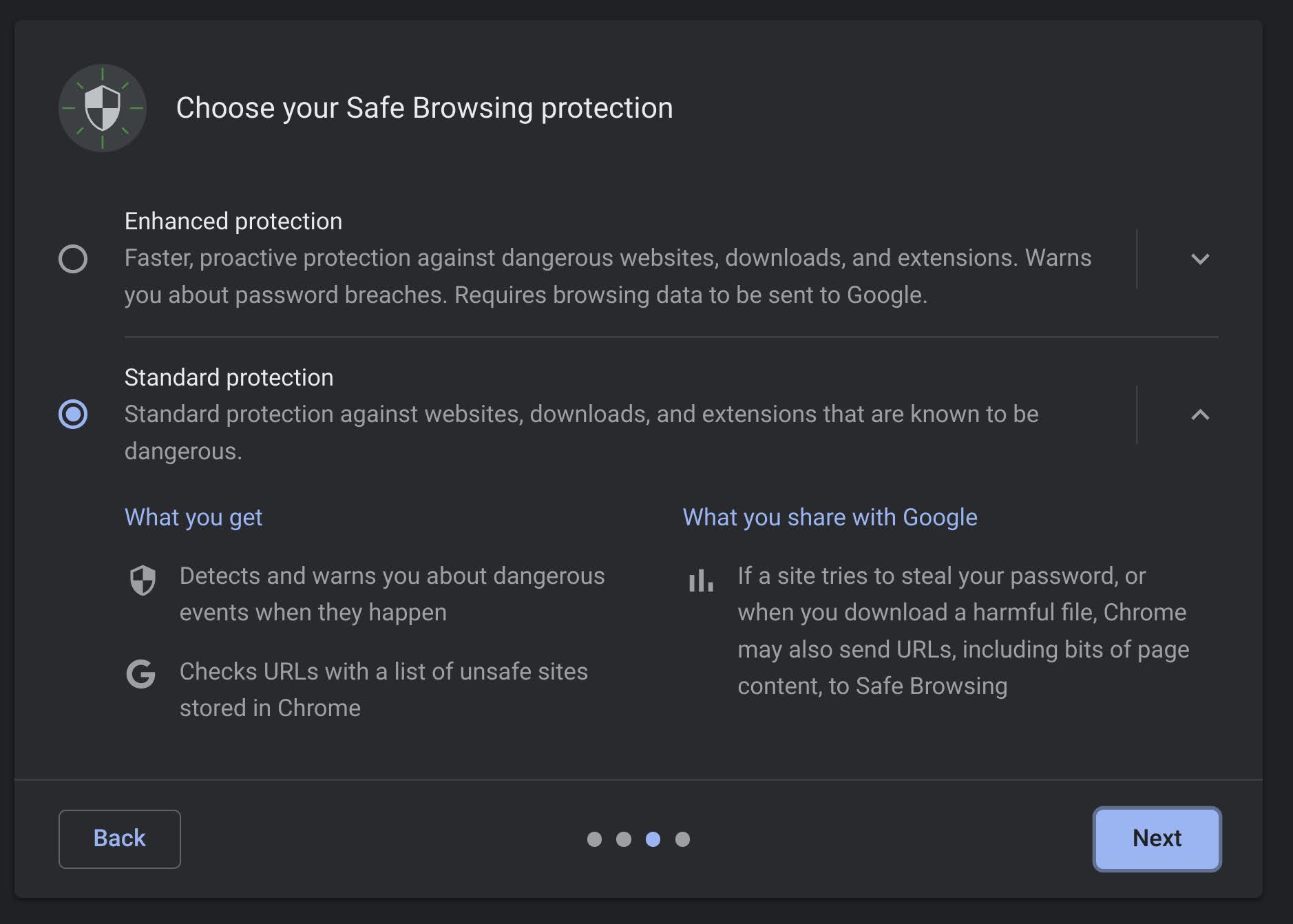

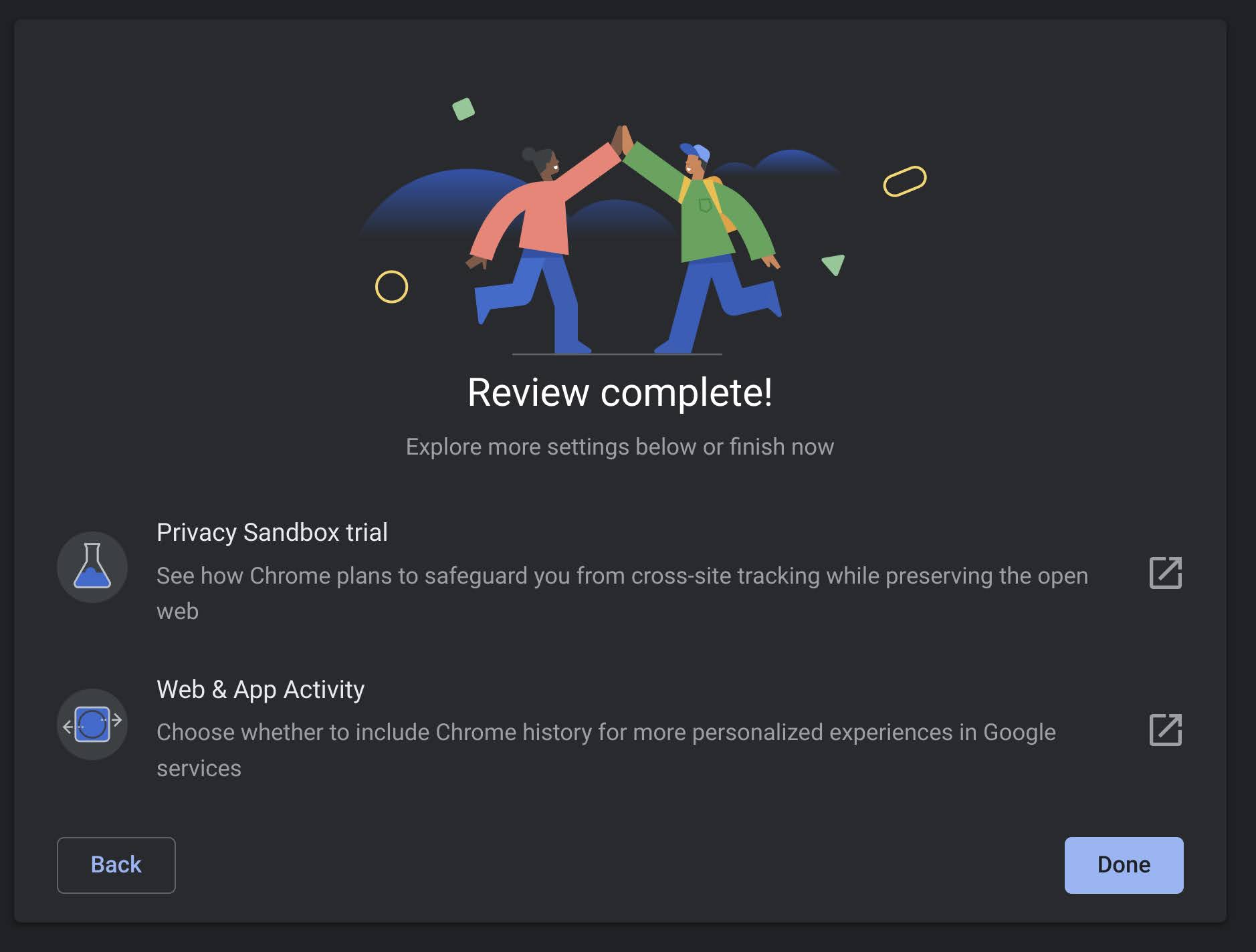
Customize the privacy choices that Chrome considers most important. This guide doesn’t include every setting and option. The default settings work for most people, but you can customize them to fit how you like to use Chrome.
As you can see in the images above, settings for search and browsing optimization, whether to sync history or not, safe browsing protection, and whether or not to block third-party cookies in Chrome can all be tailored to your liking. To reiterate, not all of the settings available to you are here, but it’s a great and user-friendly way to get started with being in control of your privacy!
More Updates
Other improvements for the web and Android’s version of Chrome 98 Beta are all rolling out now, and you can wait for the update or grab the APK early. You can look forward to everything we discussed in addition to things for developers like the new HDR improvements for Cascading stylesheets. Let us know in the comments whether or not you have already received the update and what you’d like to see the development team cook up next.
SUBSCRIBE TO UPSTREAM
Get Chrome Unboxed delivered straight to your inbox
Upstream is our flagship, curated newsletter with the top stories, most click-worthy deals, giveaways, and trending articles from Chrome Unboxed sent directly to your inbox a few times a week. Join 31,000+ subscribers.

