


Support our independent tech coverage. Chrome Unboxed is written by real people, for real people—not search algorithms. Join Chrome Unboxed Plus for just $2 a month to get an ad-free experience, access to our private Discord, and more. Learn more about membership here.
START FREE TRIAL (MONTHLY)START FREE TRIAL (ANNUAL)
Dino QR codes have been around for a little while, and we covered them when they first hit the developer channel. Though they were working, they needed to be activated with a Chrome flag. With the release of Chrome 88, however, you can now generate a QR code for any web page without any added effort!
On Chromebooks, Windows, and macOS devices, so long as your browser is up to date and meets the requirement, you can click on the Omnibox to get the QR code icon to appear (see below). Upon doing so, Chrome’s cute little dinosaur mascot will appear, surrounded by a dynamic QR code that will change as you type a new website URL in the text field.

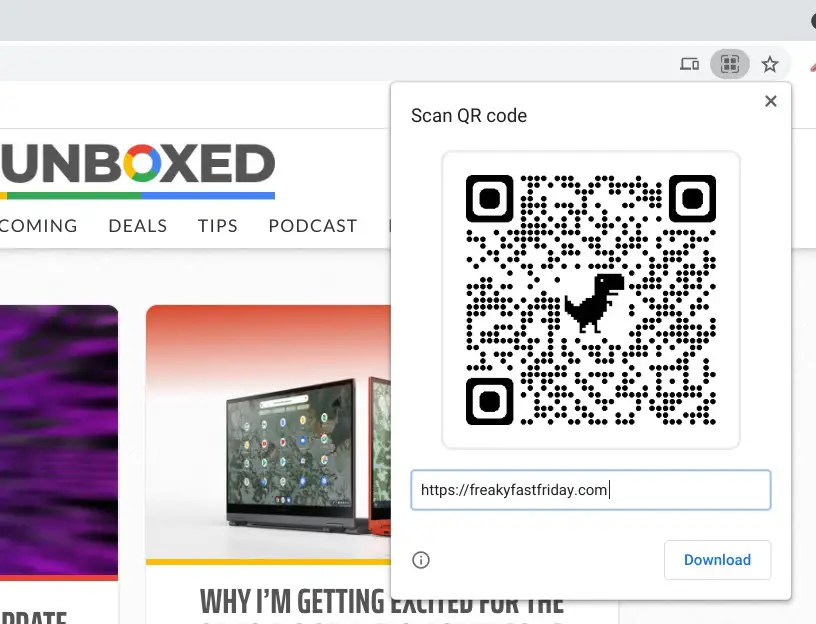
You can download the QR image using the button at the bottom right of the dialogue box, and can share it anywhere you can share images…so really, anywhere. Though the recipient can scan it using their phone, there’s currently no way to scan it on the desktop. Luckily, if you’re using a Chromebook, there’s an exception – the camera app now scans QR codes as we’ve recently shown off!
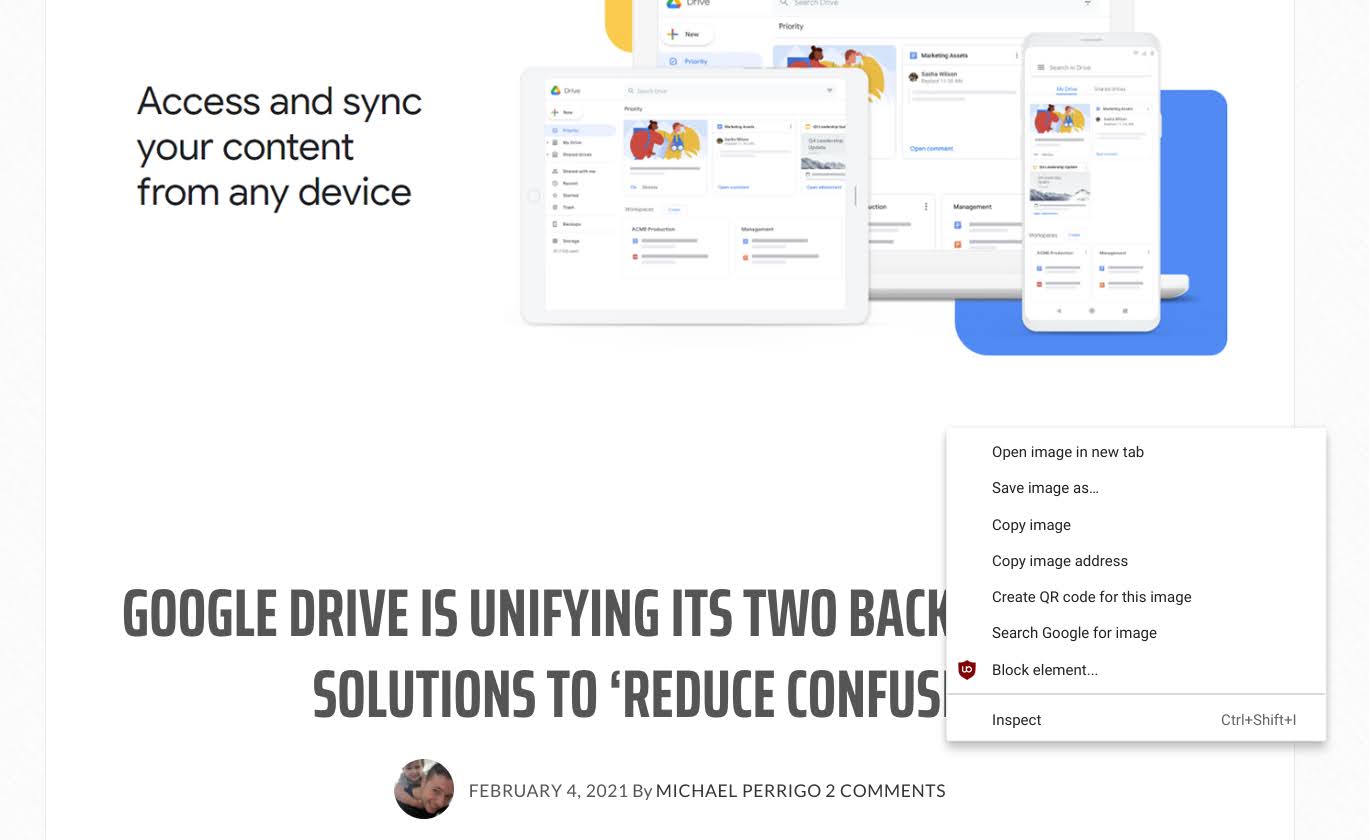
You can also right click any web page and choose the ‘Create QR code for this page’ option. This will launch the same box at the top of the Omnibox and take you through the same process. It’s nice to see that Google is officially adding QR code support to Chrome, but until everyone can utilize these dino images with technology that’s built-in, they may not be as useful. I still think that the simplest approach to web sharing is to add a ‘share’ button just like Android has!
SUBSCRIBE TO UPSTREAM
Get Chrome Unboxed delivered straight to your inbox
Upstream is our flagship, curated newsletter with the top stories, most click-worthy deals, giveaways, and trending articles from Chrome Unboxed sent directly to your inbox a few times a week. Join 31,000+ subscribers.

