

Support our independent tech coverage. Chrome Unboxed is written by real people, for real people—not search algorithms. Join Chrome Unboxed Plus for just $2 a month to get an ad-free experience, access to our private Discord, and more. Learn more about membership here.
START FREE TRIAL (MONTHLY)START FREE TRIAL (ANNUAL)
For over a decade, the conversation around ChromeOS in the enterprise has been stuck in a loop. It always starts with “We’d love to switch to ChromeOS for the security and manageability,” and it almost always ends with, “…but we have this one critical legacy Windows app we just can’t live without.”
This is the aggravating app gap, and it has been the single biggest blocker to mass enterprise adoption of ChromeOS. While traditional VDI (Virtual Desktop Infrastructure) has been a clunky, expensive, and user-unfriendly workaround, it was never a true solution. It just gave you a laggy Windows desktop in a browser tab.
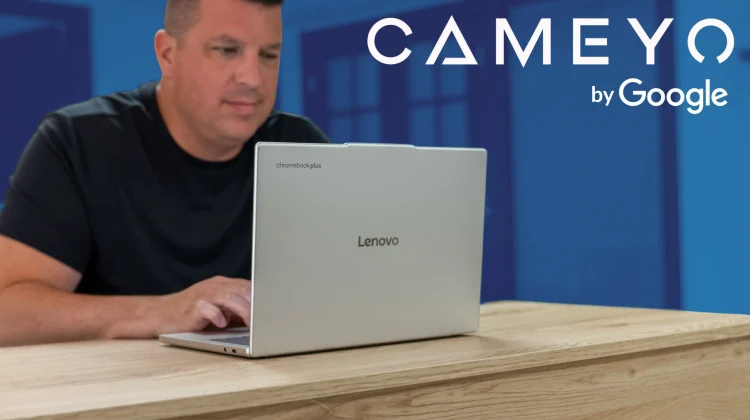
Today, Google has announced a true, modern solution: Cameyo by Google. It is a new first-party Virtual App Delivery (VAD) solution that is being integrated directly into the Google enterprise family of products. This isn’t just another partnership; this is the app delivery integration many IT admins have been waiting for.
This is not the VDI you love to hate
The most important thing to understand is that Cameyo is not VDI. It’s a modern alternative designed specifically to solve the legacy app gap without the overhead and complexity of traditional virtual desktops.
Instead of streaming a full, resource-heavy Windows desktop, Cameyo’s VAD technology delivers only the applications users need, securely, to any device. Those legacy Windows or Linux apps—whether it’s a specialized ERP client, AutoCAD, or an old version of Excel with complex macros—can be delivered in two ways: streamed in the browser or delivered as Progressive Web Apps (PWAs).
This PWA delivery is really the secret sauce, here. It gives users the seamless feel of a native app, allowing them to run critical legacy applications right alongside their modern web apps. For IT, all the complexity of VPNs and firewall configurations is eliminated.
The App Gap for ChromeOS is officially solved
This is the critical unlock for ChromeOS in the enterprise. For years, the “app gap” has been the primary blocker for organizations that wanted to migrate. Cameyo by Google eliminates this blocker entirely.
IT departments can now confidently migrate their entire fleets to ChromeOS—an operating system with zero reported ransomware attacks ever—knowing their users can maintain access to all their essential Windows apps without friction. This even allows organizations to fully embrace Google Workspace while retaining access to that one specialized Microsoft client that previously kept them tethered.
Securing the “Blind Spot” and adding AI
This new solution also solves a fundamental “blind spot” for most Secure Enterprise Browsers (SEBs). While SEBs are great at securing web apps, they have no visibility or control over the 50% of client-based apps that run outside the browser.
The combination of Cameyo by Google and Chrome Enterprise Premium is the only solution on the market that fixes this. Here’s how:
- Cameyo publishes the legacy Windows app so it runs inside the managed Chrome Enterprise browser.
- This unifies the workspace and allows Chrome Enterprise Premium’s advanced security and Data Loss Prevention (DLP) controls (like preventing copy/paste) to govern those legacy apps for the first time.
And as a massive bonus, by bringing these legacy apps into Chrome, organizations can now layer Gemini in Chrome on top of them, bringing modern AI capabilities to applications that would otherwise never get them.
This is a massive, strategic move from Google. It’s a “flexible path to modernization” that finally gives enterprises a way to move to a secure, web-first future without abandoning their past investments. The “app gap” argument against ChromeOS for enterprise users is, for all practical purposes, now over.
SUBSCRIBE TO UPSTREAM
Get Chrome Unboxed delivered straight to your inbox
Upstream is our flagship, curated newsletter with the top stories, most click-worthy deals, giveaways, and trending articles from Chrome Unboxed sent directly to your inbox a few times a week. Join 31,000+ subscribers.

