


Support our independent tech coverage. Chrome Unboxed is written by real people, for real people—not search algorithms. Join Chrome Unboxed Plus for just $2 a month to get an ad-free experience, access to our private Discord, and more. Learn more about membership here.
START FREE TRIAL (MONTHLY)START FREE TRIAL (ANNUAL)
Before I get into
For that reason, we’ll just discuss what we do know about the much-anticipated ASUS Chromebook C434 and go over a few, key points that set this device apart from other OEMs.
First and foremost, this is probably one of, if not the most beckoned for Chromebook in recent years. Since ASUS launched the Chromebook Flip C302 this time two years ago, avid followers such as myself have longed for a Kaby Lake refresh that would honor all the things we love about the C302 while keeping pace with other manufacturers.
ASUS has answered that call and them some with something that is more of a reimagining than a refresh. The Chromebook C434 keeps the 1920 x 1080 FHD but now stretches it to a full 14″. That may not sound very exciting with HP and Dell both doing the same in recent months but ASUS has reduced the overall footprint of the C434 by giving us a Chromebook with some very pleasing bezels.
No, it’s not edgeless but for reference, the image below is the new 14″ ASUS Flip in front of my 13.5″ (3:2) Acer Chromebook Spin 13.

Despite being all-aluminum and coming in at a tad over three pounds, the ASUS Chromebook C434 doesn’t feel bulky or unruly regardless of how you’re using it. On the flip side, (pun intended) I don’t find a lot of use-case for a tablet mode in devices of this size or aspect ration. I know some people like it but I don’t remember last time I used a convertible as a tablet.
That’s me. Moving on.
This is Rammus
Let’s talk about what’s on the inside. Back in mid-July 2018, I shared my thoughts on why the Chromebook codenamed ‘Rammus’ could very well be the next ASUS flagship.
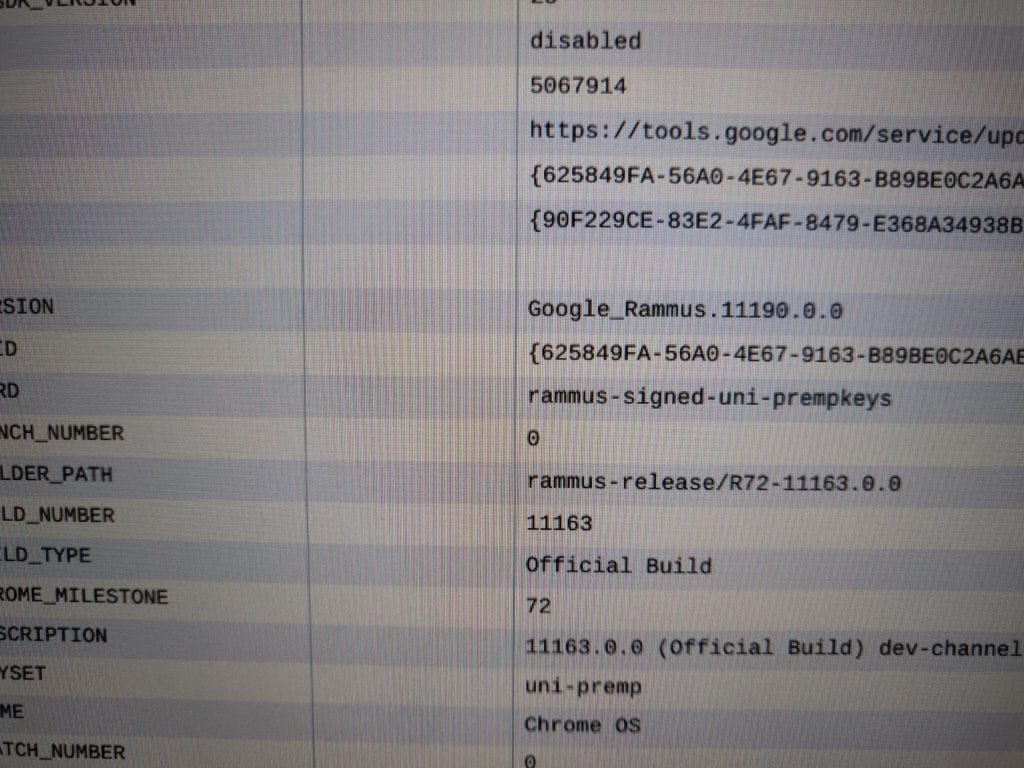
Not tooting my own horn, but it looks like we were spot on. I was still a bit confused as to why this Chromebook didn’t use the ‘Nami’
The ASUS Chromebook C434 is actually powered by the same Intel Amber Lake Y-series processors as Google’s own Pixel Slate. They are technically 8th gen but Intel dropped the Kaby Lake nomenclature because who knows, they’re Intel. That gives the ASUS some distinct advantages but also some drawbacks depending on your use-case.
The Y-series chips, similar to the 7th gen ones in the Pixelbook, are true, low-power mobile processors. They use a minimal amount of power and are not fanned. That means they generally offer good battery life and you won’t get the noise of the fans found in the U-series Kaby Lake devices.
The positive of low power is also a negative in that, despite being “Core” chips, they pale in comparison to the higher TDP desktop processors and true power users will be turned off due to a significant decrease of performance over the more power-hungry chipsets.
All that aside, the ASUS Chromebook C434 checks off nearly every box a consumer could ask for. The design is gorgeous. In the style of the C302, the C434 brings metal and glass together in perfect harmony to design a Chromebook that could rival the Pixelbook, depending on your tastes.
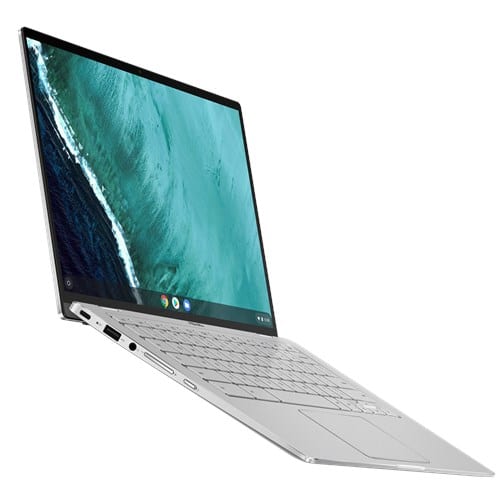
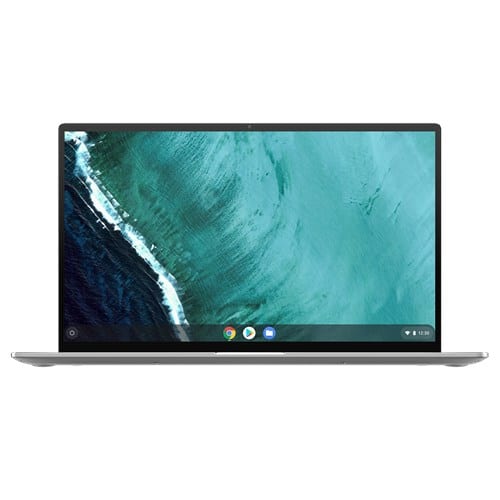
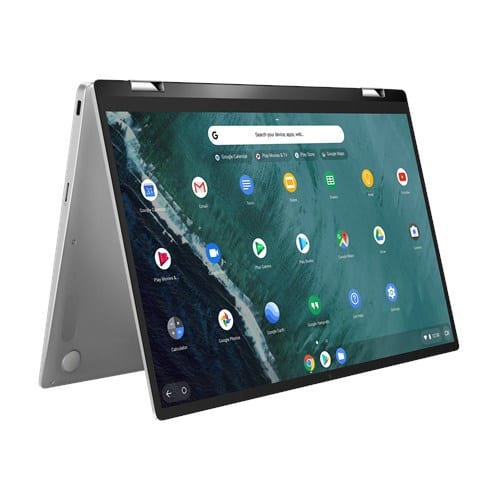
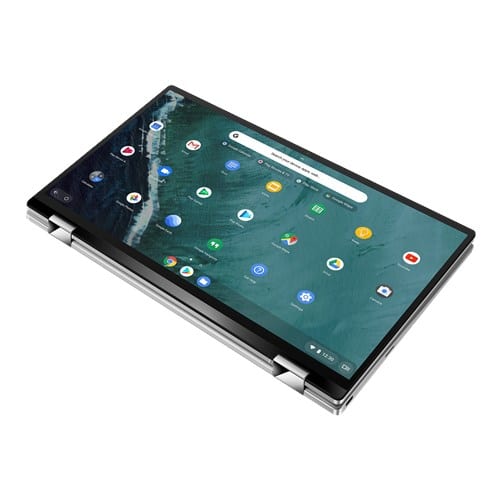
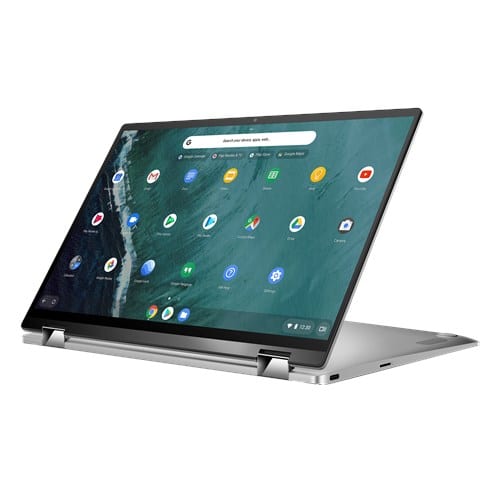
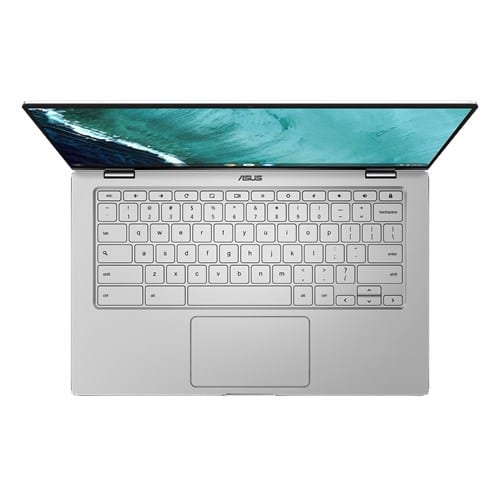
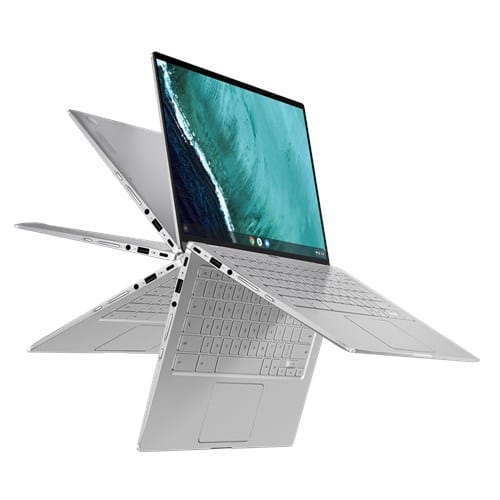
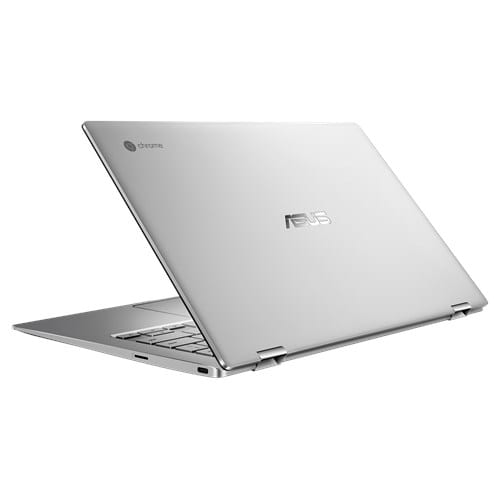
You’ll notice the keyboard has adopted a very Pixelbook-
ASUS will offer a number of configurations starting with a Core m3 and moving up the ladder with a Core i5 and Core i7 Y-series model, up to 8GB RAM and up to 128GB eMMC storage.
The base model will start at around $570 and we were told to expect the Chromebook C434 to hit retailers sometime in March. We’ll be getting our hands on this and a few other ASUS devices in the near future so stay tuned for our full reviews.
Stay tuned as we bring you more coverage of CES 2019. ASUS has some other devices that brought some pleasant surprises along with them. Check back for more on that later this evening.

