

Support our independent tech coverage. Chrome Unboxed is written by real people, for real people—not search algorithms. Join Chrome Unboxed Plus for just $2 a month to get an ad-free experience, access to our private Discord, and more. Learn more about membership here.
START FREE TRIAL (MONTHLY)START FREE TRIAL (ANNUAL)
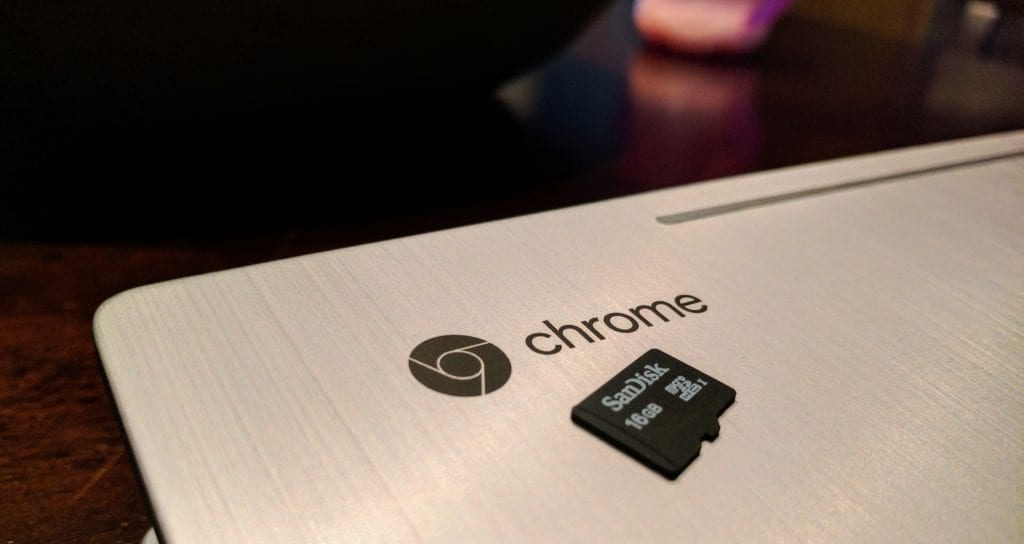 A lingering question surrounding the arrival of the Play Store and Android Apps on Chromebooks has been: will the apps ever have proper access to the SD card slot on the Chromebook?
Well, there’s good news for all of you who’ve been wondering.
I need to go on record and say that I’ve not given this particular subject a whole lot of thought on a personal level. I’ve been a Nexus user for about 4 years, so I’ve forgotten the ups and downs associated with SD cards on Android.
Internal storage has been my only option, so when the apps started rolling into Chromebooks, I never gave SD card support a second glance.
However, on this website and social media, this is a question and concern I’ve seen voiced many, many times over.
The question isn’t so much about when or how, it has been about if.
There’s been nothing up to this point that shows proper SD card support being guaranteed for Chromebooks. And, by proper support, I’m referring to the ability for apps on your Chromebook to read and write to an SD card right from their standard UI.
Take any photo editor, for example. If you had a photo from a camera on an SD card and slapped that into your Chromebook, launched your favorite photo editor, you wouldn’t be able to access that photo on the SD card.
For many folks, that is a huge deal-breaker. Again, for me, that’s not a huge deal as I’m not used to using SD cards with Android apps.
Here’s the bug report we see the devs responding in that gives us clear hope that read support is coming pretty soon with write support to follow afterwards.
If SD card support has been a reason you’ve been hesitant to consider a Chromebook with Android Apps, I hope this bit of info is something that helps you make an informed decision on a Chromebook. The market is going to be filled with them in the next quarter, so it is fantastic to know this core bit of support is being worked on and should be available before too long.
One Other Thing
One thing of note here: if you are hoping to use SD cards to expand your storage for more downloaded apps, I wouldn’t get too excited. Very few devices actually allow the new adopted storage for SD cards, and there’s a reason. Consumers, in general, consider SD storage as media storage. Pictures, videos, movies, etc. are what live there most times.
So, removing that card to move those items has become a knee-jerk action for most. The minute you have apps running from a simple-to-remove storage medium, you can easily see where things could go sideways very quickly.
I don’t have any firm info on this, but the simple logic would preclude that this use-case won’t be a thing on Chromebooks.
However, most people just need a spot for their media, and it is good news indeed that Chromebooks with Android Apps will soon have this ability enabled.

