


Support our independent tech coverage. Chrome Unboxed is written by real people, for real people—not search algorithms. Join Chrome Unboxed Plus for just $2 a month to get an ad-free experience, access to our private Discord, and more. Learn more about membership here.
START FREE TRIAL (MONTHLY)START FREE TRIAL (ANNUAL)
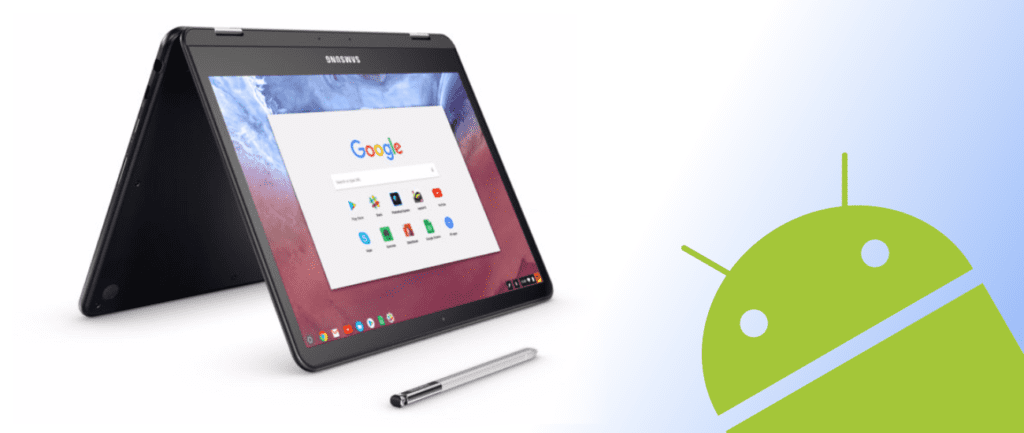 With all the Chromebooks starting to receive Android Apps of late, it seems Google is ready to start nudging Android App developers towards optimizing their apps for Chromebooks.
In a post on the Android Developers Blog, Cheryl Lindo Jones (Mobile App Solutions Consultant, Google Play) lays out a rather lengthy case for developers to spend the needed time to really optimize their apps for Chromebook users.
As you can see here in the post, there is a constant refrain throughout the article:
Chromebook users can change screen resolutions, switch between various input methods, and convert from laptop to tablet mode at any time, so Android apps and games should handle all of these situations gracefully.
And we can’t agree with this statement more. Android, for a very long time, has been primarily relegated to the small screen in your pocket. While that is fine for a reality where a small percentage of users find themselves opening an Android app on a laptop or tablet, it just isn’t good enough for the near future where tons of users will be accessing Android apps on a Chromebook.
What Google Suggests
In reality, what Google is suggesting devs do at this point is the same stuff they mentioned in May at I/O, only this time the audience is larger and looking likely to expand greatly with the coming Chromebook Pixel we are all expecting at October’s rumored event.
Either way, here are the primary points they are suggesting need work for most apps:
- Larger screen sizes and higher resolution support
- Multi-window and resizable-window support
- Different hardware input methods: keyboard, trackpad, mouse, stylus
- Convertible Chromebooks enabling use in laptop and tablet modes
- Google Play app discovery
For anyone who has used an Android app on a Chromebook, you’ve probably encountered an app that wasn’t optimized in one of those ways listed above.
And none of this is shocking. It’s a new day and a new world for Android devs. They are being faced with a new user group with a small army of devices that utilize some significantly different hardware.
This is no small feat and not a small ask being made by Google.
What it all boils down to is Developers simply need reasons to take the time to make these changes to accommodate Chromebook users. The more Chromebook users there are, the more reason they will have.
Shop The Samsung Chromebook Pro On Amazon
We’ve talked about this circular pattern before, but it bears repeating. With the possibility of a properly-marketed, consumer oriented Chromebook on the horizon, we feel like the reasons developers have needed to buy into the Chromebook/Android merger could be coming.
It could also be why we’re seeing Google push on Developers a bit right now. With everything falling in line, right now is the time for devs to get their apps ready for the big screen.
Chromebooks could be ready to go from niche to mainstream, and Android developers would be in a much better position if their app is ready to fully take advantage.
Source: Android Developers Blog
Via: Android Headlines

