

Support our independent tech coverage. Chrome Unboxed is written by real people, for real people—not search algorithms. Join Chrome Unboxed Plus for just $2 a month to get an ad-free experience, access to our private Discord, and more. Learn more about membership here.
START FREE TRIAL (MONTHLY)START FREE TRIAL (ANNUAL)
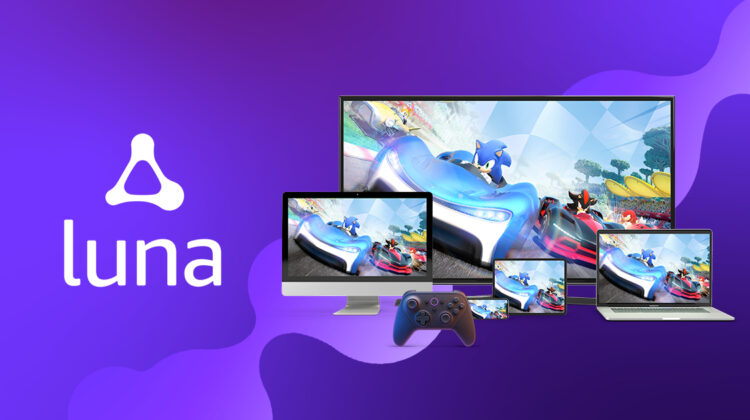
Amazon’s Luna cloud gaming service is now exiting its invite-only beta and becoming available to everyone in the mainland United States for just $9.99 USD per month. Luna lets gamers play on all of the devices they already own – just like Google’s Stadia, one of its main competitors.
This means that in addition to your Fire TV, Fire tablets, Windows PCs, Mac, iPhones and iPads, and Android phones, you can also boot it up right in the browser on your Chromebook and play AAA quality games with nothing but an internet connection and a compatible gamepad.
Controller compatibility
You can use either the Luna controller, your existing wireless Playstation 4 DualShock 4 controller, or an Xbox One controller, in addition to your mouse and keyboard. While there’s support for third-party gamepads, they may need special treatment, so you’ll want to check out Amazon’s help guide if you’re using anything else.
Oh, and with this release, Luna is letting you use your Android handset or iPhone as a controller too via the “Luna controller app” on the Google Play Store or Appstore.
Starting today, Luna is available to everyone in the mainland United States on compatible devices, including Fire TV, Fire tablets, Windows PCs, Chromebook, Macs, iPhones, iPads, and Android phones. To start playing, download the Luna Controller app, use a compatible controller, or purchase the Luna Controller. Luna Controller was built for cloud gaming and features Cloud Direct technology and a multiple-antenna design that prioritizes uninterrupted wifi for lower latency gaming.
Amazon
Pricing and Game selection
Enough about that – let’s talk about games and pricing, shall we? Unlike Google Stadia where you can just pay for a game and own it, Luna works by offering you “Channels”. Not unlike traditional television channels, each focuses on a specific type of gaming content. One, for example, is Ubisoft, while another is family-centric, and another yet caters to retro games. There are a slew of them to choose from, but what may turn some people off is that each one needs to be paid for individually.
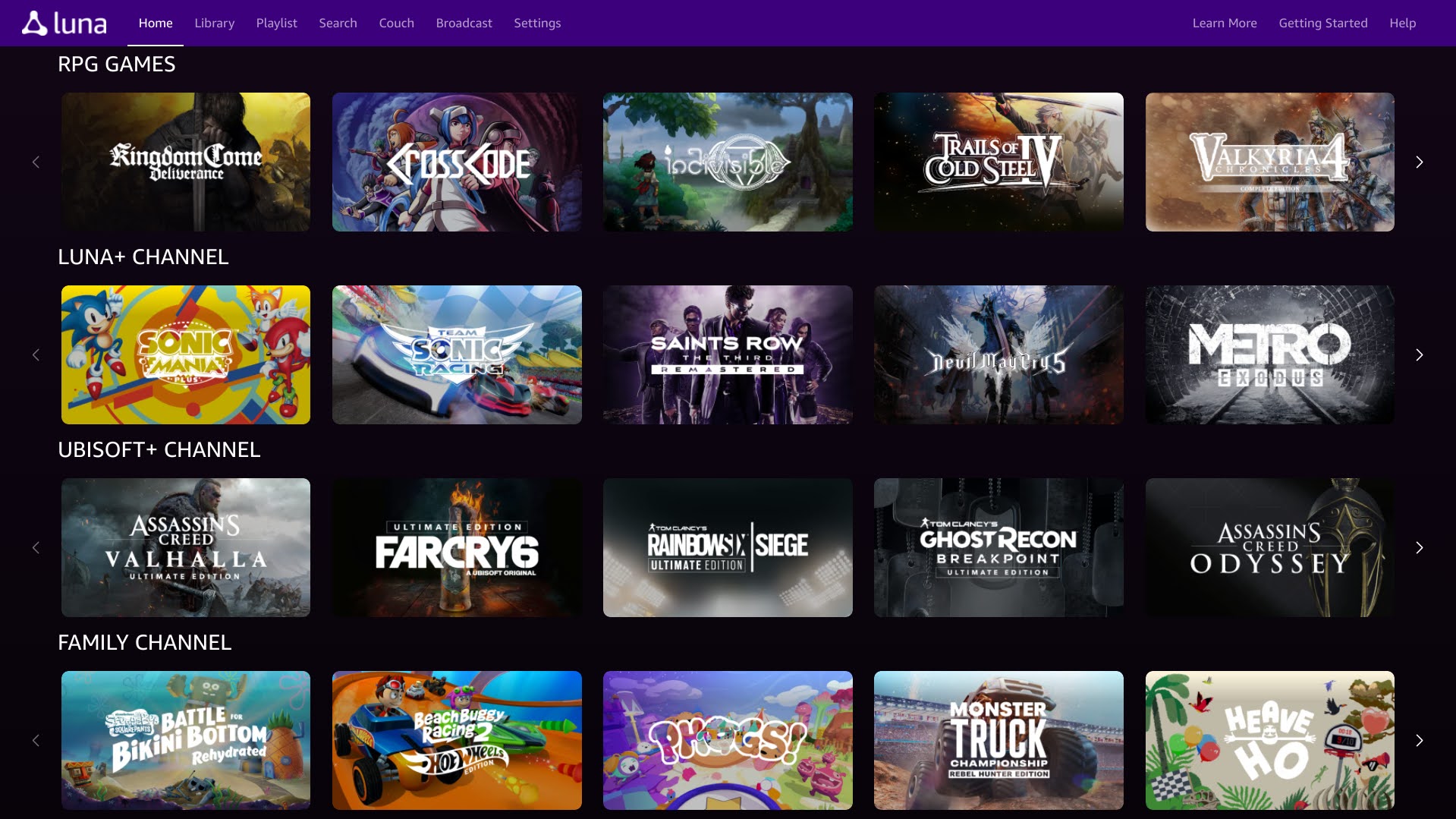
The retro channel and the Jackbox Games Channel both cost $4.99 USD apiece per month, while the Ubisoft Channel costs $17.99 USD per month. The Family Channel costs a buck more at $5.99 USD. You can opt for just the Luna+ Channel for $9.99 USD, which offers a healthy mix of each type of content and is cycled out each month. In fact, Luna+ has over 100 titles at any given time, while other channels feature only about a third of that on average, so if you’re going to try the service out at all, you may want to start here if you’re looking for something “comparable” to Stadia.
Additionally, Amazon Prime members will have access to free games each month as a part of their existing subscription. This month, if you’re a Prime member, you can play Devil May Cry 5, Observer, System Redux, and PHOGS! among other titles, but if you take longer to play games and try not to blast through them, you may be disappointed if they leave your subscription’s lineup in favor of something else.
Anyone who previously subscribed to Luna+ or the Family Channel during its early access invite-only beta, as well as anyone who signs up for either super early, will be grandfathered into the early pricing model of $5.99 USD for Luna+ and $2.99 USD for the Family Channel – both being half what the full cost is otherwise.
Some early thoughts
Alright, it’s time for my thoughts. As a long-time Google Stadia subscriber who also got in on Luna early on, the stark difference in their business model is really hard to digest. Maybe it’s because I’m a father who’s trying to be fairly frugal, but being nickeled and dimed for “Channels” outside of the Luna+ subscription in order to get some of the better content seems almost criminal to me since Stadia offers pretty much anything you want at a flat rate, including the ability to just buy the game outright. Add to this the fact that games cycle out, and I along with other people are too busy to blast through a game and all of its content, and that’s a no for me.
I hate to be that guy, but as interesting as Luna is, and as awesome as the game selection appears to be, including classic games like Sonic, more modern games like Devil May Cry 5, as well as popular indie titles like Crosscode and Rogue Heroes, the pricing structure and uncertainty of the gaming selection’s solidity have me scratching my head quite a bit.
I personally don’t feel it’s traditional to try to offer financial death by a thousand cuts for a non-essential service, especially during a global pandemic, but then again, I’ve always been turned off by Amazon’s services and offerings, to begin with. I’ll keep an eye on this, but if you want to check it out, be my guest. If Amazon is going to win over Stadia users, it will likely have to be with its unique game selection, but we’ll see.
SUBSCRIBE TO UPSTREAM
Get Chrome Unboxed delivered straight to your inbox
Upstream is our flagship, curated newsletter with the top stories, most click-worthy deals, giveaways, and trending articles from Chrome Unboxed sent directly to your inbox a few times a week. Join 31,000+ subscribers.

