

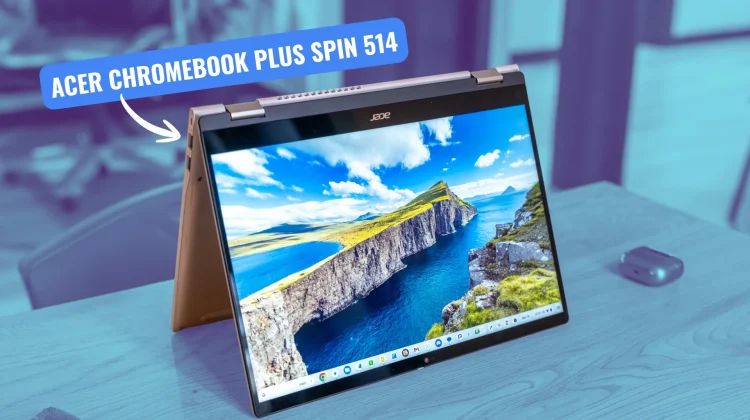

“For anyone that loves the thought of the Lenovo Chromebook Plus 14 but really wants a convertible, this is the one for you.”
Pros
- Super-fast Kompanio Ultra processor
- Buttery-smooth 120Hz screen
- Solid, premium build quality
- Excellent keyboard and trackpad
- Versatile convertible form factor with USI pen support
- Fantastic, multi-day battery life
Cons
- Upward-firing speakers are mediocre
- Keyboard backlighting is tricky in lit rooms
When the Lenovo Chromebook Plus 14 arrived, I quickly and confidently called it the best Chromebook I had ever used. It’s a device that gets so many things right; but in my review, I noted that it was a traditional clamshell, and for those who love the flexibility of a 2-in-1, it might not be the perfect fit. Well, for those of you who have been waiting for a device with all the power and battery life of the Lenovo but in a convertible form factor, your wait is over.
I’ve spent the last few months with the Acer Chromebook Plus Spin 514, and I’ve thoroughly enjoyed my time with it. It takes the same incredible MediaTek Kompanio Ultra from the awesome Lenovo Chromebook Plus 14 and puts it in a versatile, well-built, convertible chassis that makes a compelling case for being your next Chromebook.
Build quality
We’ll start on the outside. The Spin 514 has a fantastic aesthetic. The brushed aluminum on the lid and bottom feels great in the hand and does a fantastic job of warding off fingerprints. The chassis is thin, rigid, and feels premium, and even brings back the gorgeous chamfered edge around the top that gives this device a bit of extra class.
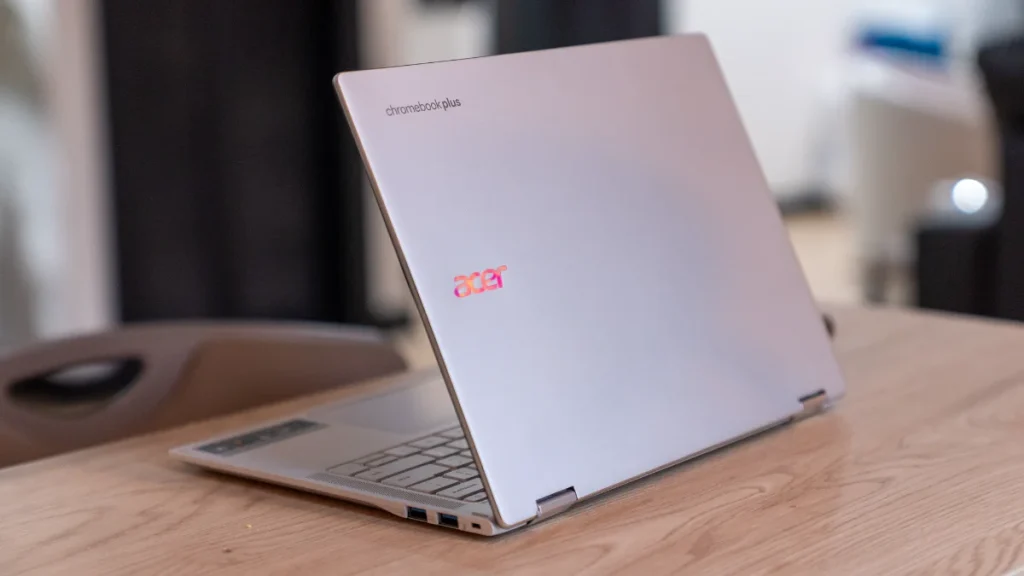
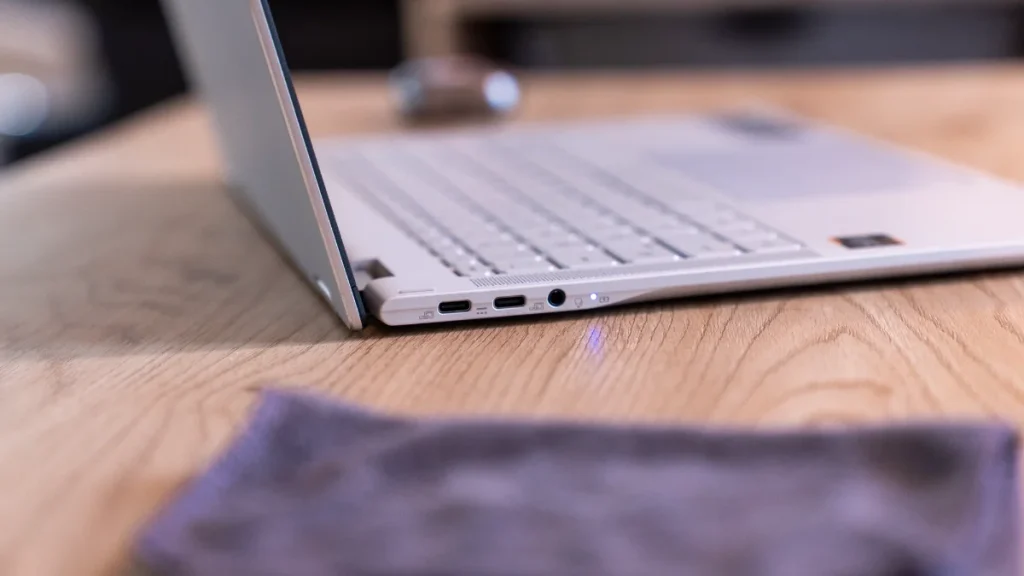
There’s little to no flex, and at just 3 pounds, it’s plenty portable for a 14-inch convertible. And even with a thin and light design, Acer packed it with quite few ports – including 2 USB Type C, 2 USB Type A, a headphone/mic jack, and a Kensington lock. Sadly, there’s no HDMI port here, so you’ll need a dock of some sort to get connected to a larger screen.
Display and Camera
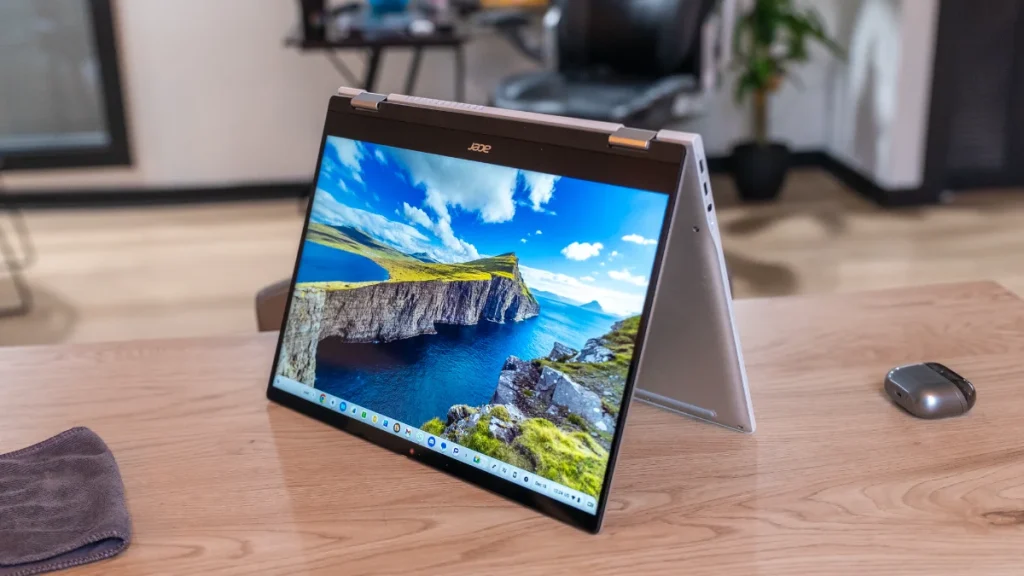
Opening the lid, you’re greeted with a great 14-inch 16:10 WUXGA (1920×1200) IPS touchscreen. The 1080p+ resolution is plenty sharp for a screen this size, and with 340 nits of brightness, it’s usable in most environments. But the real star of the show here is the 120Hz refresh rate. Everything from scrolling web pages to system animations is buttery smooth, and it gives the entire user experience a premium touch that’s hard to go back from.
Above that excellent screen is a solid 5MP webcam. In my testing, it looks great, has great dynamic range, and gives you a nice, sharp image that will serve you well in any video call you need to take.
And we can’t forget USI pen compatibility. Acer sent over their in-house stylus, and the two work together very well. Input feels instant and whether you are sketching, writing notes or just marking up a webpage or PDF, having the option of pen input is always a great thing to have at your disposal.
Keyboard and trackpad
The primary input methods on the Spin 514 are top-notch. The keyboard is one of the best I’ve ever used from Acer, with a clicky, responsive feel that’s great for long typing sessions. It features the new Chromebook Plus layout with the Quick Insert Key and other helpful additions like the Accessibility key and dictation key. It also moves the launcher down to the bottom row, and as is the case with more and more new Chromebook Plus models, this is the direction Chromebook keyboards are moving. It’s just time to start getting used to it.

My one gripe is with the backlighting. While it works great in the dark, the combination of the gray keycaps and the white backlight make the key symbols incredibly hard to see in a well-lit room. I found myself leaving the backlight off completely during the day to see the keys properly.
Below the keyboard sits a huge, smooth OceanGlass trackpad that is well-seated, accurate, and an absolute joy to use for gestures and navigation; continuing Acer’s excellent track record with trackpads in recent years.
A bit of a letdown in the audio department
The dual, upward-firing speakers are prominently placed on either side of the keyboard, but unfortunately, their performance doesn’t quite live up to their positioning. They’re not what I’d call terrible, but they are a bit of a letdown compared to the fantastic Dolby Atmos speakers on the Lenovo. They lack fullness and bass, making them just mediocre for music or movies.
The star of the show is the Kompanio Ultra
Just like its Lenovo counterpart, the real magic of this device is what’s under the hood. The MediaTek Kompanio Ultra processor, paired with 12GB of RAM and 256GB of storage, makes this Chromebook just as fast and responsive as the Lenovo. It chews through dozens of tabs and multiple virtual desks without breaking a sweat.
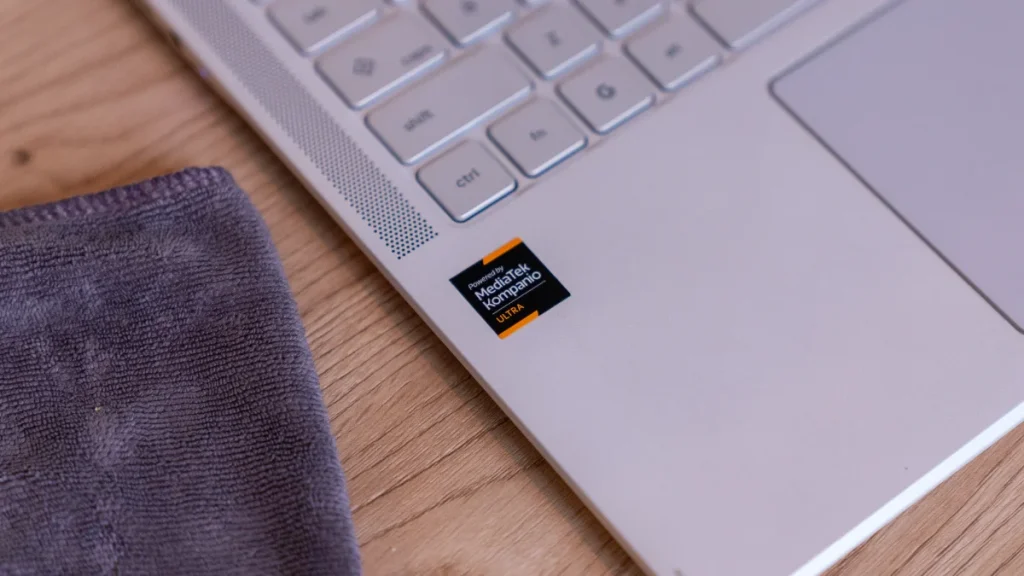
And the performance boost is especially noticeable with Android apps, which run better on this chip than on any other SoC we’ve ever tested in a Chromebook. The combination of raw power and stellar ARM architecture makes this Chromebook an absolute beast.
That power doesn’t come at the expense of battery life, either. Just like the Lenovo, I was easily able to get through two full workdays before needing to reach for a charger. This combination of elite speed, thin build, light weight and true, multi-day battery life feels like a bit of a miracle.
Apart from a few, small critiques, I really like the Acer Chromebook Plus Spin 514. While the Lenovo Chromebook Plus 14 is still the king of the clamshells with its superior OLED screen and speakers, the Acer is the undeniable answer for anyone who wants that same incredible Kompanio Ultra performance in a flexible, 2-in-1 convertible form factor with a high-refresh-rate screen in a chassis that is thin and light and looks great while doing it.
At its MSRP of $699, it’s a solid value, but it recently dropped all the way down to $499 (where it currently sits as I publish this review) and I fully expect that sort of pricing to continue to come back around often if Acer’s track record is anything to go by. At that sort of price, this Chromebook becomes an absolute must-buy, and it only makes me that much more excited about where Chromebooks are headed with ARM architecture on the inside.
SUBSCRIBE TO UPSTREAM
Get Chrome Unboxed delivered straight to your inbox
Upstream is our flagship, curated newsletter with the top stories, most click-worthy deals, giveaways, and trending articles from Chrome Unboxed sent directly to your inbox a few times a week. Join 31,000+ subscribers.

