

Ever since ASUS debuted the successor to the original Chromebook Flip C100 back in 2017, we’ve often entertained the thought that the creator of the world’s first convertible Chromebook would do well to revamp the 10.1″ 2-in-1 with a better processor. The second-generation Flip C101 had the makings of a great device but unfortunately, the Rockchip-powered “OP1″ SoC fell quite short of everyone’s performance expectations. Thankfully, MediaTek has taken up the ARM mantle for Chrome OS and we now have versatile little detachable devices like the Lenovo Chromebook Duet. ASUS has also jumped on the bandwagon and soon, you will have the option of picking up a 10.1” tablet in the form of the ASUS Chromebook detachable CM3.
This newer generation of tablet-sized Chromebooks is great and yet, I feel as though ASUS’ Flip C100 and C100 deserve to have a successor worth of their heritage. Three years later, it appears that ASUS may have heard our cries. As discovered by About Chromebooks, ASUS has quietly released a new Chromebook Flip that is powered by the same MediaTek MT8183 SoC found in the Lenovo Duet, ASUS detachable CM3, and a handful of budget-friendly 11.6″ Chromebooks from HP and Acer. While ASUS detachable is the same size as the aging Flip C101, this new 12″ convertible feels more like a true spiritual successor from an aesthetics perspective. From the forward placement of the USB-A port to the angled speaker grills, this Chromebook follows the design cues of the classic Flip lineup. Behold, the ASUS Chromebook Flip CM3200.
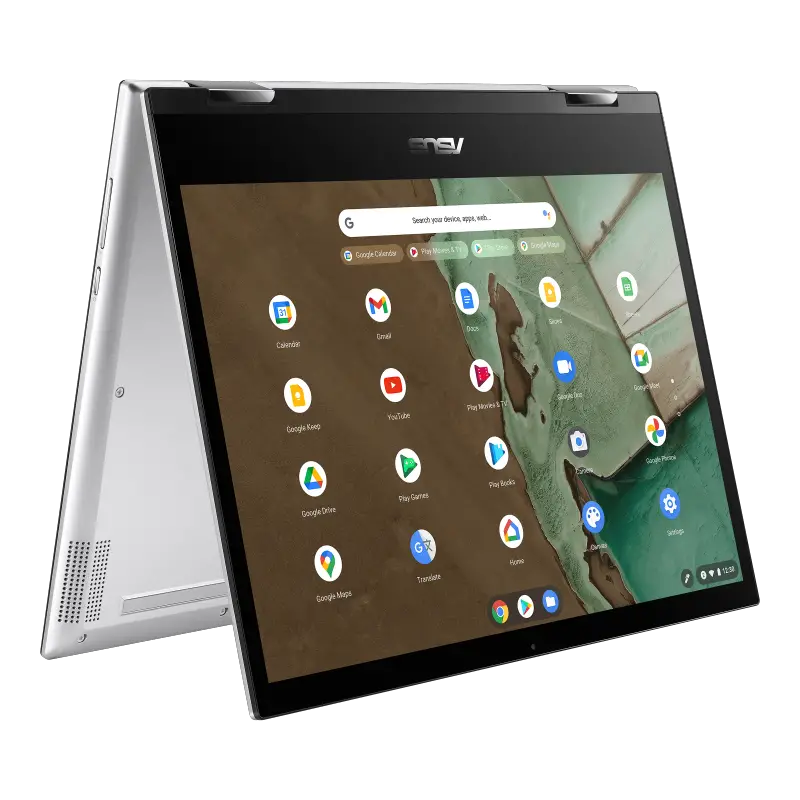
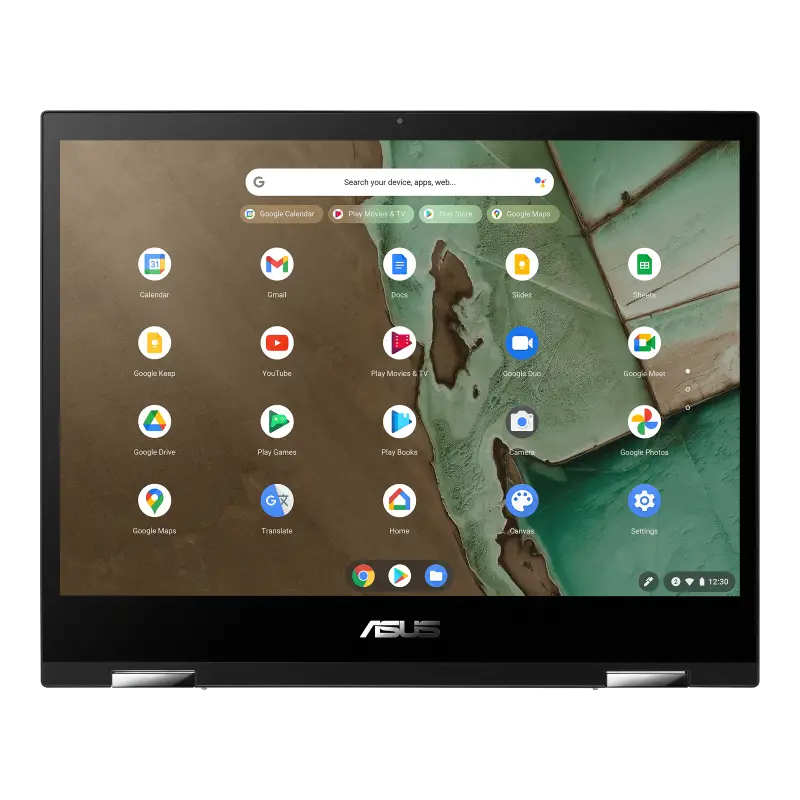


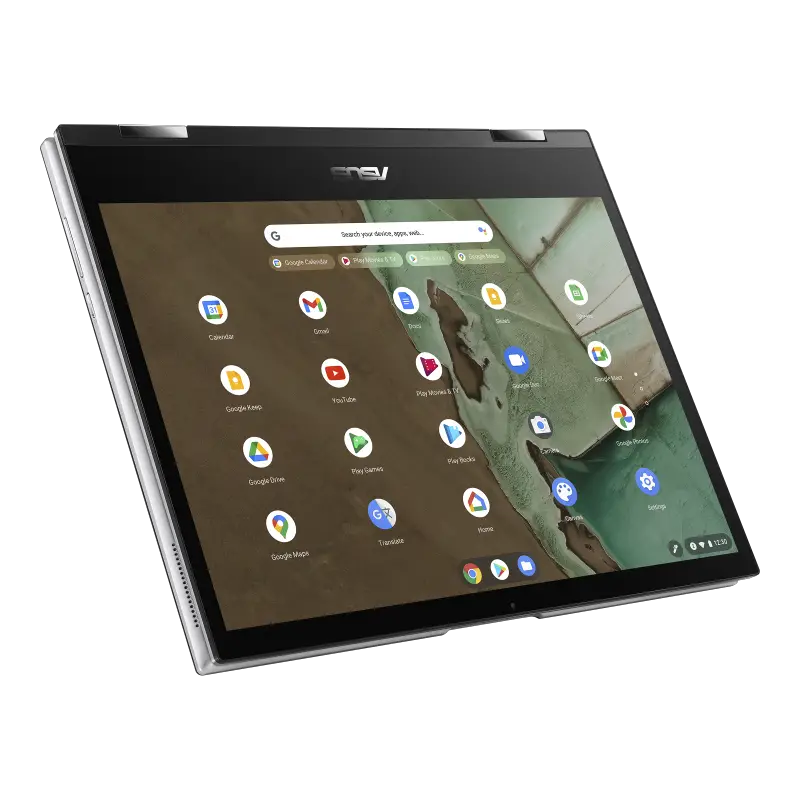
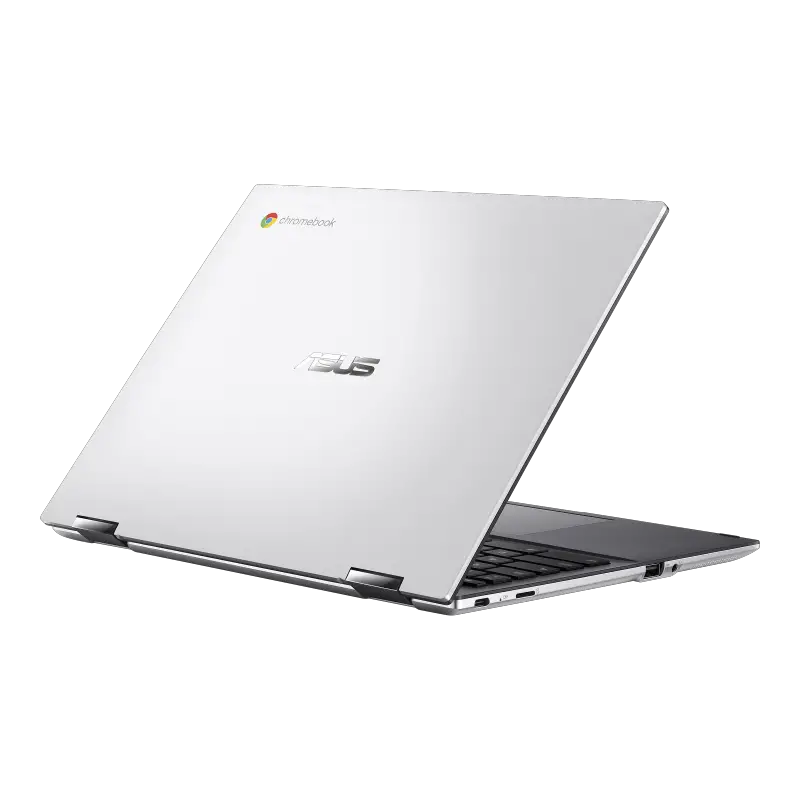
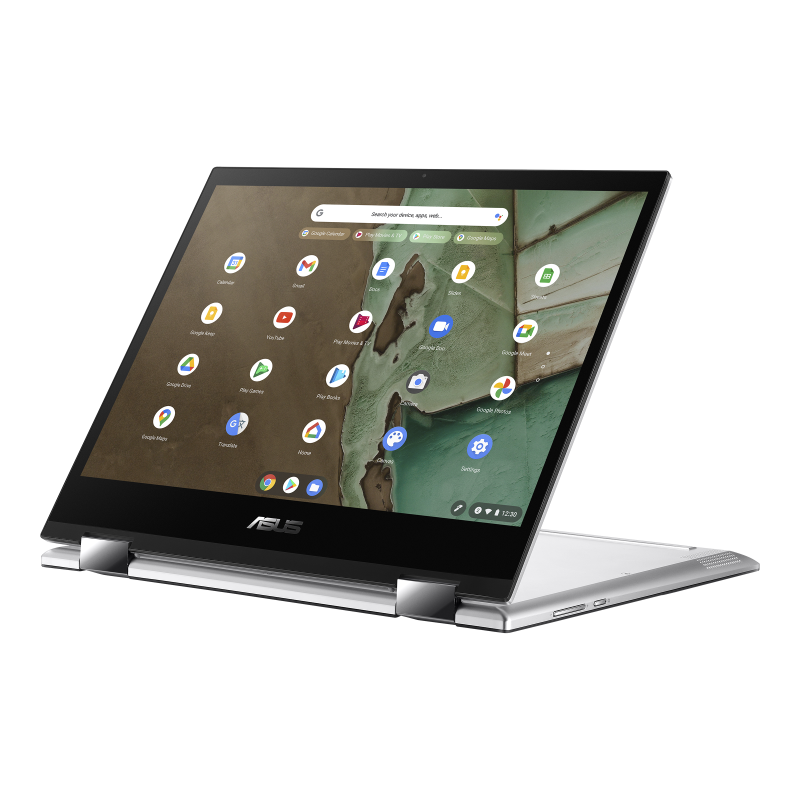
ASUS Chromebook Flip CM3200 Specs
- Chrome OS
- MediaTek™ 8183 Processor w/Arm Mali-G72 MP3 GPU
- 12.0-inch, LCD, 1366 x 912 3:2, Glossy display, 220nits, NTSC: 50%, with stylus support
- 4GB LPDDR4X on board/8GB LPDDR4X on board
- 32G eMMC/64GB eMMC/128GB eMMC
- 1x USB 2.0 Type-A, 1x USB 2.0 Type-C, 1x 3.5mm Combo Audio Jack, Micro SD card reader
- Chiclet Keyboard w/1.6mm Key-travel
- 720p HD camera
- 32WHrs, 2S1P, 2-cell Li-ion battery
- 1.14 kg (2.51 lbs)
- 26.92 x 21.58 x 1.68 (10.60″ x 8.50″ x 0.66″ ~ 0.66″)
- Titan C Security Chip
- Optional Stylus and USB-C to HDMI adapter
Since ASUS hasn’t made an actual announcement about this new Chromebook, we have no idea what the pricing will be or when it will be available. Given the lesser display as compared to the detachable CM3, my hope is that this new Flip will come in somewhere around $350. If not, it could suffer a similar fate as the C101. Anything over $400 puts it in competition with devices such as the Lenovo Chromebook Flex 5. As nice as this Chromebook looks, it won’t be able to hang in the Intel Core arena and it shouldn’t even try. Under $350, however, this Chromebook becomes a very interesting option for those wanting something large enough to be productive but not so large that it’s unusable as a tablet. We’ll keep a close watch for this Chromebook to hit shelves. You can check out the landing page and full details at the link below.
Join Chrome Unboxed Plus
Introducing Chrome Unboxed Plus – our revamped membership community. Join today at just $2 / month to get access to our private Discord, exclusive giveaways, AMAs, an ad-free website, ad-free podcast experience and more.
Plus Monthly
$2/mo. after 7-day free trial
Pay monthly to support our independent coverage and get access to exclusive benefits.
Plus Annual
$20/yr. after 7-day free trial
Pay yearly to support our independent coverage and get access to exclusive benefits.
Our newsletters are also a great way to get connected. Subscribe here!
Click here to learn more and for membership FAQ
Source: About Chromebooks

