

Support our independent tech coverage. Chrome Unboxed is written by real people, for real people—not search algorithms. Join Chrome Unboxed Plus for just $2 a month to get an ad-free experience, access to our private Discord, and more. Learn more about membership here.
START FREE TRIAL (MONTHLY)START FREE TRIAL (ANNUAL)
If you’ve been around here for any amount of time, you know that I don’t particularly love tablets. I like the idea of tablets, but I tend to find that my smaller-screen usage is better served with my phone and my large-screen tasks usually demand a big screen, keyboard and mouse input. That means I’m generally happy with a smartphone and a Chromebook, and each time I introduce a tablet to the mix, I have a tough time finding the way to best use it.
But I stand by the fact that a tablet that makes for a great desktop experience is still worth the trouble. The only issue is, I’ve yet to find the perfect companion. The Lenovo Chromebook Duet 5 came close, but the mediorcre performance of the Snapdragon 7c Gen 2 inside held me back at the desk. Additionally, ChromeOS’ tablet mode could still use some work, and the combination of slower speeds and a 3/4 finished tablet UI made the entire experience not quite good enough to replace both my Chromebook and my general consumer/phone activities.
But, if I were looking more for a great tablet that I could get productive with from time to time, there’s no doubt my eyes would be headed towards Samsung’s multiple tablet offerings. Apart from Apple, Samsung has been one of the only companies consistently building quality tablets for years, and their hardware over the past few years has been stunning.
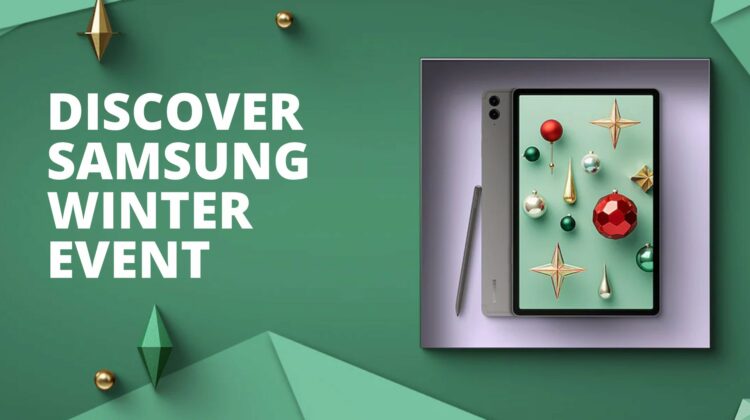
Discover Samsung Winter Event
And I have a feeling many of you are in that same boat. While you wish we could get a solid, fast, ChromeOS tablet and that Google would clean up the last few ChromeOS tablet issues to make it feel more native and fluid, the reality is we don’t have that stuff in place for now. If you truly want a tablet and need it to be productive on the go when needed, a Samsung tablet is probably the best version of that device you can find.
With keyboard covers, Samsung’s S Pen, and the DeX desktop interface for every device, you can get far more productive with a Samsung tablet than you can with nearly any other. Sure, when we get the next evolution of Chromebook tablets, those devices will be better at desktop productivity tasks. But without severe changes to ChromeOS, the tablet experience will still likely be far greater on an Android-based tablet like one you’d get from Samsung.
And right now, Samusng has every single one of their tablets on sale for considerable discounts. The Galaxy Tab S9 Ultra, Plus and Tab S9 FE have huge trade-in offers, the Tab S8 devices are between $190 and $380 off, and the Tab S6 Lite variants are all up to $130 off, too. The savings are just crazy, and depending on the level of tablet you need, there’s something for you and some great savings to be had as well.
You can head over to shop the Discover Samsung Winter Event with the link above and sort through the myriad of tablets available. There are so many sizes, speeds, and options that there’s bound to be something that fits in your budget. But don’t wait too long as these deals won’t last forever.
SUBSCRIBE TO UPSTREAM
Get Chrome Unboxed delivered straight to your inbox
Upstream is our flagship, curated newsletter with the top stories, most click-worthy deals, giveaways, and trending articles from Chrome Unboxed sent directly to your inbox a few times a week. Join 31,000+ subscribers.

