

Support our independent tech coverage. Chrome Unboxed is written by real people, for real people—not search algorithms. Join Chrome Unboxed Plus for just $2 a month to get an ad-free experience, access to our private Discord, and more. Learn more about membership here.
START FREE TRIAL (MONTHLY)START FREE TRIAL (ANNUAL)
This week on The Chrome Cast, we’re welcoming our contributing writer Luke Short on the show to discuss a bit more in-depth about the discoveries he’s made getting Vulkan API support working on Chromebooks. For gaming on Chrome OS to finally arrive, Vulkan is a necessary piece of the overall puzzle. Though Luke’s work hasn’t unlocked the full Borealis (Steam gaming on Chromebooks) experience, it gets us a lot closer to testing that reality.
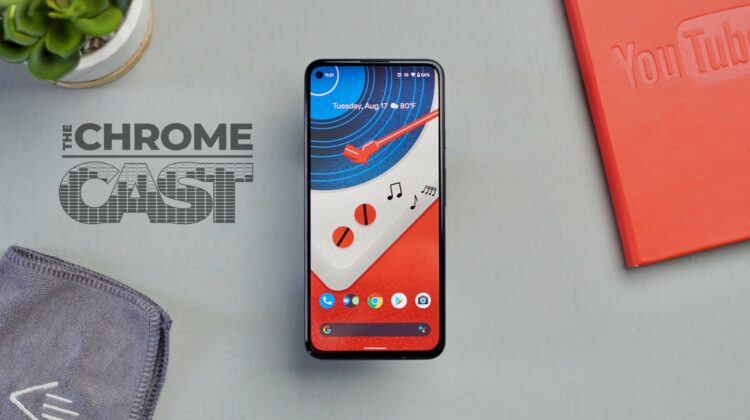
After the break, we dive into the great-yet-confounding Pixel 5a and discuss the good parts of the phone along with how it could find its place as the Pixel 6 and Pixel 6 Pro loom in the future. With the Pixel 5a, it feels like Google has put the train back on the tracks a bit and if the new Tensor-powered phones from Google deliver as we’d expect, the future for Pixel has never looked brighter.
NOTABLE LINKS
- Eureka! Playing Vulkan Games in Crostini
- More Details on the AMD dGPU-powered Chromebook Arise
- Here are the first Chromebooks that will get Steam gaming (‘Borealis’)
- Variable Refresh Rate support is coming to Chromebooks for smoother gaming
- Following the trend, Google will not include a charger in the box for the Pixel 6 or Pixel 6 Pro
- Unboxing the Pixel 5a that is here to basically replace the Pixel 4a 5G [VIDEO]
- Google’s Tensor SoC could eventually power far more than just the Pixel 6
- Opinion: Google’s Pixel 6 just made the Pixel 5a relevant
SUBSCRIBE TO UPSTREAM
Get Chrome Unboxed delivered straight to your inbox
Upstream is our flagship, curated newsletter with the top stories, most click-worthy deals, giveaways, and trending articles from Chrome Unboxed sent directly to your inbox a few times a week. Join 31,000+ subscribers.
This episode is sponsored by VIZOR for Chromebooks – Chromebook 1:1 Management Software for Schools. If you manage Chromebooks for a School or School district you’ll want to listen to this, especially you have a 1:1 program. VIZOR is a Chromebook management solution that seamlessly integrates with the Google Admin Console and your Student information system. With VIZOR for Chromebooks, you can easily see which Student has which Chromebook, manage repairs, and even automate disabling lost or stolen devices while notifying parents, all in one click. CLICK HERE to learn more about VIZOR.
This episode is also brought to you by NordVPN. Get a VPN that takes your privacy seriously. NordVPN is our VPN of choice and will secure your browsing on your Chromebook or on any device. Use NordVPN to keep your private data to yourself whether you are at home or on the go! CLICK HERE to try it out and get a 3-year deal for $3.49/month.

