


Google has been on a roll lately, adding features to Workspace apps that run on larger-screen devices, such as Android tablets. Just last week, it added custom emojis for chat, out-of-office banners on a person’s information card, and the ability to see link previews and to drag, copy, and share … [Read more...] about Google updates keyboard shortcuts for Keep on Android
keep
Support our independent tech coverage. Chrome Unboxed is written by real people, for real people—not search algorithms. Join Chrome Unboxed Plus for just $2 a month to get an ad-free experience, access to our private Discord, and more. Learn more about membership here.
START FREE TRIAL (MONTHLY)START FREE TRIAL (ANNUAL)
Multi-instance app support rolls out for Workspace on tablets, dual-pane view for Keep
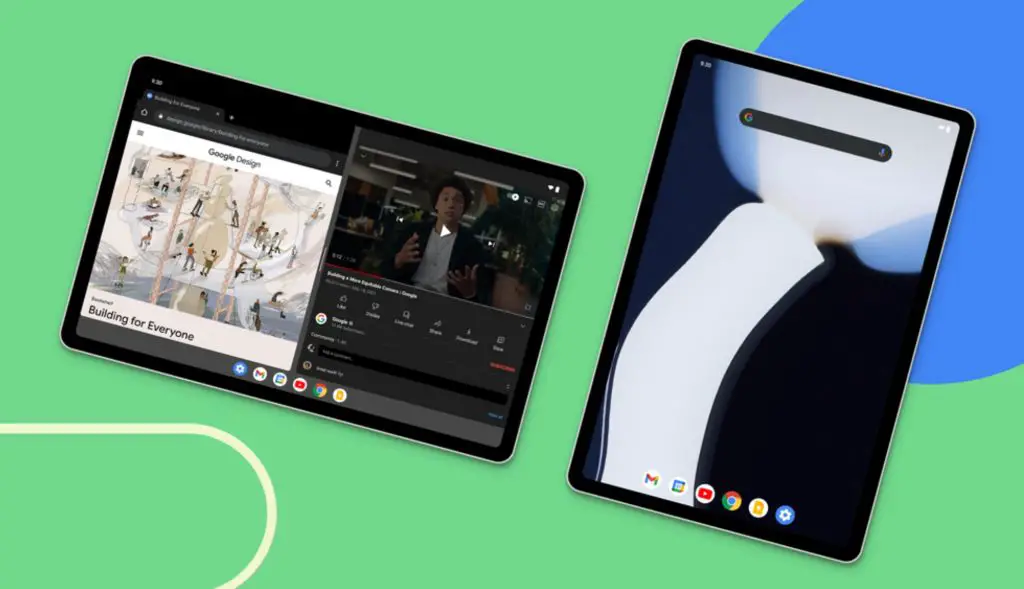
This week, Google announced a roundup of new features that are in the process of rolling out to Android tablets, including a redesign of the widgets for Google Drive and Keep. Additionally, other Workspace app features had also been teased back in July that would improve the experience on tablet … [Read more...] about Multi-instance app support rolls out for Workspace on tablets, dual-pane view for Keep
Google Keep app on Wear OS 3 gains a Tile with new update

The latest version of the Google Keep app on Wear OS 3 is getting a small but significant update which adds a tile to the UI. For those unfamiliar, Wear OS tiles are glanceable and easy-to-access app screens usually loaded by swiping left on the interface. These display only the most important … [Read more...] about Google Keep app on Wear OS 3 gains a Tile with new update
You can now drag images out of Keep into other apps on Android
Google Keep has been the subject of several APK teardowns lately that have revealed some interesting "possible" new features. Just last month, it was discovered that Keep is likely adding basic text formatting options, such as the ability to bold or italicize your text, as well as adding different … [Read more...] about You can now drag images out of Keep into other apps on Android
