

Support our independent tech coverage. Chrome Unboxed is written by real people, for real people—not search algorithms. Join Chrome Unboxed Plus for just $2 a month to get an ad-free experience, access to our private Discord, and more. Learn more about membership here.
START FREE TRIAL (MONTHLY)START FREE TRIAL (ANNUAL)
Deals are dropping left and right on some of the top Chromebook models of 2020 but we know that many shoppers are looking to stretch the holiday shopping budget as far as it will go. While this is no shortage of “cheap” Chromebooks to be found at every turn, finding one that’s inexpensive and actually worth buying is an entirely different story. There are a handful of things we recommend you look for when shopping for a “budget” Chromebook. Most importantly, you want to make sure that you are getting a late model device that has a CPU no older than one generation removed from the most current available. For Intel chips, that means finding something that is powered by Gemini Lake or the newer Gemini Lake-R small core processors. This will ensure that you are getting a Chromebook that is not only capable of handling a moderate workload but will also guarantee you get updates for at least 4-5 years.
Apart from that, you really want to find a device that has a decent screen and possibly an SD card slot because chances are good that a sub-$250 Chromebook is going to have very little storage. This will narrow down your options to a handful of 11.6″ HD devices with N4xxx-series CPUs, 4GB of RAM, and not much else. The best option that comes to mind is still Lenovo’s Chromebook 3 that I reviewed a few months back. It offers the Intel N4020 CPU, good build quality, and a $169 price tag when you can find it available at Walmart.
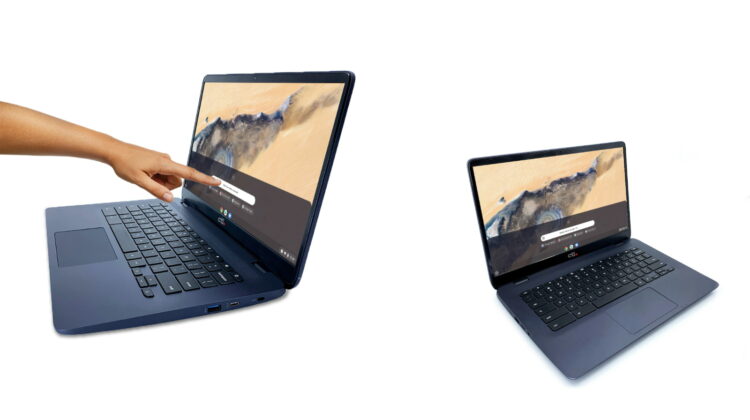
Now, for those wanting a slightly more productive experience, you may find yourself looking for a larger device that can be used for longer periods as a daily driver. Unfortunately, you won’t find many 14-inch+ Chromebooks on the market for under $250 that are actually worth buying. However, CTL recently announced just such a device in the NL81 Chromebook. The 14″ Chromebook features the same N4020 as the Lenovo but boasts a Full HD 1920 x 1080 14″ display (non-touch). You’ll still be getting 4GB of RAM and 32GB of storage but the NL81 gets you a much larger desktop, ample port selection, Gigabit Wi-Fi capability, and Bluetooth 5. For someone needing an inexpensive productivity machine for school or remote work, this will be a solid choice at its $279 MSRP.
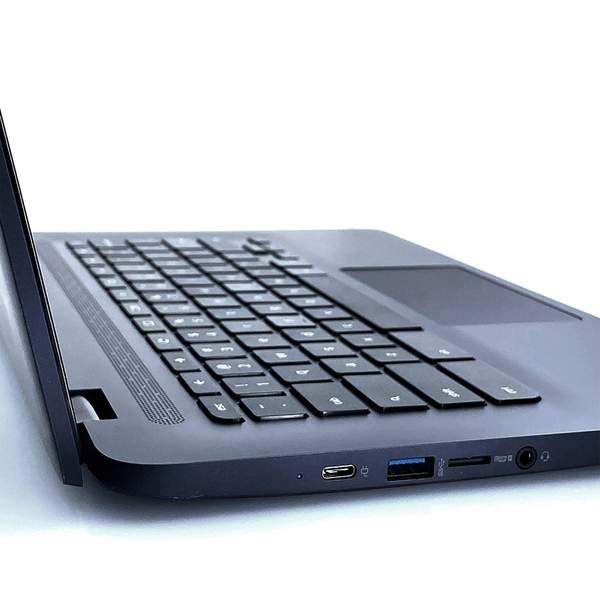

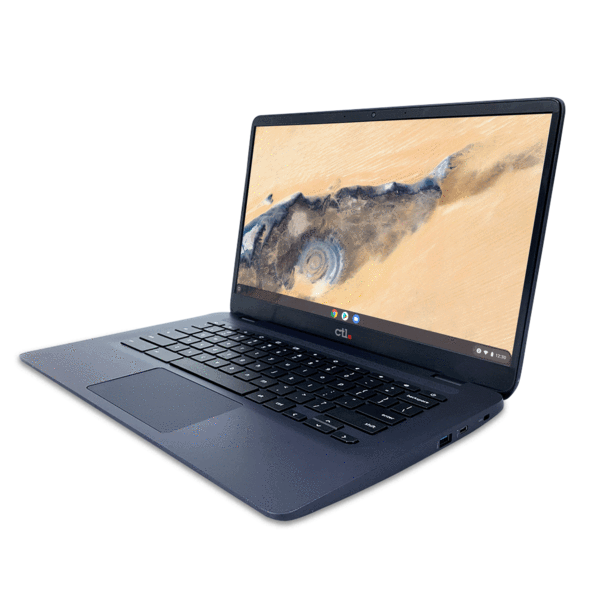
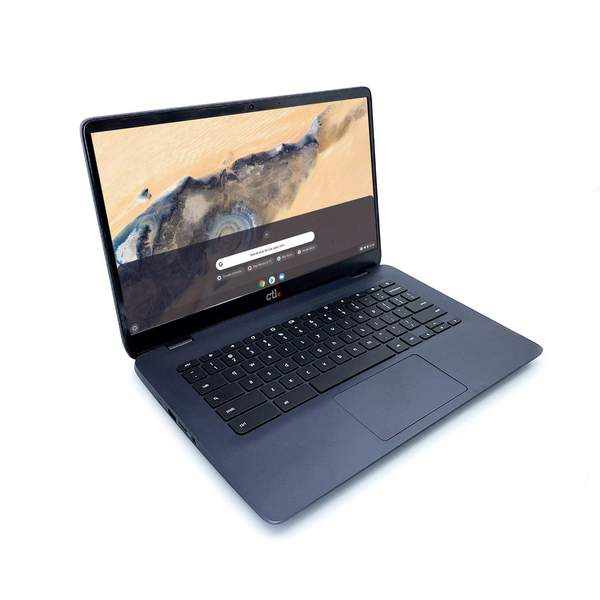
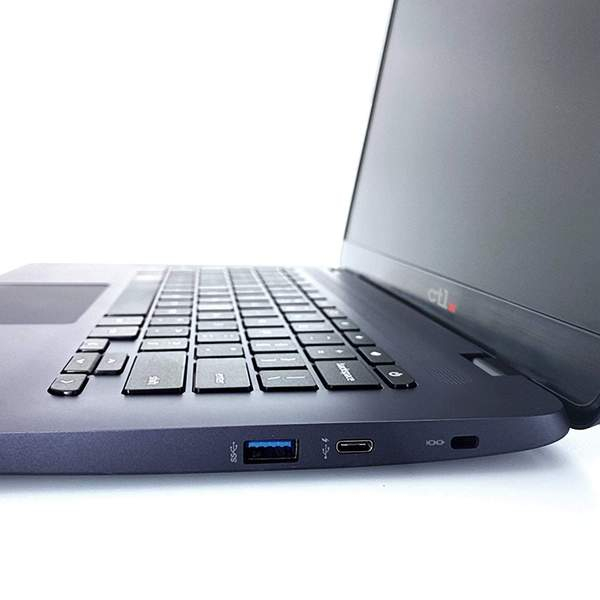
The CTL Chromebook NL81 isn’t slated to start shipping until next month but thanks to CTL’s Black Friday/Cyber Monday sale, you can save big on the Chromebook if you pre-order. Normally $279, CTL is knocking $80 off of the price for a limited time. The deal is limited to one device per customer and the savings will go away when the deal ends next Monday. If you simply need a decent Chromebook with some extra screen real estate, the CTL should serve you well. I’m seriously thinking about grabbing one for my daughter to use for her online learning as it doesn’t appear our schools will be headed back to in-person classes anytime soon. You can find this and all of CTL’s Black Friday deals at the link below.
SUBSCRIBE TO UPSTREAM
Get Chrome Unboxed delivered straight to your inbox
Upstream is our flagship, curated newsletter with the top stories, most click-worthy deals, giveaways, and trending articles from Chrome Unboxed sent directly to your inbox a few times a week. Join 31,000+ subscribers.

