

Support our independent tech coverage. Chrome Unboxed is written by real people, for real people—not search algorithms. Join Chrome Unboxed Plus for just $2 a month to get an ad-free experience, access to our private Discord, and more. Learn more about membership here.
START FREE TRIAL (MONTHLY)START FREE TRIAL (ANNUAL)
There are quite a few differences in Google’s two new phones: screen size, resolution, build materials, camera count, selfie camera resolution, color options, RAM, and storage are all factors you need to consider when looking at the Pixel 6 versus the Pixel 6 Pro. But there’s one other big difference that is important if you live in certain areas: mm-wave 5G.
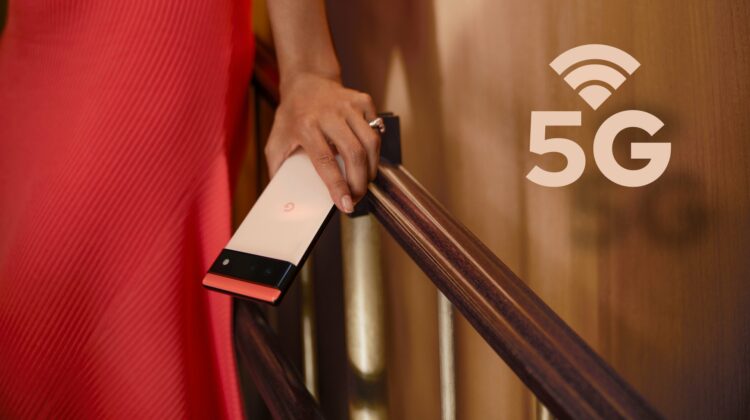
On the most basic level, both Pixel 6 models are equipped with 5G, but only the Pixel 6 Pro gets mm-wave 5G. The Pixel 6 is sub-6 only. In the event that those terms are foreign to you, here it is in a nutshell. 5G wireless data actually moves over two protocols: sub-6GHz and millimeter-wave. Sub-6 is not much faster than LTE (4G), but the penetration of the signal is far greater. Since the signal is a lower frequency, that also means a bit lower capacity, so in dense populations, it isn’t the best.
Millimeter-wave is the exact opposite with crazy-high frequencies (30GHz – 300GHz) that have insane bandwidth limits, unmatched capacity, and anemic range. Millimeter-wave 5G needs broadcast nodes all over the place to work properly since even your own body can block the signal when you turn away from the antenna. The speed and capacity of mm-wave is great for dense populations, but it absolutely requires a 5G node to be in eyesight to function properly, thus most cities don’t have it yet. Even for those that do, the reception is mixed. When it works, it’s phenomenal, though.
OK, now that you know the difference in the two connection technologies, you also need to be aware that the breakdown of mm-wave 5G on the new Pixels isn’t quite as clear-cut as I said above. If you are buying the phones unlocked, directly from Google, it is pretty binary. Pixel 6 has no mm-wave, Pixel 6 Pro does. Simple. But if you are looking at buying carrier-specific models of the Pixel 6 for AT&T or Verizon, you’ll actually get both sub-6 and mm-wave 5G on those particular models: G9S9B to be specific.
You’ll also note that this model is more expensive. That’s not just an arbitrary upcharge on behalf of your carrier. Instead, it’s the cost of connecting to the somewhat-spotty, faster-than-lightning mm-wave 5G network that is available in select cities from Verizon and AT&T. For Verizon’s model, you’ll increase the Pixel 6 price from $599 to $699 and on AT&T, it goes up to $739.
From what we can tell, there’s no option to get a non-mm-wave version of the Pixel 6 directly from either carrier at this point. If you want the Pixel 6 experience on the $599 budget, you’ll need to look elsewhere. The Google Store, Target, B&H Photo and Best Buy are all lined up to sell both the Pixel 6 and Pixel 6 Pro starting next week, so there are plenty of options. Unfortunately, you won’t get that sweet carrier financing if you go that route, but you definitely have options if you are on AT&T or Verizon and still want that $600 Pixel.
SUBSCRIBE TO UPSTREAM
Get Chrome Unboxed delivered straight to your inbox
Upstream is our flagship, curated newsletter with the top stories, most click-worthy deals, giveaways, and trending articles from Chrome Unboxed sent directly to your inbox a few times a week. Join 31,000+ subscribers.

