


Support our independent tech coverage. Chrome Unboxed is written by real people, for real people—not search algorithms. Join Chrome Unboxed Plus for just $2 a month to get an ad-free experience, access to our private Discord, and more. Learn more about membership here.
START FREE TRIAL (MONTHLY)START FREE TRIAL (ANNUAL)
Google is rolling out improvements in the Photos app that will take the Memories feature to a new level when it comes to resurfacing important moments. With this update, Google is placing quite a bit of importance on making your photos and videos more cinematic by adding more movement, more music and generally adding more life to them. Additionally, new sharing and editing capabilities are being introduced, so you can enjoy your memories with your loved ones a bit easier, too.
Supercharged Memories
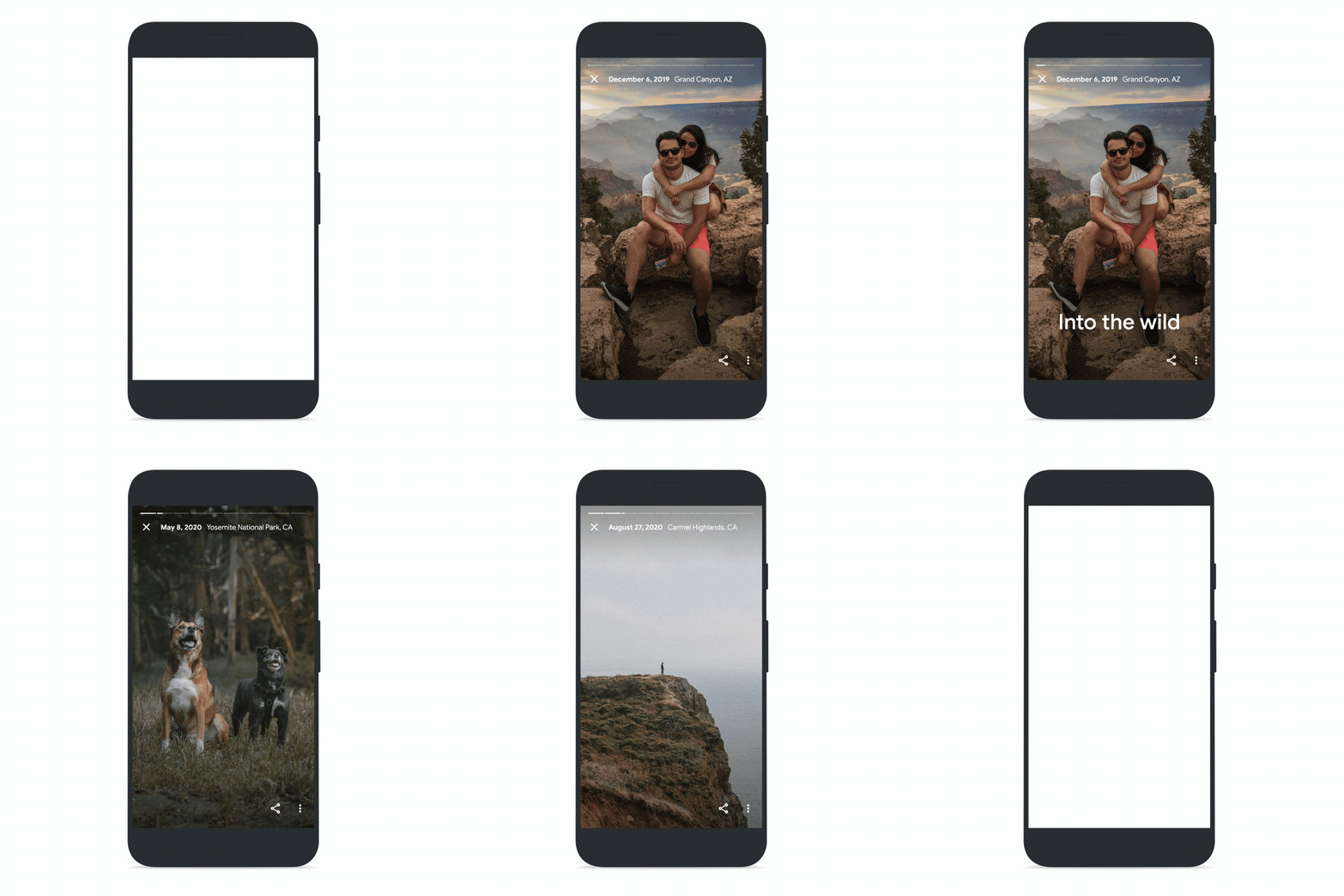
The Memories experience within Google Photos has been redesigned to be more immersive and cinematic. Starting today, Memories will begin to show you more videos, including snippets from your longer videos that Photos AI will automatically analyze, select the most meaningful moments, and then trim them for you. Still photos will also become more dynamic with the addition of a subtle zoom to bring movement to the shot. Starting next month, Photos will also begin to add instrumental music to some memories, which will round off the immersive photos experience.
Cinematic photos – the 3D moving representations of your photos which have become one of the most-saved Google Photos visual effects since they launched in 2020 – will be improved by combining several photos and turning them into one full Cinematic Memory that will also include music.
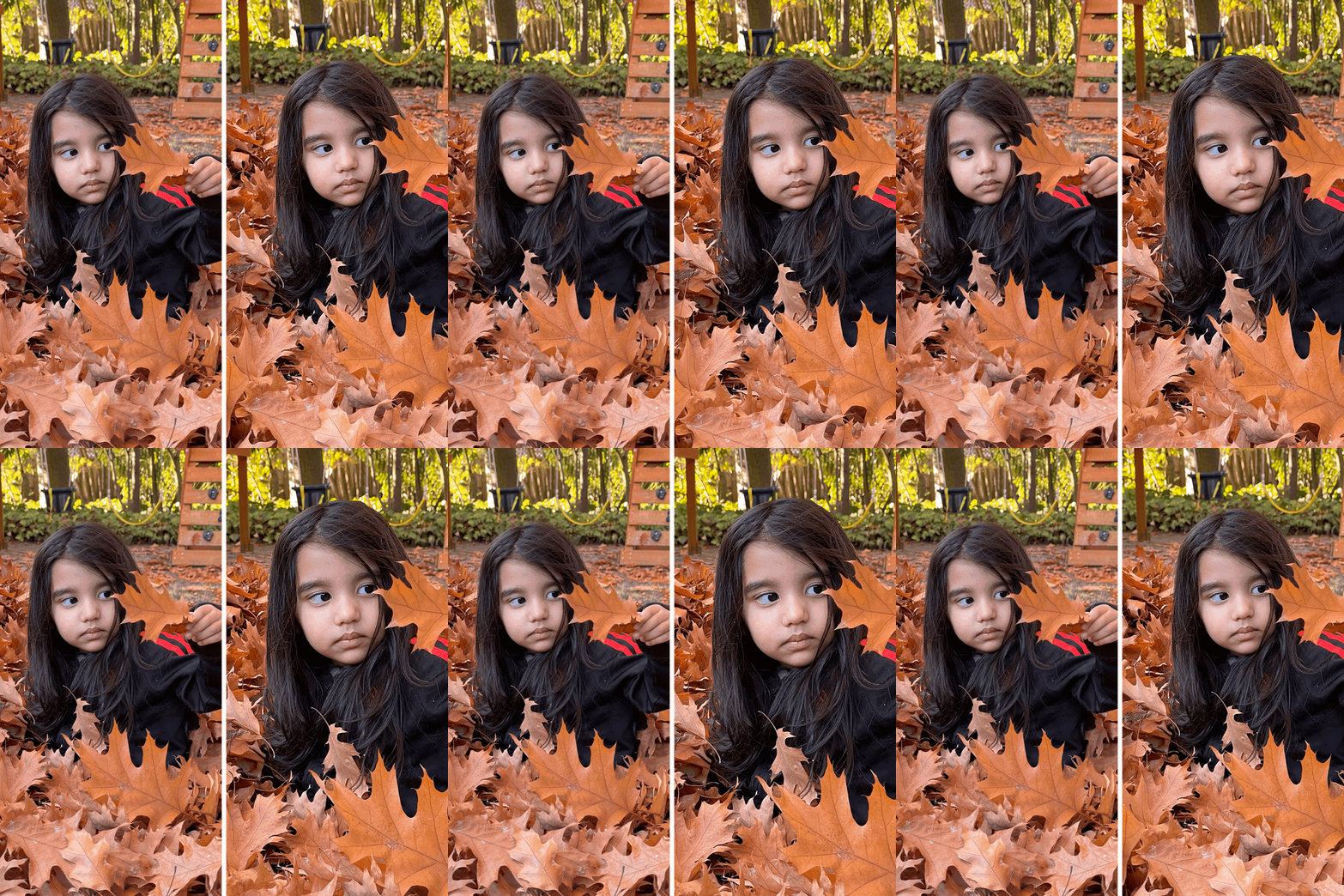
Additionally, Photos is also rolling out a new feature called “Styles,” where graphic art is automatically added to your memories to make them a bit more interesting. This feels a bit like a scrap book and will have several styles available out of the box right at launch, as well as some limited exclusive designs by artists like Shantell Martin and Lisa Congdon.
We all know memories are just not the same if you can’t share them with others easily, and that’s why Google is introducing the ability to share entire Memories on Android, and soon on iOS and the Web, so your family and friends can view them right from Google Photos on any device. While not completely clear in the press release, these shared Memories should be viewable on the web without needing any apps installed. That’s been one of the magic parts of Google Photos over the years, and sharing these far-more-complex experiences in the same way will be a key part of the experience.

Create artistic collages
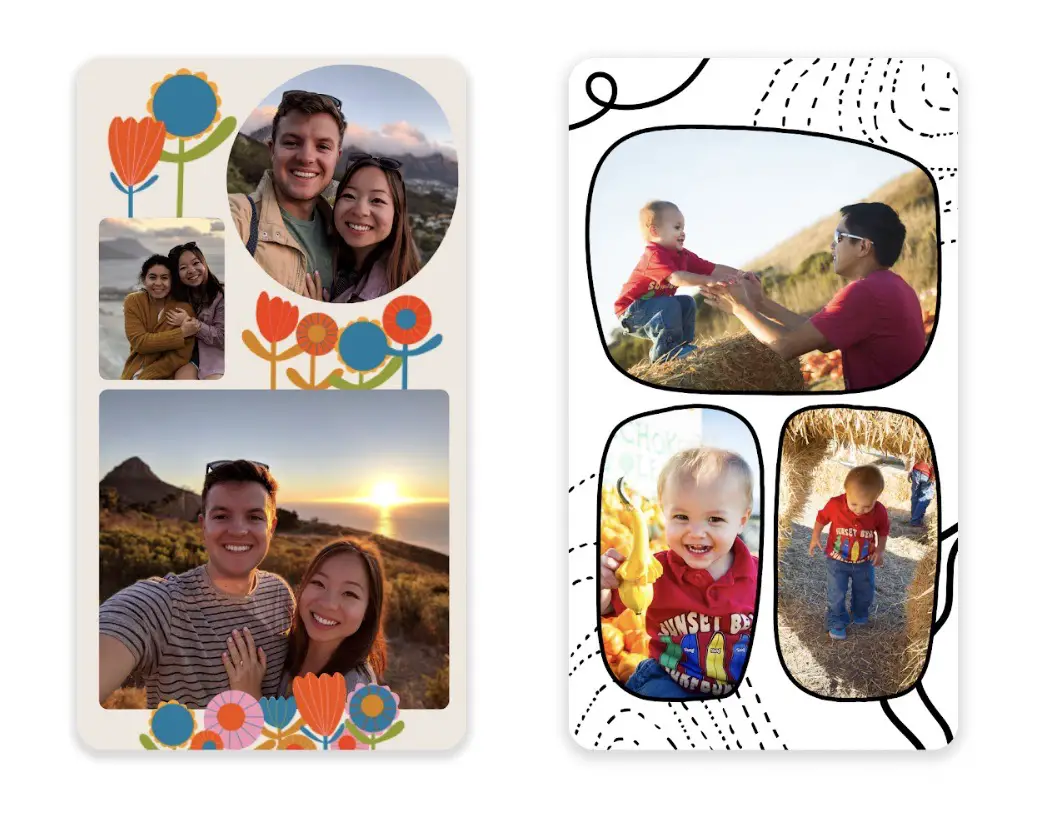
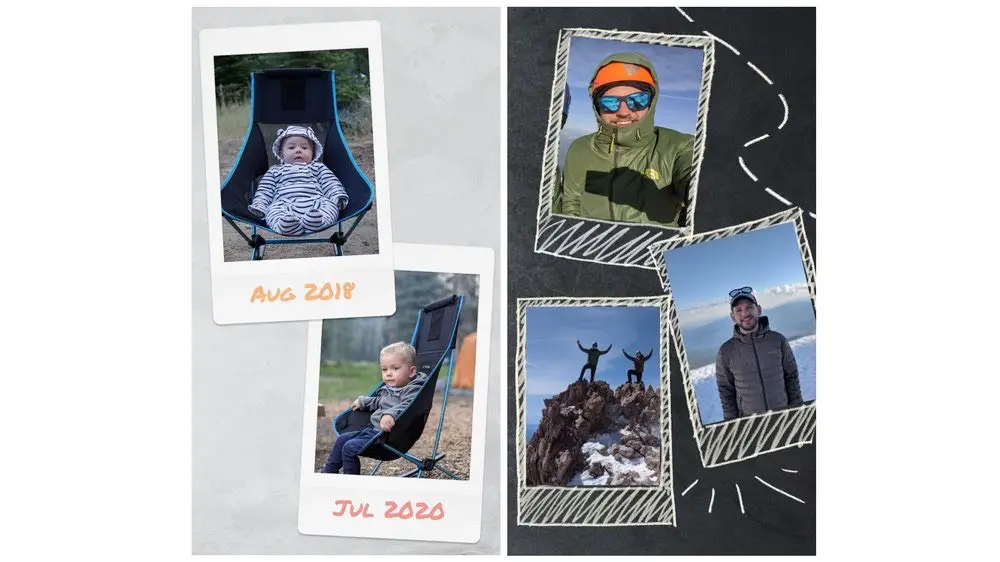
Beginning today Photos is also rolling out a new collage editor on Android and iOS which will let you build shared collages. The new editor will allow you to choose your images, your design (including featured artist styles), and arrange the layout with drag-and-drop capabilities. You can also edit the photos right in the collage editor by adjusting brightness, contrast, and applying filters. Additionally, Google One subscribers and Pixel users will be able to modify collages with Portrait Light or HDR and access more than 30 designs.
All these new updates sound amazing, and we all know that the Memories feature is one of the best parts of Google Photos and online photo storage in general. I love seeing Google continue to flesh out the experience, adding things I think most users will find a lot of value in down the road. And let’s not forget the promised movie maker feature for ChromeOS that we should start seeing pretty soon, too, which will essentially let you build all sorts of great experiences from your Google Photos right from your Chromebook. As one of Google’s best services, we love seeing new stuff on the way for Photos, and we’re all pretty excited for all this newness to roll out soon!
SUBSCRIBE TO UPSTREAM
Get Chrome Unboxed delivered straight to your inbox
Upstream is our flagship, curated newsletter with the top stories, most click-worthy deals, giveaways, and trending articles from Chrome Unboxed sent directly to your inbox a few times a week. Join 31,000+ subscribers.

