


Support our independent tech coverage. Chrome Unboxed is written by real people, for real people—not search algorithms. Join Chrome Unboxed Plus for just $2 a month to get an ad-free experience, access to our private Discord, and more. Learn more about membership here.
START FREE TRIAL (MONTHLY)START FREE TRIAL (ANNUAL)
Now that my son is old enough to use his own Google account for a few things like Google Play Books, kids Movies, and even Play Games, I spent some time going through all of my purchases across each service and cleaning them out so that my own account’s suggestions no longer included Baby Shark and Paw Patrol (though I do love watching Paw Patrol with him!)
While Winter cleaning, I noticed that virtually all data that pertained to him was able to be placed in the appropriate location – his account – so that I no longer had to own it. However, one service that Google provides still required my fiance and me to share data regarding our son, and that data couldn’t be owned exclusively by him.
Google Family groups include several great cross-sharing features such as the ability to share family broadcasts to smart speakers across devices inside and outside of the home, a payment method for purchases, and more. However, for me and my household, we really enjoy having these benefits:
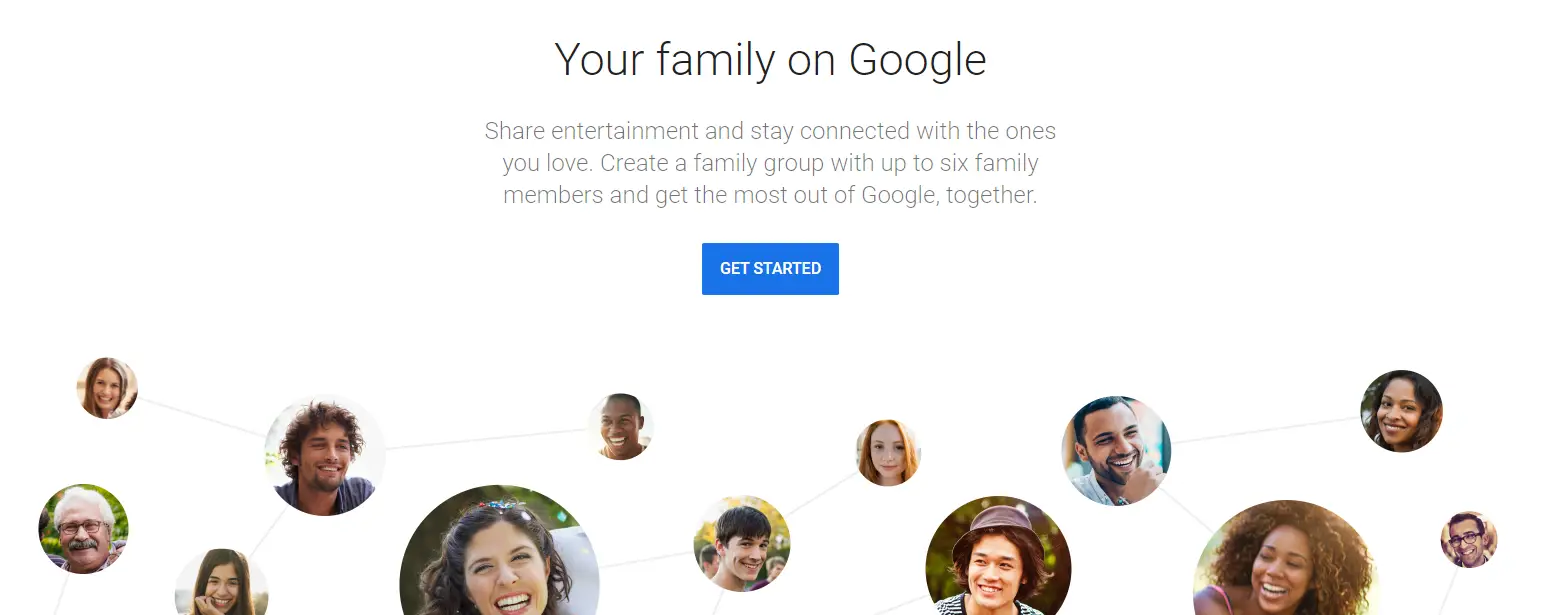
Share entertainment and stay connected with the ones you love. Create a family group with up to six family members and get the most out of Google, together.
Your family on Google
- Google Play Family Library
- YouTube Premium family plan
- Google Family Calendar
- Family Keep
- Family Link
- Google One
- Stadia
- Google Play Pass
- Google Assistant
Anyone who’s a parent will notice that one point of contention regarding data sharing for a child is missing from this list – Google Contacts. I can’t believe it took me this long to take notice of its absence, but that’s probably because as a society, we’ve concluded that Contacts are super private data that shouldn’t be shared, but that’s just not true.
Our son’s cardiologist, general wellness doctor, and so on are all contacts that his mother and I keep up-to-date separately in our phones, and we’ve had a handful of times where one of us or the other would take over with managing those relationships and would forget to inform the other that the phone number or details for someone had changed.
This is just my humble opinion, but I think that if Google wants to be taken seriously for family use, it needs to provide more than just content consumption links between individuals. It’s great to have our music, videos, books, and so on accessible to each other, but what about the things that really matter?
Even the Family Calendar feels limited. Why not allow families to share as many calendars with one another as they want? We personally have many Calendars for many things to keep everything organized, and we simply don’t use the Family Calendar for this reason – it’s too narrow a scope to be useful! I won’t make this much larger than Contacts for this article, but that does bring up a wider point – Family Sharing has limitations that need to be addressed.
Imagine having a list of icons that are shared between you and your significant other. Google could even implement a Drive-style sharing menu that allows any account holder to share a contact with another. Obviously, the privacy implications are that the individual sharing said contact would need to have the contact’s permission, but with Google services being so big, I don’t know why an email couldn’t just be sent to that doctor or contact for their approval to be shared across a family.
All of this makes a world of sense to me, especially in light of how popular and useful Google Workspace has become over the past year. Don’t even get me started with how barebones Contacts is as a service. Honestly, that’s a talk for another day, but I do believe that it needs to evolve as a CRM, even though I do see how its simplicity is its charm for the masses. Let me know below if you’ve ever wanted to keep contacts updated across your household, and if you’d love to see such a thing implemented on Google’s end!
SUBSCRIBE TO UPSTREAM
Get Chrome Unboxed delivered straight to your inbox
Upstream is our flagship, curated newsletter with the top stories, most click-worthy deals, giveaways, and trending articles from Chrome Unboxed sent directly to your inbox a few times a week. Join 31,000+ subscribers.

