

Support our independent tech coverage. Chrome Unboxed is written by real people, for real people—not search algorithms. Join Chrome Unboxed Plus for just $2 a month to get an ad-free experience, access to our private Discord, and more. Learn more about membership here.
START FREE TRIAL (MONTHLY)START FREE TRIAL (ANNUAL)
If you use a Chromebook, chances are high that you are fully committed to the Chrome browser. That’s not to say you don’t have other options. There are a variety of web browsers on the Google Play Store that will install and run just fine on Chrome OS but your experience is going to be well short of optimal. These are browsers designed for phones and tablets and hence, they don’t behave well or even look good in a desktop environment. Alternatively, we’ve covered a number of Linux-based browser applications that actually run quite well on Chrome OS but the average Chromebook user isn’t likely to go that path even if they know their device can run Linux applications.
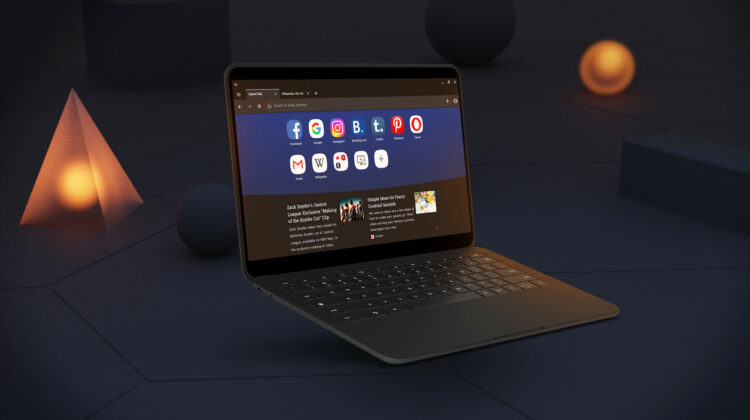
You would think, with the constant back and forth, that Microsoft would have been the first out of the gate with a Chromebook-optimized web browser. That makes even more sense when you consider the fact that Edge has moved to a Chromium-based build and it shares many things in common with Google’s own Chrome browser that is baked into Chrome OS. I could even see Firefox racing to the finish to optimize its Android browser for Chrome OS but neither of those companies will wear this crown. Instead, the number six browser by market share has broken through the wall to become the first-ever third-party browser to be optimized specifically for Chrome OS and that’s a big deal for a number of reasons that we will get to a bit later. First, let’s take a look at Opera and see what it offers users that want a Chrome alternative.
Chromebooks, with their user-friendly interface and touchscreens, are excellent devices for people’s everyday needs. We decided it’s high time their users got access to an excellent alternative browser with a unique set of features they’ll find both useful and fun.
Stefan Stjernelund, product manager of Opera for Android
Privacy and security
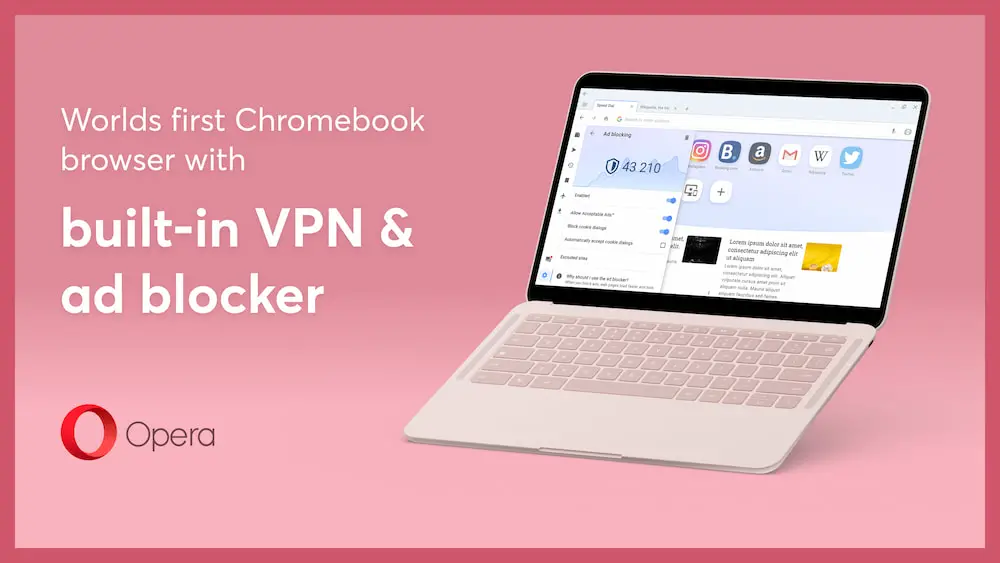
Like Chrome, Opera is a Chromium-based browser but it takes a slightly different approach to its UI and UX a lot of products in this vein. While many browsers tout speed, security, and privacy, Opera put everything on the table with standard, forward-facing features that are available out of the box. For instance, when you install the Opera browser, you will get an alert letting you know that Adblocking is enabled by default. As you browse, you can see the number of ads that are blocked from the sites you’re viewing. Now, as a publisher, I’m obviously not a fan of ad blockers. Ad revenue is what keeps many websites up and running but I know that many use them and that’s okay. It is just the nature of the beast. Besides, if you want to support your favorite sites, you can always disable the ad blocker in Opera or any other browser for that matter.
In my opinion, Opera has a far better baked-in feature that can be beneficial for a wide range of users – a free VPN. As the global pandemic pushed millions of workers to remote scenarios, the use of virtual private networks became commonplace to keep users secure while online. More and more, you see mainstream advertising for VPNs like Nord and Tunnel Bear because users are more aware of privacy and security now than ever before. Opera aims to make those features a native part of the browsing experience with the built-in VPN that can be enabled via the browser’s settings menu. After you activate it for the first time, you can enable it and even choose your “virtual location” directly from the address bar. Neat.
Integrated messaging
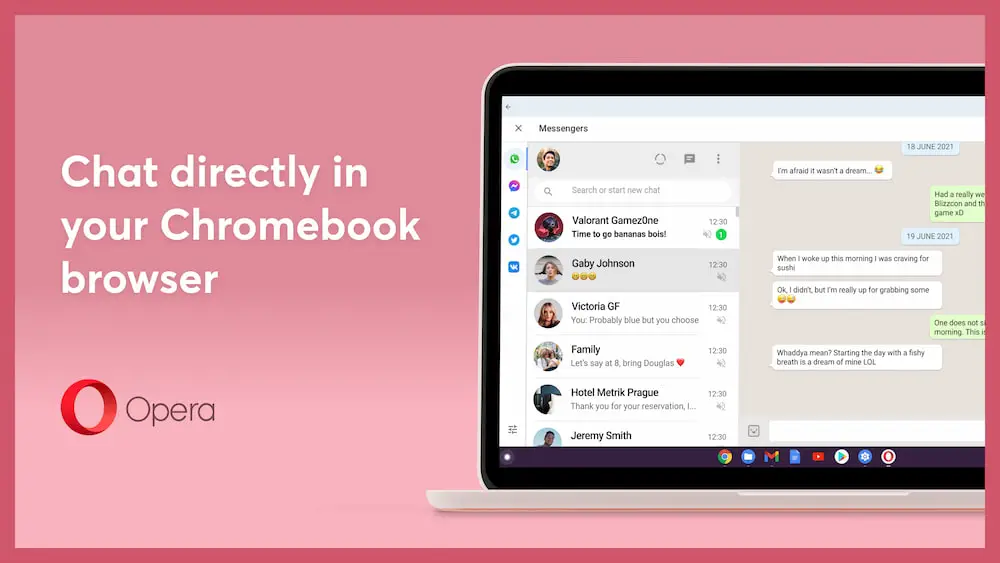
Being that Opera is a Chromium-based browser, it makes sense the company would leverage tools like web apps and web wrappers. That is exactly what Opera has done to create an integrated messaging experience. Along the left sidebar of the browser, you will find a messaging icon where you can sync up your WhatsApp, Facebook messenger, Telegram, and VKontakte accounts. Notification dots appear when you have a new message and you can pin your messages to keep them on top of your browser while you’re moving around the web.
There’s also a really neat feature that allows you to message yourself. Trust me. It’s not a sill as it sounds. With “Flow,” you can sync your Chromebook and mobile device to quickly share files, text, and images via an end-to-end encrypted connection. Kind of like Nearby Share but only for you and your devices. While a bit redundant on a Chromebook, Flow is a very cool feature and I’m sure that many that use Opera already are happy to have it.
The Opera browser has a handful of built-in themes that allow you to customize the look of your browser and you can customize your start page to serve up news specifically curated to your liking. You’ll also find a built-in snapshot tool, sidebar media player, workspaces, and a lot more. There’s even a built-in Crypto wallet that is built on the Ethereum Web3 API. You can send and receive ETH-based cryptocurrency, shop online with crypto, and explore the world of ETH-based decentralized apps and currencies.
While none of these features are technically “new” to Opera, the browser is the first to hit the Play Store with optimizations for the Chrome OS desktop. Once you put the browser in responsive mode, it looks, acts, and feels pretty much like any other desktop browser and that’s exactly what Google likes to see from an Android application. Myself, I’ll be sticking with Chrome but I am impressed with the massive amount of features available in the Opera browser and I know that there will be those that are excited to have an alternative to use on Chrome OS that actually works. Hat tip to the team at Opera for seeing the future and getting ahead of the curve. You can find the Opera browser, optimized for Chrome OS, on the Play Store here.
SUBSCRIBE TO UPSTREAM
Get Chrome Unboxed delivered straight to your inbox
Upstream is our flagship, curated newsletter with the top stories, most click-worthy deals, giveaways, and trending articles from Chrome Unboxed sent directly to your inbox a few times a week. Join 31,000+ subscribers.

