

Support our independent tech coverage. Chrome Unboxed is written by real people, for real people—not search algorithms. Join Chrome Unboxed Plus for just $2 a month to get an ad-free experience, access to our private Discord, and more. Learn more about membership here.
START FREE TRIAL (MONTHLY)START FREE TRIAL (ANNUAL)
This week, Google is officially expanding the integration of NotebookLM as a source in the Gemini app to Enterprise and Education users. While personal account holders have had a taste of this, the rollout to Workspace accounts means that professionals and students can now ground their Gemini conversations in the deep, specific knowledge bases they’ve built inside NotebookLM.
Grounding Gemini in your own research
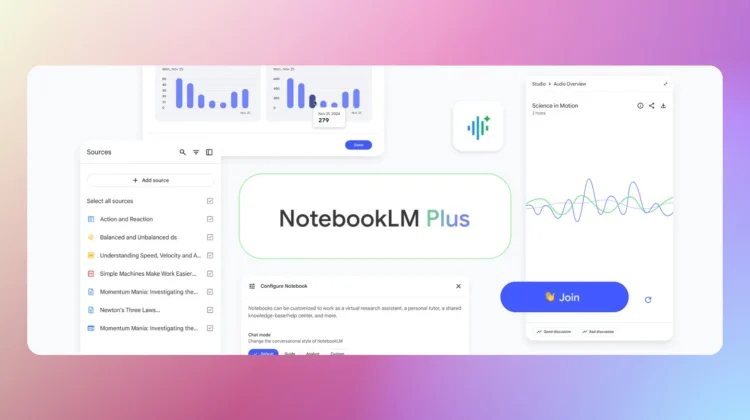
NotebookLM has become a favorite for those of us who need to synthesize massive amounts of information like PDFs, complex Google Docs, and research papers into something manageable. Its strength is “source grounding,” meaning it only answers based on the documents you provide.
By bringing those notebooks into the main Gemini app, you get the best of both worlds: the strict accuracy and citations of NotebookLM combined with the advanced creative power of Gemini 3.

What can you do with this integration?
Once you add a notebook as a source (via the “+” button in the Gemini prompt box), the possibilities for your workflow expand significantly:
- Custom Content Creation: You can ask Gemini to write a blog post, a project proposal, or a lesson plan based strictly on the findings in your research notebook.
- Gemini Canvas Integration: You can pull data from a notebook and have Gemini Canvas transform it into a functional app prototype, an interactive infographic, or a coding project.
- Deep Research & Guided Learning: You can use the Deep Research tool to hunt for new information on the web that specifically fills the gaps identified in your NotebookLM sources, or use Guided Learning to have Gemini quiz you on your own notes to prep for an exam.
- Notebooks in Gems: You can now attach a notebook to a custom Gem. This allows you to create a “permanent” AI expert on a specific project that stays updated whenever you add new sources to your notebook.
A note for Admins
For school and business admins, it is important to note that this feature is controlled by the NotebookLM service setting in the Admin Console, not the Gemini app setting. If NotebookLM is turned off for your organization, your users won’t see this option in Gemini.
Additionally, because usage is subject to NotebookLM’s specific compliance certifications (which can differ from the standard Gemini app), Google is encouraging admins to review the Generative AI Privacy Hub to ensure it meets their organization’s data protection standards.
The rollout for Workspace domains began on January 20th and should be fully visible to all users within the next week or so.
SUBSCRIBE TO UPSTREAM
Get Chrome Unboxed delivered straight to your inbox
Upstream is our flagship, curated newsletter with the top stories, most click-worthy deals, giveaways, and trending articles from Chrome Unboxed sent directly to your inbox a few times a week. Join 31,000+ subscribers.

