


Support our independent tech coverage. Chrome Unboxed is written by real people, for real people—not search algorithms. Join Chrome Unboxed Plus for just $2 a month to get an ad-free experience, access to our private Discord, and more. Learn more about membership here.
START FREE TRIAL (MONTHLY)START FREE TRIAL (ANNUAL)
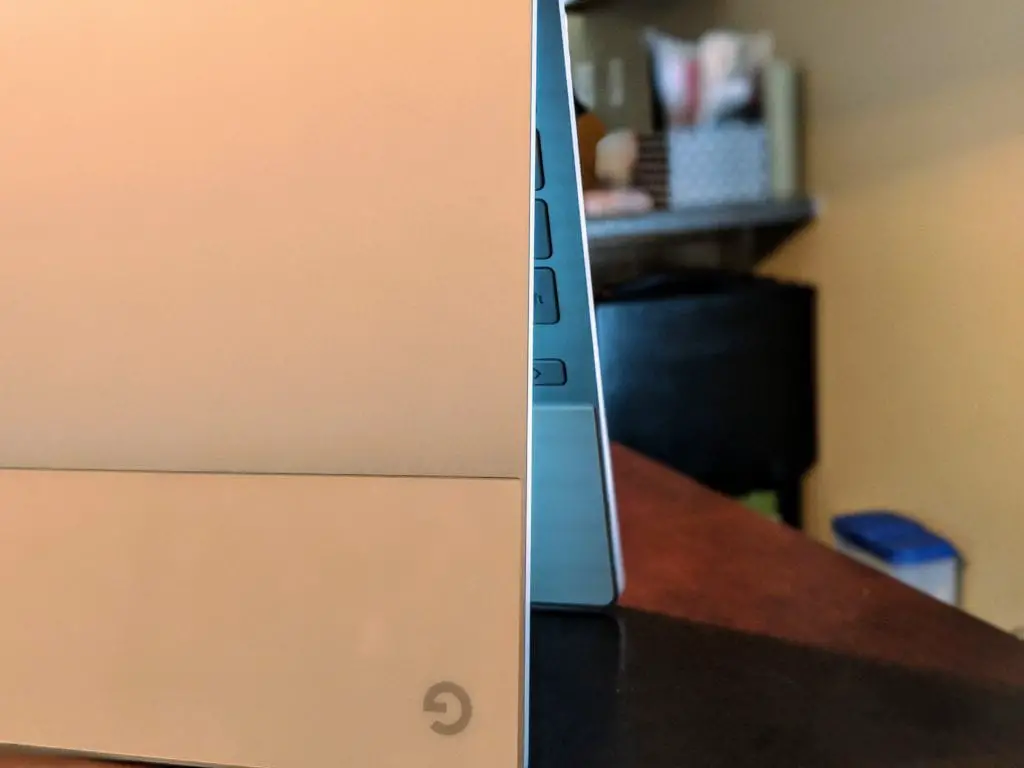 We’re learning little tidbits here and there about the upcoming device known only as ‘Nocturne’ at this point. From processor to screen to form factor to fingerprint scanners, we’re slowly beginning to piece together what we may see in October from Google in the Pixelbook family of devices.
There’s still plenty we don’t know, but the clock is ticking to October 4th and we’re quite sure we’ll see ‘Nocturne’ when we get there just a little over 6 weeks from now.
Today’s news shocked me a bit as I didn’t expect this sort of development so soon for a Chromebook. You see, we just started seeing the whole camera situation getting a fix in the way of the official Google Camera on Chromebooks about a two weeks ago, and that isn’t even in the Stable channel at this point.
I’m excited as anyone that this is coming to fruition, but the current devices that have the Google Camera app enabled either don’t work or have the most basic version of the software at this point. We’re talking point, shoot and video. No extras, no bells, no whistles.
That Changes with ‘Nocturne’
According to this commit from the Chromium Repositories, ‘Nocturne’ will be getting not only the Google Camera App, but they are currently working on the portrait mode implementation already.
From the commit, we can glean a bit about the camera module:
hal_adapter: add portrait mode reprocessing effect
Portrait mode allows anyone to take professional-looking shallow
depth-of-field images. It registers itself to the reprocessing effect
manager so that the portrait processor can apply segmentation effect
by YUV reprocessing.
Down in comments, you can see where this is being worked on for ‘Nocturne’ only at this point:
For now, portrait mode will be enabled only on Nocturne since GCA [Google Camera App] enables it only when there are both vendor tag and YUV reprocessing capability in this camera. We enabled YUV reprocessing capability only on Nocturne. I also changed PortraitModeEffect to check for the existence of portrait_processor_shm binary before allocating vendor tags.
So, there needs to be a specific vendor tag and a camera with YUV enabled for this to work.
Let’s Break That All Down Real Quick
First, they don’t specify the vendor tag, but it stands to reason that with all the evidence we linked at the top of the article concerning ‘Nocturne’s maker, we can assume that this feature will be available on #madebyGoogle Chromebooks for now. Since ‘Nocturne’ is the only one with a decent rear shooter, ‘Nocturne’ is the only one getting the treatment for now.
That could change, but it would be a neat trick on stage in October to show the new Pixelbook family member snapping stellar shots just like it’s Pixel 2/3 brethren.
Second, YUV is a photo processing term that only applies to certain camera modules. According to the commit, both the right vendor and YUV are needed for portrait mode. You can read more about YUV if you’d like more info, but it’s basically the process the software uses the camera module uses to interpret color info. It’s a bit over my head and not really necessary to fully understand.
It’s enough at this point to understand that the software and camera sensor in ‘Nocturne’ will be different than any Chromebook before it, and that much is exciting. On paper the cameras look quite good, but as we’ve seen with Google’s Pixel phones, software makes a massive difference in photo and video capture.
With the Google Camera App, Google has created that software and continues developing it in ways that push smartphone photography to new heights each and every year. The IMX355 in ‘Nocturne’ is not in any phones currently, but is presumed by XDA to be the successor to the OnePlus 5 camera. That camera was decent, but an updated version of that sensor with Google’s software behind it could produce some fantastic footage.
As always, we’ll keep digging for more as we approach the final reveal of ‘Nocturne’.

