

Support our independent tech coverage. Chrome Unboxed is written by real people, for real people—not search algorithms. Join Chrome Unboxed Plus for just $2 a month to get an ad-free experience, access to our private Discord, and more. Learn more about membership here.
START FREE TRIAL (MONTHLY)START FREE TRIAL (ANNUAL)
 Let me say this up front: using Google’s image search to steal images and use them as your own is at best dubious and at worst theft. That being said, there are plenty of legitimate uses for the now-defunct View Image button that used to accompany images when searched on Google Image Search.
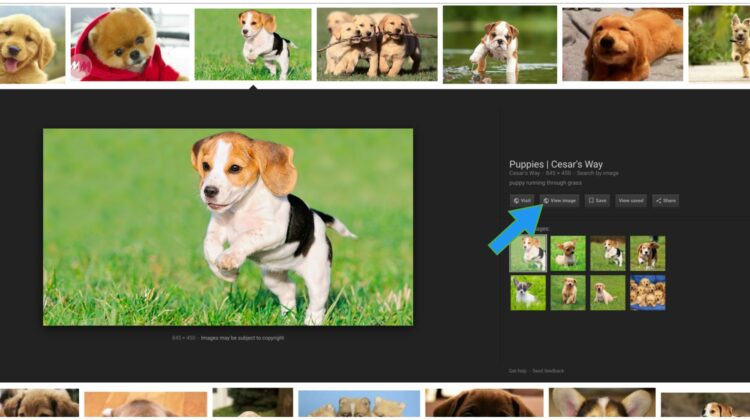
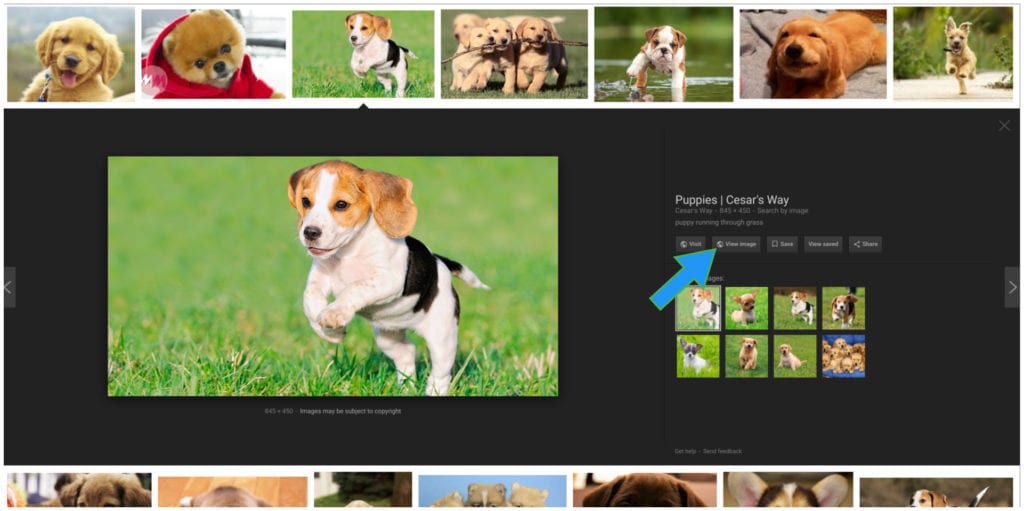
I’m not going to unpack those things, but harmless uses in social media, internal projects or image placeholders (until properly obtained photography can be used) are not really things that need to be prosecuted. And, as it turns out, there were A LOT of folks that used this feature and are quite upset that it is gone. If you are unsure what I’m talking about, take a look at the photo at the top.
That button would load up the searched image in a new tab without forcing the user to the website where it resides. With a quick right-click, that image could be downloaded to a hard drive and shared wherever and whenever.
From a certain perspective, I can appreciate Google’s choice to remove the button. I can. Though many people didn’t use the feature for malicious purposes, there were plenty who did. Whether it was pressure from an entity like Getty Images (rumored) or not, there’s still legitimacy in making moves to detract users from such easy routes to image piracy. Will this stop it entirely? No way, but it will help.
There Are Other Ways
Before we unveil the fix for this inconvenience, let me give you a scenario where image search is useful and fair. I have a client who is not tech-savvy. They needed a Realtor/MLS logo for the footer of their website and didn’t have the image. Sure, they could reach out to a larger entity, request the image, wait for a reply, get the image, get it to me and then let me implement it in the footer.
We just launched a new site for them, however, and having left out this detail during the building phase, he was fearful that he could get fined for not including the logo. What were we to do, then? With a quick search, I found the official logo with Google Image Search, downloaded it, and got it placed on his site within minutes.
There are good uses for this feature. That’s all I’m saying.
So, for those of you who need this feature to return, there is very good news. A quick extension install will put everything back the way it was. You can click here and head to the Web Store to install View Image and, as expected, the View Image button will return in your searches.
Now, that you have your button back, please use it responsibly. Please.
Source: TNW

