


Support our independent tech coverage. Chrome Unboxed is written by real people, for real people—not search algorithms. Join Chrome Unboxed Plus for just $2 a month to get an ad-free experience, access to our private Discord, and more. Learn more about membership here.
START FREE TRIAL (MONTHLY)START FREE TRIAL (ANNUAL)
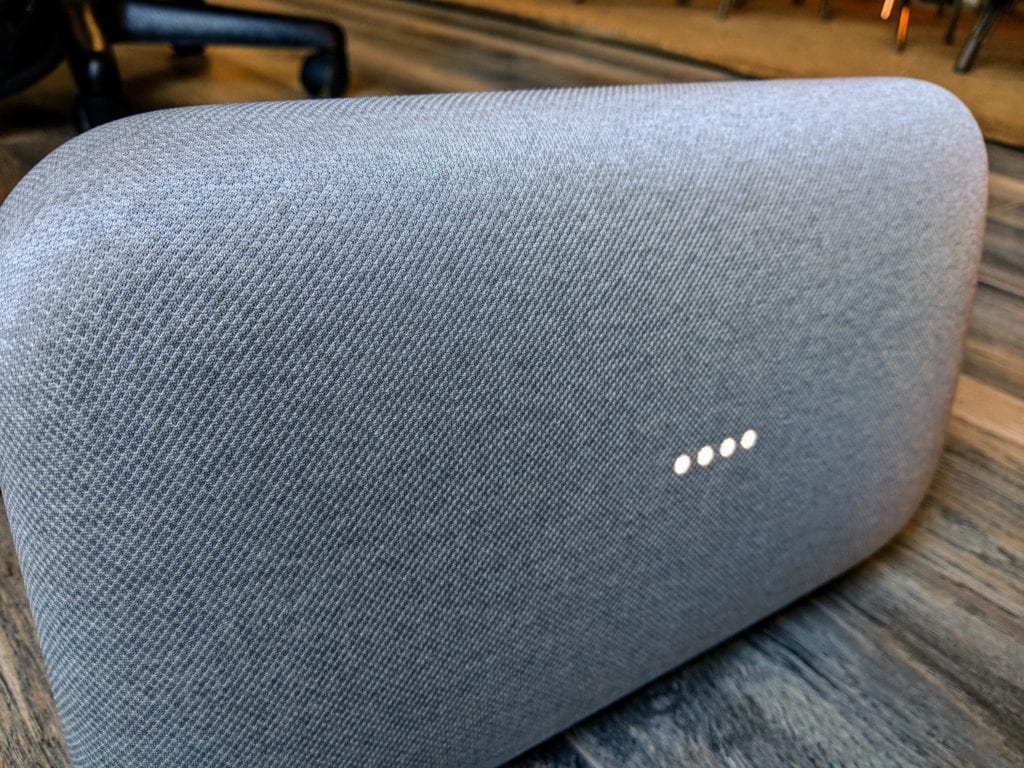 Google Routines are officially live. Google even has a support page up for them already. Enabling and using them is a relatively easy task, but you need to know where to look and also be aware that, even if you have the latest version of the Google Home App, you may not see them in your settings just yet. And, most aren’t seeing all the options just yet, either.
I excitedly rolled into the office today with every intention to set up my fresh, new morning routine. I have connected speakers and lights set up there, and I’d love to be able to fire everything up with a single command.
Unfortunately, for me, when I opened up my Google Home app, I couldn’t find Routines anywhere. I did some searching and still wasn’t sure whether or not I simply didn’t yet have access or if I couldn’t manage to find the feature. It was a bit frustrating.
Once I finally found the support page, I was still a bit lost. It says we should see it as soon as you hit the hamburger menu on the left. When Gabriel made it in, I had him check on his phone and he found the option in the menu under More settings. I’m still not fully sure if that’s where it will live, but that’s where we found it.
After checking again, I confirmed I don’t yet have this option. Hopping in a chat with a Googler on the official support page confirmed that this feature will roll out on an account basis over the next few days.
So, if you aren’t yet seeing it, be patient. It will soon show up under Menu > More Settings > Routines.
What You Can Do
Now that we’ve covered how to get started, let’s talk briefly about what you can do with this fun, new feature.
For now, for most users, you will be limited to the first of these prompts: Good morning.
Granted, there are a few other options like Tell me about my day, I’m up, or your own custom command, but the results are the same regardless of what you choose. You are given the choice to add:
- Take phone off silent
- Adjust lights, plugs and more
- Adjust thermostat
- Tell me about the weather
- Tell me about my commute
- Tell me about today’s calendar
- Tell me today’s reminders
- Adjust media volume
- Play Music
- Play News
- Play Radio
- Play Podcasts
- Play Audiobook
It is pretty easy to see the usefulness, here. Especially if you have all the connected devices to take advantage, this could be a very handy thing both when you first rise and when you head to the office. Every morning, for instance, I turn on a couple connected lights and start up music on the nearest Google Home device. Every. Morning.
To do all this with one command would be pretty cool, so I imagine users with more connected devices at their disposal would find this all even more useful.
As time goes on, expect Routines to work remotely, controlling devices at your destination while you are en route. Eventually, you’ll be able to add quite a few more routines, like:
- Bedtime
- Leaving home
- I’m home
- Commuting to work
- Commuting home
Easy peasy, right? It will be fun to watch this develop over time to add more refined actions, but this is a strong start. As more develops, we’ll definitely be keeping an eye out.

