


Support our independent tech coverage. Chrome Unboxed is written by real people, for real people—not search algorithms. Join Chrome Unboxed Plus for just $2 a month to get an ad-free experience, access to our private Discord, and more. Learn more about membership here.
START FREE TRIAL (MONTHLY)START FREE TRIAL (ANNUAL)
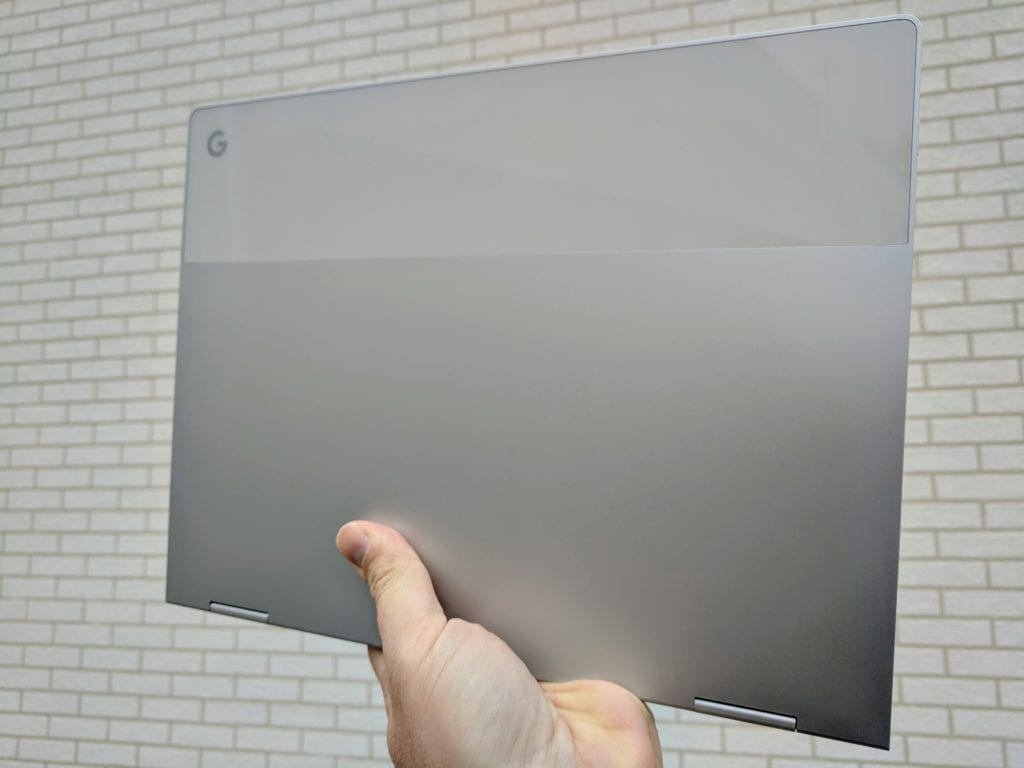 One of the first articles we published this year was in response to Google’s semi-secretive OS – Fuchsia – running on a Pixelbook. Well, to be more clear, it wasn’t exactly running on a Pixelbook as much as there were instructions from Google on how to get it running on a Pixelbook.
We can go back and forth about what Fuchsia is, what it will be, and where it will find its place among Google’s growing hardware lineup, but that stuff can happen later. Or elsewhere. Or whatever.
What we need to look at today is the actual “OS” running on a Pixelbook!
In the video, Ron Amadeo from Ars Technica walks through all the stuff that is currently working on Fuchsia OS, at least on the Pixelbook. If you want a much, much deeper dive into the nuts and bolts of getting this up and running or what it took for him to make this happen, head over there now.
Sure, ton’s of stuff is totally broken, but there is a surprising amount of functionality already in place when you consider how early we are in the development of this OS.
Some Assumptions
There’s been a ton of speculation about what Fuchsia will do when it truly becomes working software. No one really knows, and that is OK. From connected devices to phones to tablets, there have been wild assumptions about where Fuchsia will serve.
As always, there are plenty of people who think Google will kill Chrome OS and Android in favor of Fuchsia.
Who knows? I wonder if Google is even certain at this point.
What I can tell, however, is Fuchsia looks poised to be consumer-focused for sure. There are hints of Chrome and hints of Android peppered throughout, but Fuchsia is definitely its own thing and meant for all sorts of screen sizes.
I highly doubt they would be spending time developing all this UI just for connected home use. Sure, IOT is one place Fuchsia could work, but I don’t think they are aiming that small exclusively.
Again, there’s just no way to know at this point. What remains clear is the OS looks to be aimed at consumer devices of all sizes. If they are able to make it easily run Android apps (kinda like what is happening with Android and Chrome OS, but even more streamlined) while retaining the full desktop abilities of Chrome OS, perhaps the idea of Fuchsia being the one OS to rule them all is valid. We know this isn’t a pet project, but we don’t really know much else at this point.
All we know is development is moving along nicely, so maybe we’ll see something quietly displayed at I/O this year.

