

Support our independent tech coverage. Chrome Unboxed is written by real people, for real people—not search algorithms. Join Chrome Unboxed Plus for just $2 a month to get an ad-free experience, access to our private Discord, and more. Learn more about membership here.
START FREE TRIAL (MONTHLY)START FREE TRIAL (ANNUAL)
 Yesterday, Robby shared some great insight into a new video released by Google on the Chromebook YouTube Channel. The growing support of Chromebooks from the developer community is a very positive sign that Chrome OS is being treated as a legitimate operating system in a market dominated by Windows and MacOS.
The other major highlight of the video sticks out to me just as much (if not more) than the big name apps that have embraced Chrome OS. In case you missed it, have a quick watch before we delve into it more.
https://youtu.be/2xryaZF1Z4w
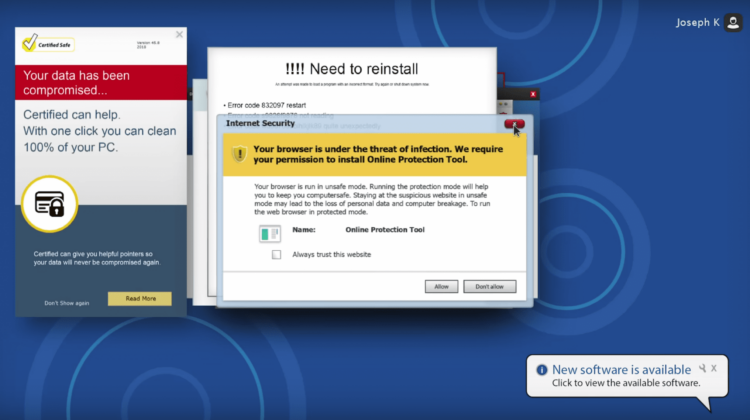
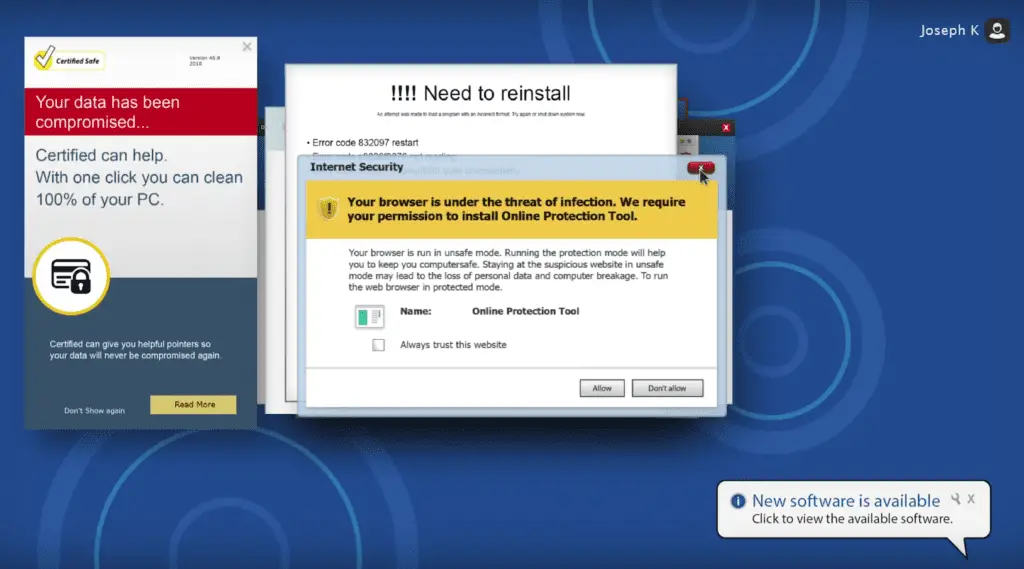
If you are or ever have been a user of “the other guy’s” OSes, this video probably brought about a cringe as you relived the frustrating horrors that can accompany exhaustingly long updates, error messages, popups or the infamous “blue screen of death.”
Now, we can save the debates over which operating system is best for the comment section but I wanted to take a second to express what a lot of Chromebook users are likely thinking.
The good outweighs the bad
Yes, there are still some things you cannot do with a Chromebook but that list is dwindling thanks to Android apps, Linux support, Progressive Web Apps and developers willing to write for the platform and this video spotlights some of Chrome OS’s greatest strengths which happen to be some of the most infuriating weaknesses of the other operating systems.
Chrome OS is still very much a juvenile operating system in relation to its competitors and has had to overcome some major hurdles and stigmas to emerge as a viable platform for a wide range of users. Because of that, Chromebooks have been the brunt of many a joke and often looked upon as an older sibling would look at a little brother who’s always tagging along for the ride.
“Glorified browser”, “useless without the internet”, “a kid’s computer” or “only good for the classroom”, we’ve heard them all but when you take a look at all the things a Chromebook can do and you remove the headaches that often comes with the status quo of computing, Chrome OS takes on a new light.
Like with a lot of tech, PC and Mac users have come to accept the shortcomings of their respective operating systems and since they have much longer track records than Chromebooks, consumers (myself included) have become numb to experiences found in the video above. We come to accept the negative as part of the experience in order to remain a part of the familiar ecosystem we have grown comfortable in.
Don’t get me wrong, there’s nothing wrong with being comfortable sometimes. The problem is that often we miss out on something better because we’re “okay” with the familiar.
Just this week, we saw a long-time Mac user make the switch to a Pixelbook in a company that is very much Apple-centric. Yes, there will be some growing pains as she learns to use Google alternatives and gets to know her new operating system but she will also be freed from the weekly battles with her aging MacBook that were becoming a hindrance to her work.
Thankfully, the Chrome Unboxed office happens to be in the same space as the company she works for so she will always have a helping hand when a question arises. For many, making the leap to Chrome OS could be a little more daunting but that’s where we want to help.
If you have been considering a new Chromebook or would at least like to give Chrome OS a try, we want to hear from you. What are your objections, concerns and doubts? When you think about ditching your PC or Mac, what are the first things that pop in your head as a point of anxiety?
We want to help make that transition as smooth as possible in the hopes you will find yourself a part of the Chrome OS community and perhaps become as excited about Chromebooks as we are.
So, if you have questions, we’ve got answers. (Can I say that? Radio Shack is dead, right?) Shoot us an email. Heck, email me directly and Robby, Joe and I will do our best to point you in the right direction.

