


Support our independent tech coverage. Chrome Unboxed is written by real people, for real people—not search algorithms. Join Chrome Unboxed Plus for just $2 a month to get an ad-free experience, access to our private Discord, and more. Learn more about membership here.
START FREE TRIAL (MONTHLY)START FREE TRIAL (ANNUAL)
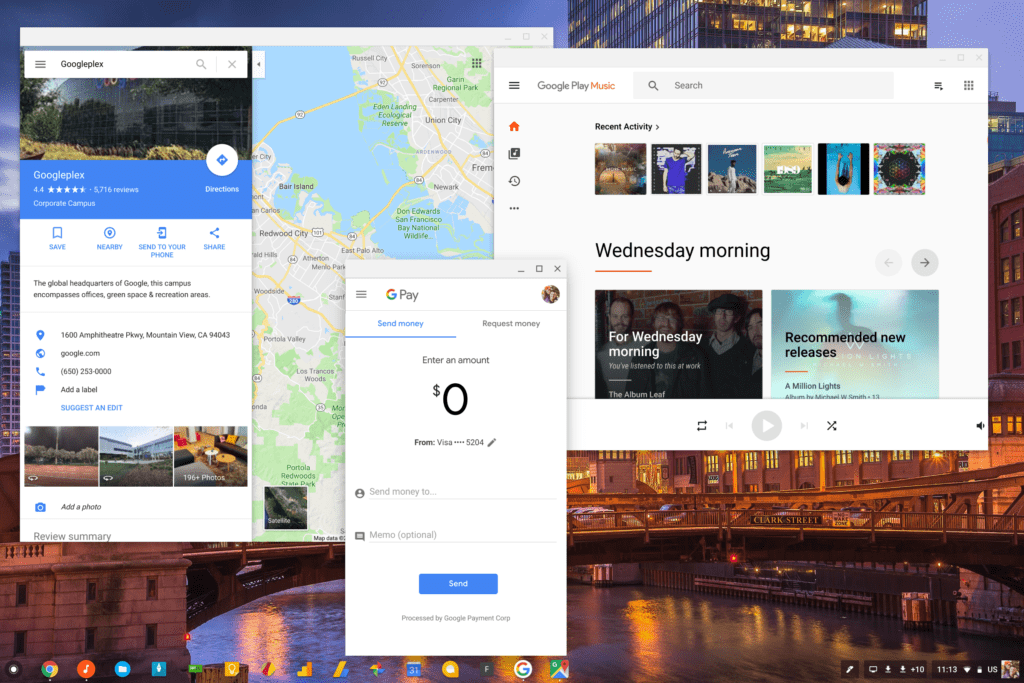 In the past few months, the name of the game in the Chrome OS universe is new features. In the absence of new flagship hardware for the Chrome OS ecosystem (we’ve seen quite a few new education-focused Chromebooks, but no real flagship devices announced since the Pixelbook back in early October.
We’re seeing new software features appearing almost daily right now, so it is nice to see our existing fleet of Chromebooks simply getting better and better by the day at this point.
What’s New Today
For users who utilize extended displays, a big and important feature is in the works right now. According to François Beaufort over on Google+, the development of preserving window positions across displays after disconnecting and reconnecting to external displays is in the works.
According to François, this works with a simple flag: chrome://flags/#ash-enable-persistent-window-bounds Though he didn’t specify what channel we should be expecting this in, we’re not seeing this in the Stabel Channel.
With the Samsung Chromebook Pro in Dev Channel, I was able to find the flag listed above. Upon enabling it and restarting, though, I didn’t have any luck actually getting the feature to work. For testing, I hooked into my QHD ASUS monitor and dropped a few windows on that display and a few on my internal display. Disconnecting brought everything to the laptop screen, but a reconnect did not put things back in place.
As is generally the case with these types of things, your mileage may vary. If it is this close in the development cycle, we should see the feature roll down to Stable pretty soon.
For me, this is one I’m especially excited for. I operate with an extended display almost every day and there are times I hate the thought of disconnecting from my display simply because I don’t want to ruin the zen-like setup I’ve created with my window layout.
Once this is a standard feature, I won’t have to worry any longer.

