

Support our independent tech coverage. Chrome Unboxed is written by real people, for real people—not search algorithms. Join Chrome Unboxed Plus for just $2 a month to get an ad-free experience, access to our private Discord, and more. Learn more about membership here.
START FREE TRIAL (MONTHLY)START FREE TRIAL (ANNUAL)
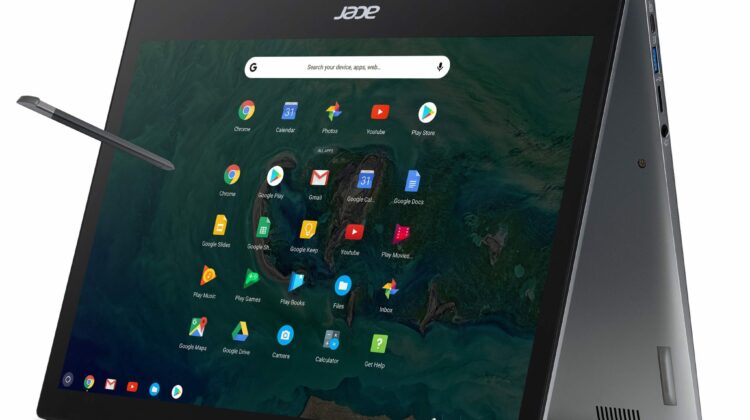
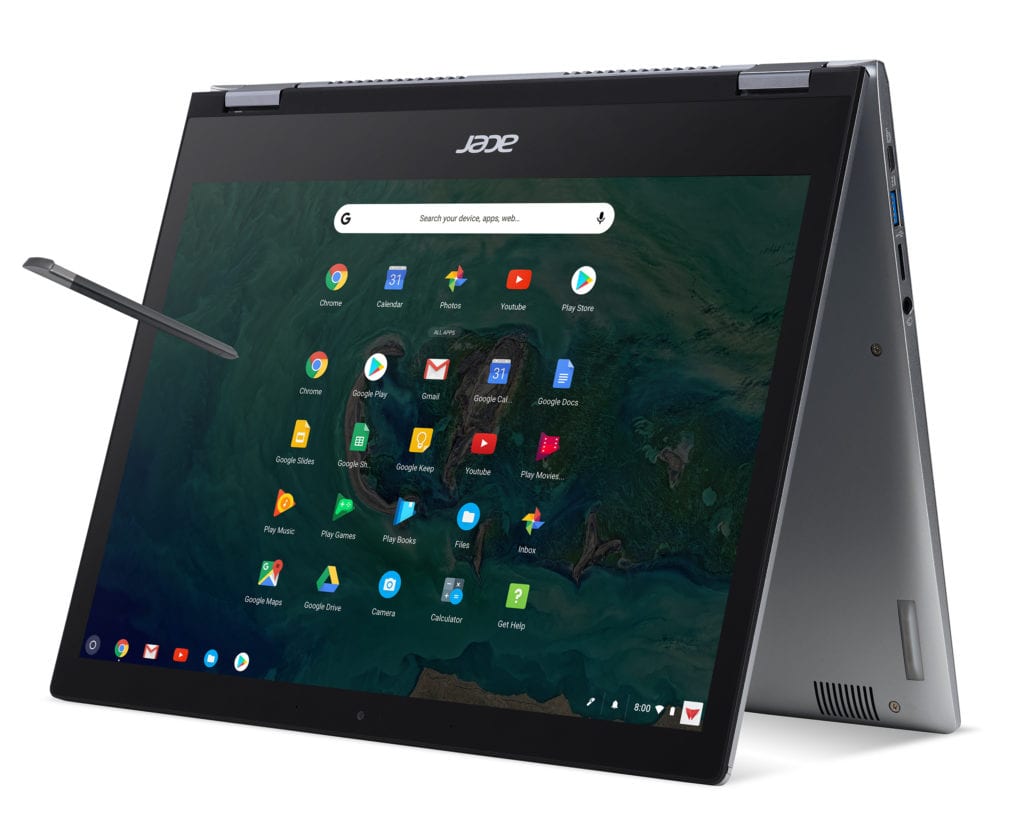 When the Acer Chromebook 13 and 13 Spin were unveiled in New York, we were given a tentative release date of September and it looks like the Chromebook giant is going to be spot on for that launch window.
Announced this morning, Acer’s latest flagship offerings will first be made available through enterprise channels as the 8th gen Intel Chromebooks are being heavily marketed to the business sector. I don’t suspect the retail models to be far behind but we’ll get to that in a minute.
Now, let’s focus on the matter at hand. Pricing and specifications because that’s why we’re all here, right?
Acer Chromebook 13 Spin
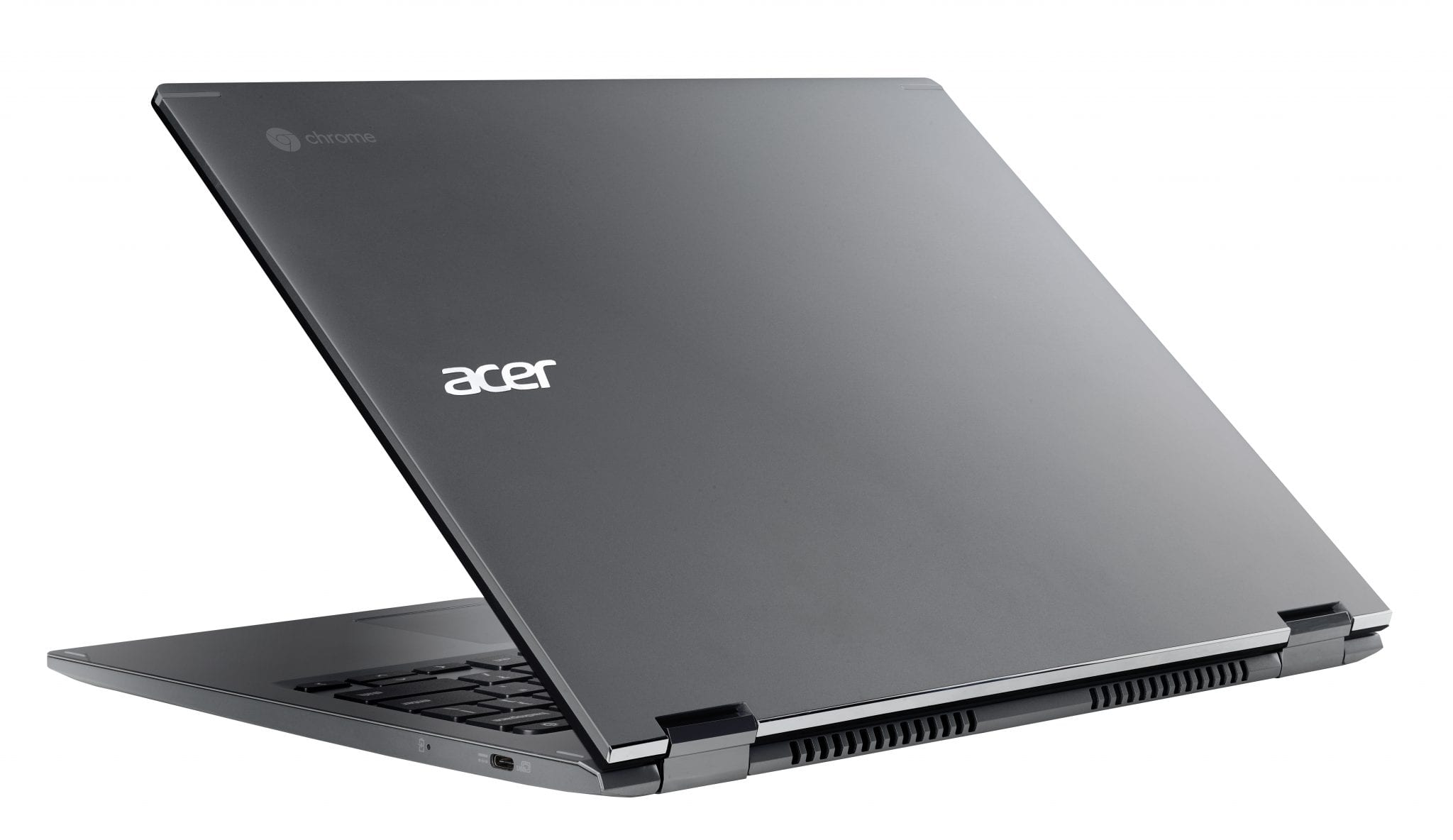
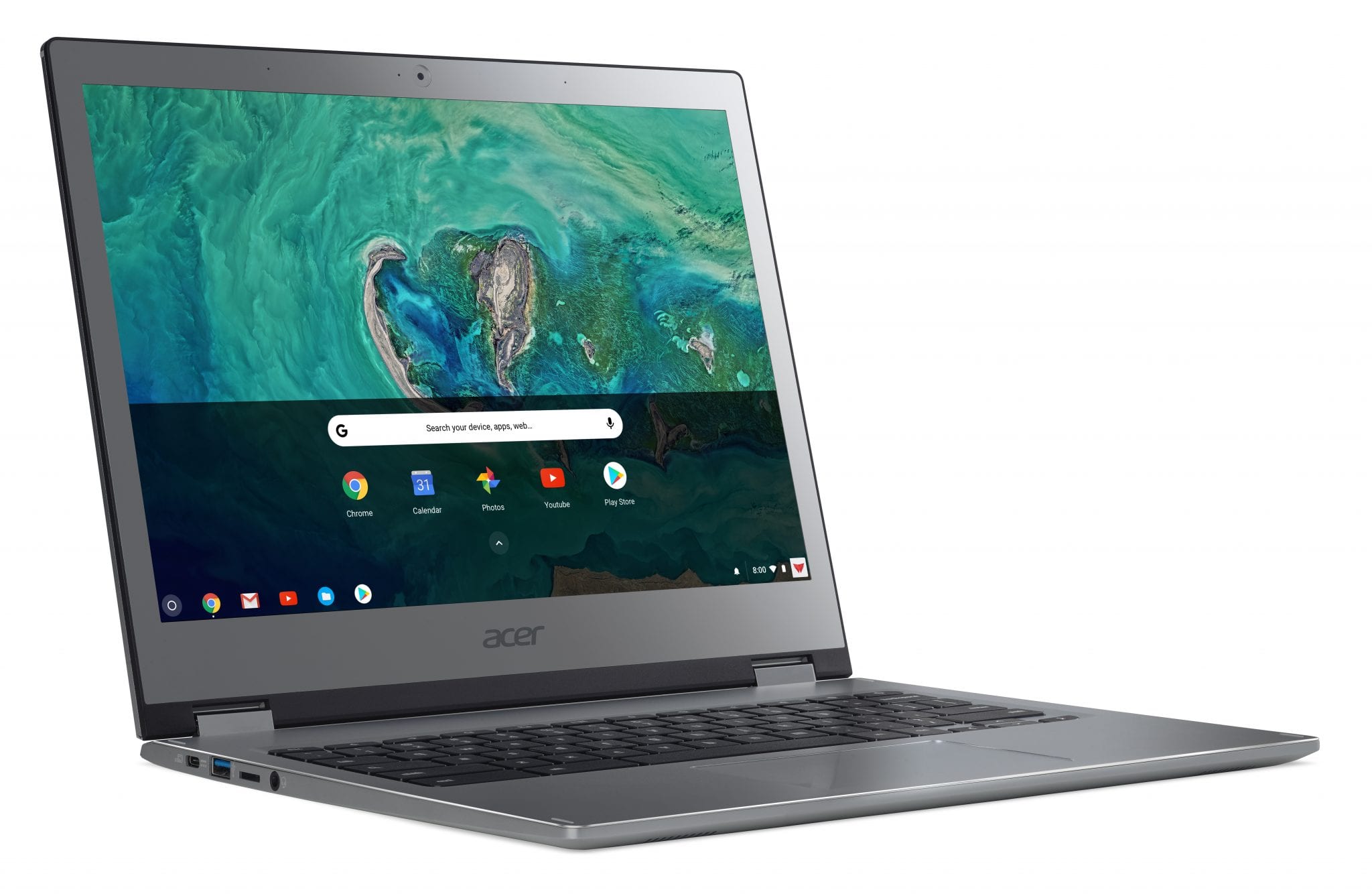
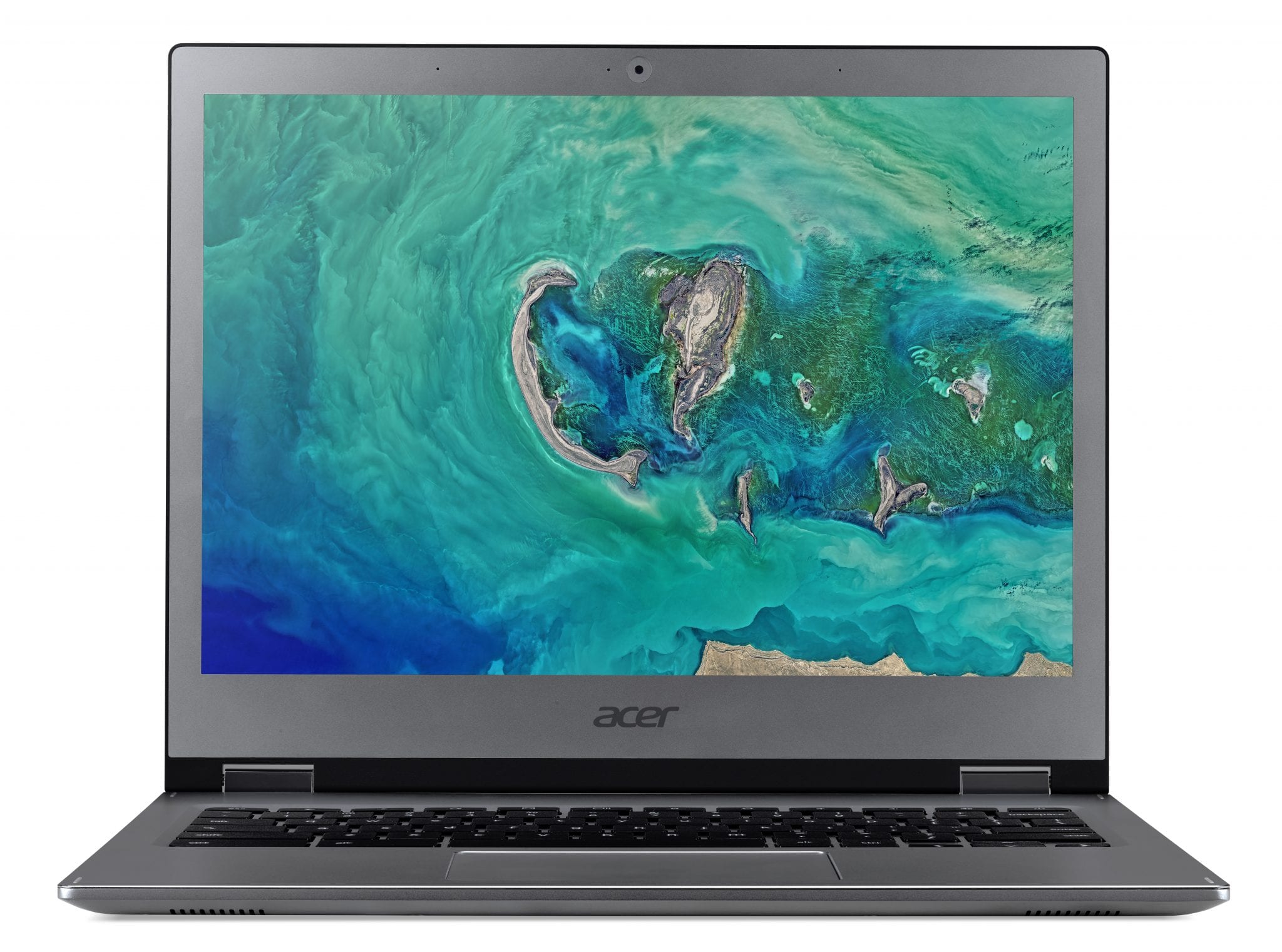
The 4-in-1, stylus-toting, 13.5″ Acer will come with three initial configurations. This is no surprise based on what we saw at the next@Acer event but what is a pleasant surprise is the pricing.
- 8th Generation Core i3-8130U processor, 8GB LPDDR3 memory and 64GB eMMC storage for $749.99 USD and $1,029.99 CAD.
- 8th Generation Intel Core i5-8250U processor, 8GB LPDDR3 memory and 64GB eMMC storage for $849.99 USD and $1,149.99 CAD.
- 8th Generation Intel Core i5-8250U processor, 16GB LPDDR3 memory and 128GB eMMC storage for $949.99 USD and $1,299.99 CAD.
A starting price of $750 may create sticker shock for some but let’s look at what you’re getting for your money. The 8th gen Core i3 processor brings some serious horsepower to the table. Benchmarks put it somewhere in the range of 30-40% more powerful than the Y-series i5 found in the $1000 base Pixelbook. You also get a stowabale stylus and a display that keeps the popular 3:2 aspect ratio while adding more than an inch of diagonal real estate.
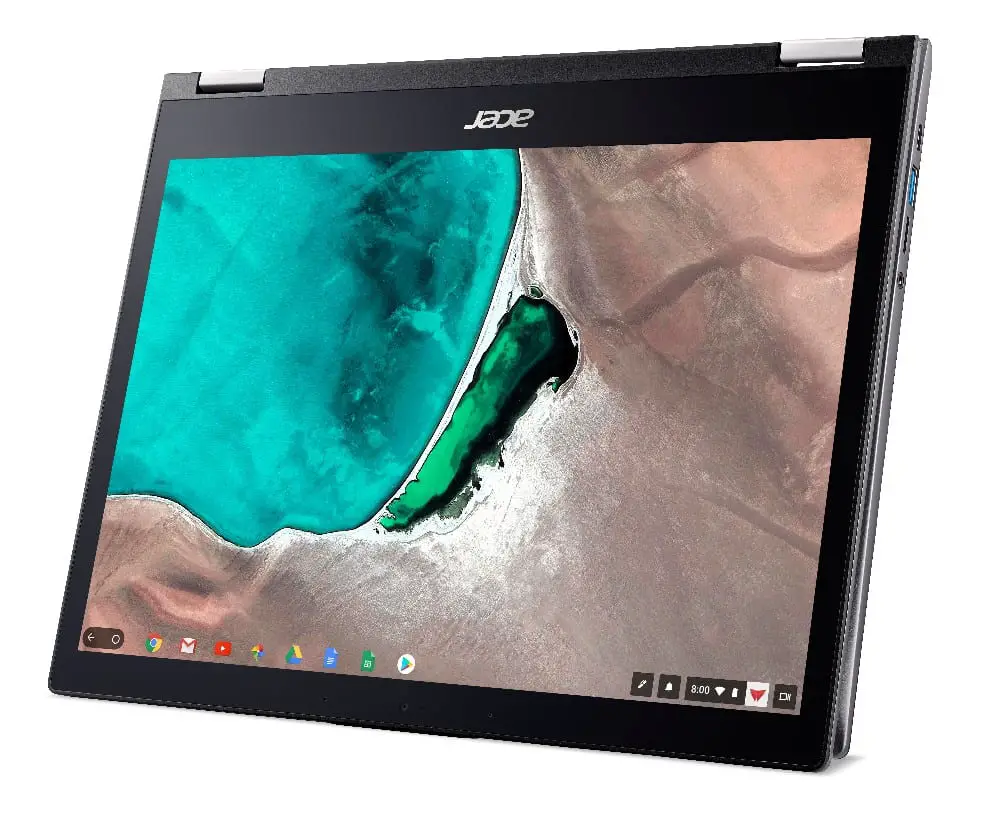
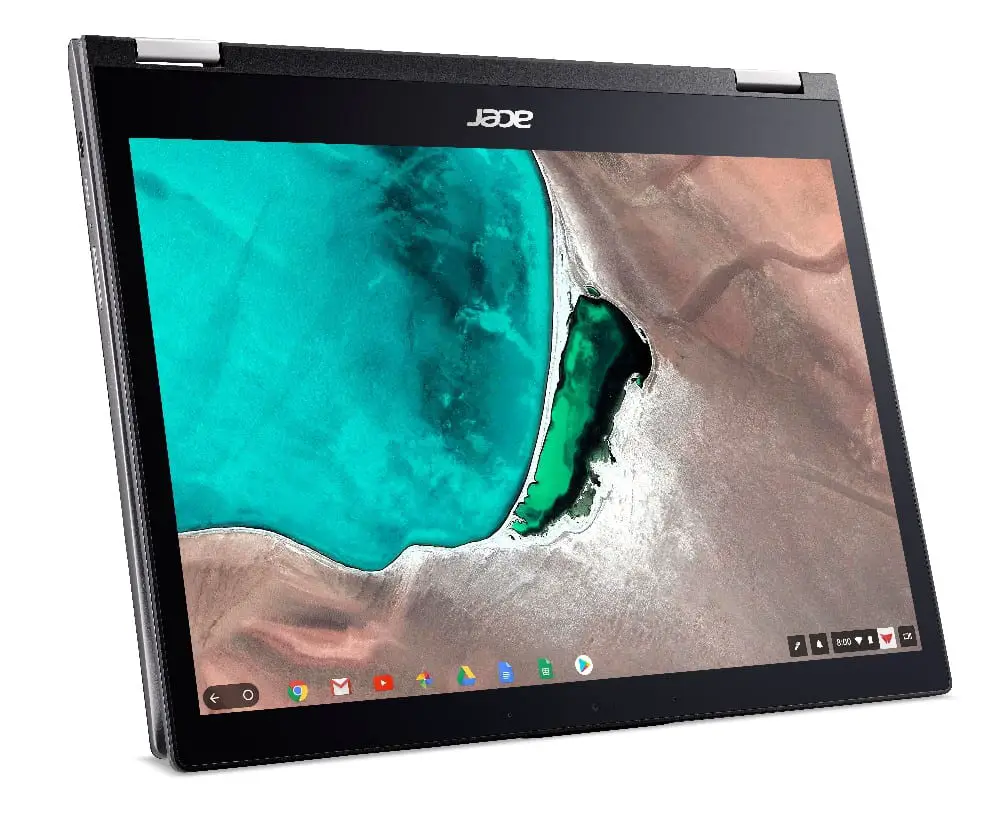
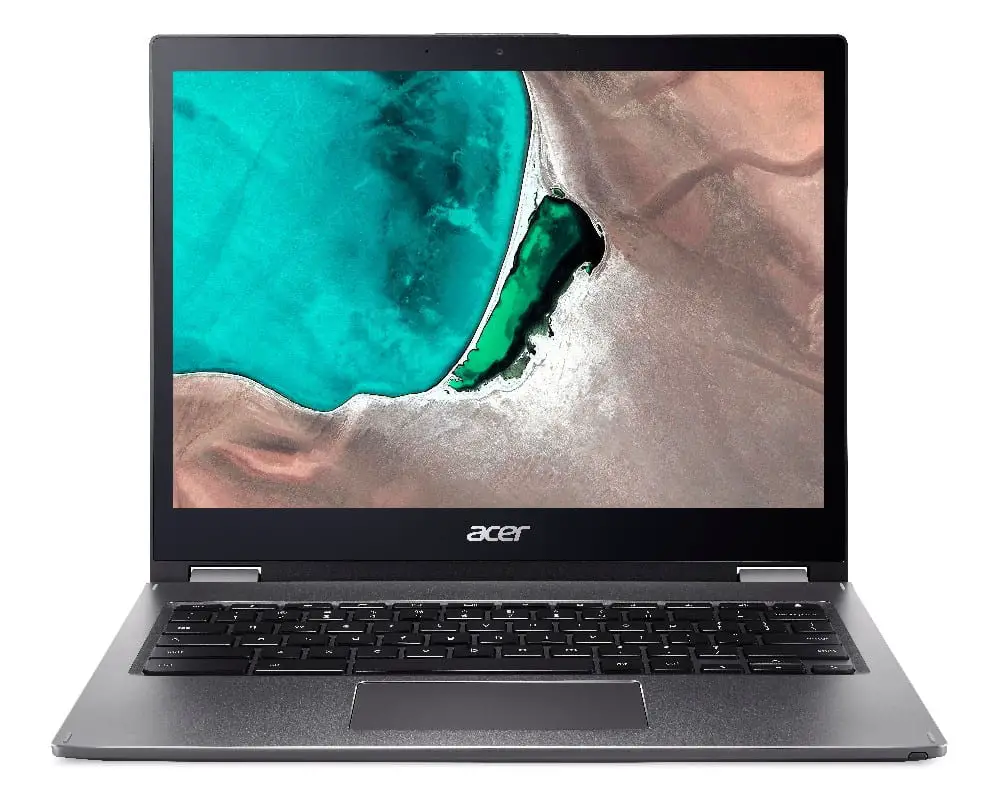
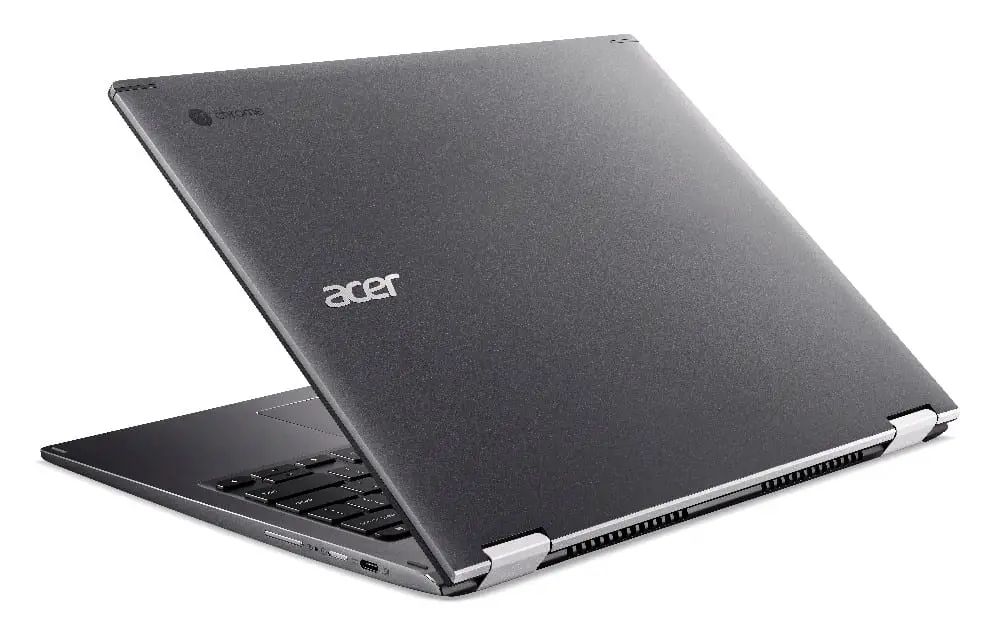

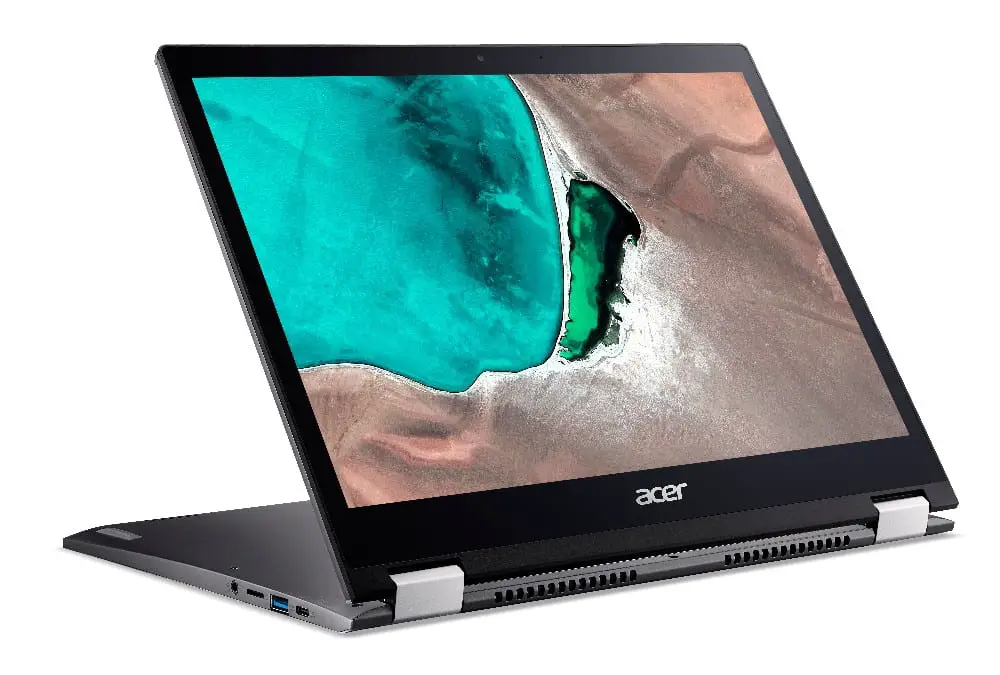
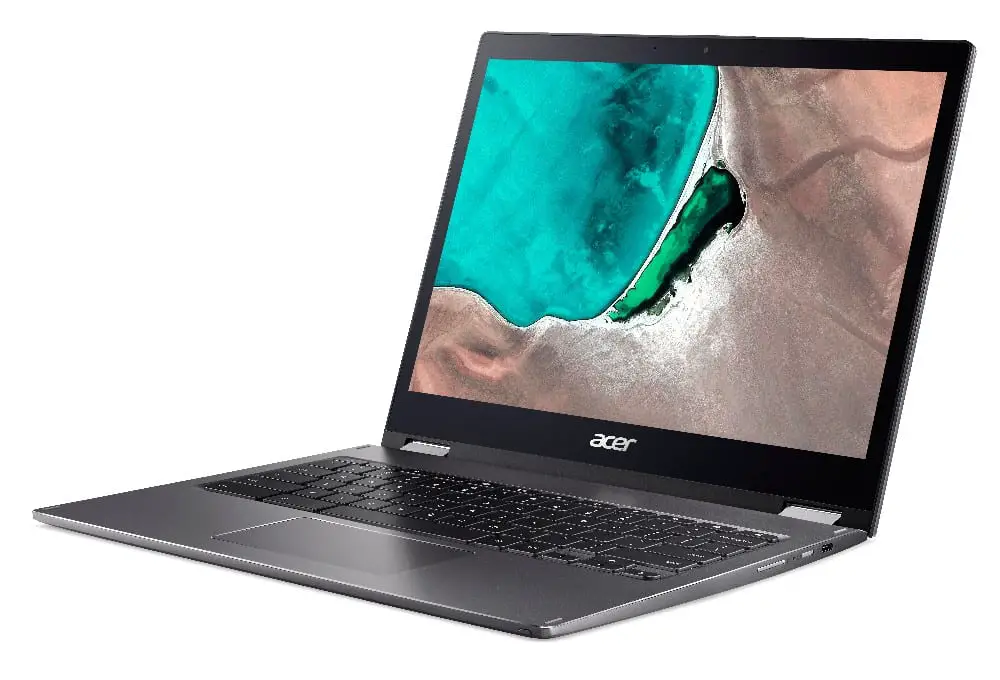
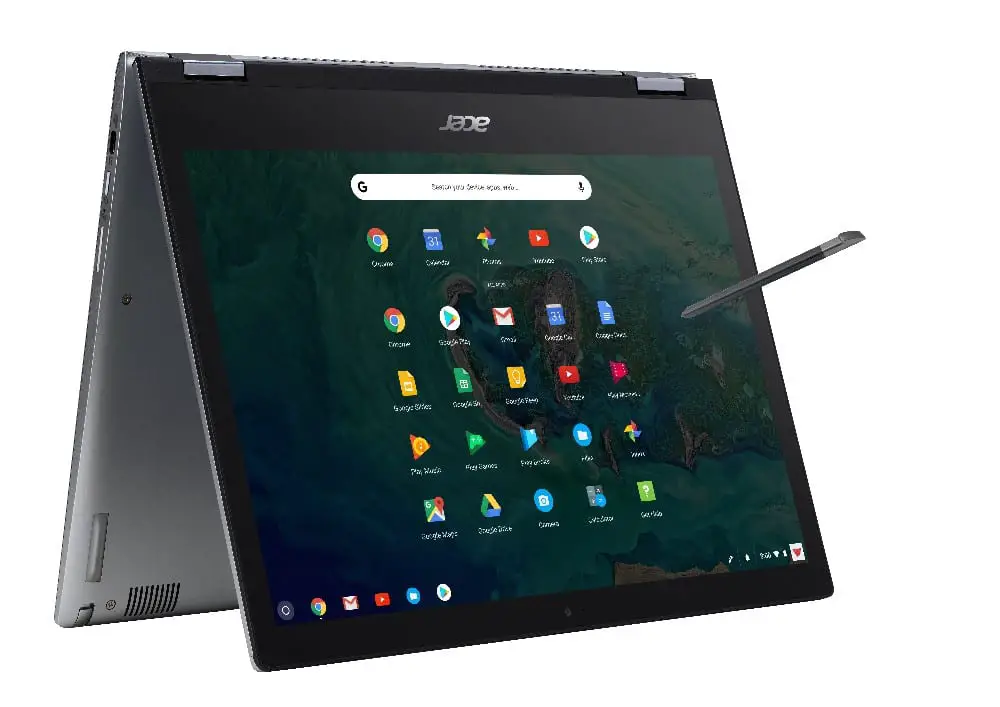

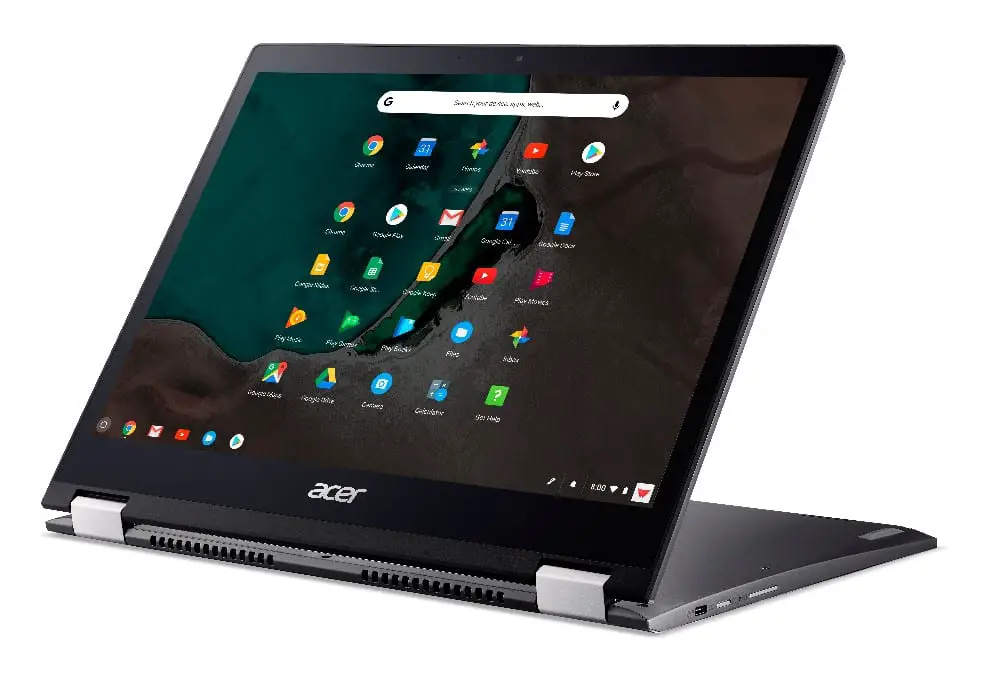

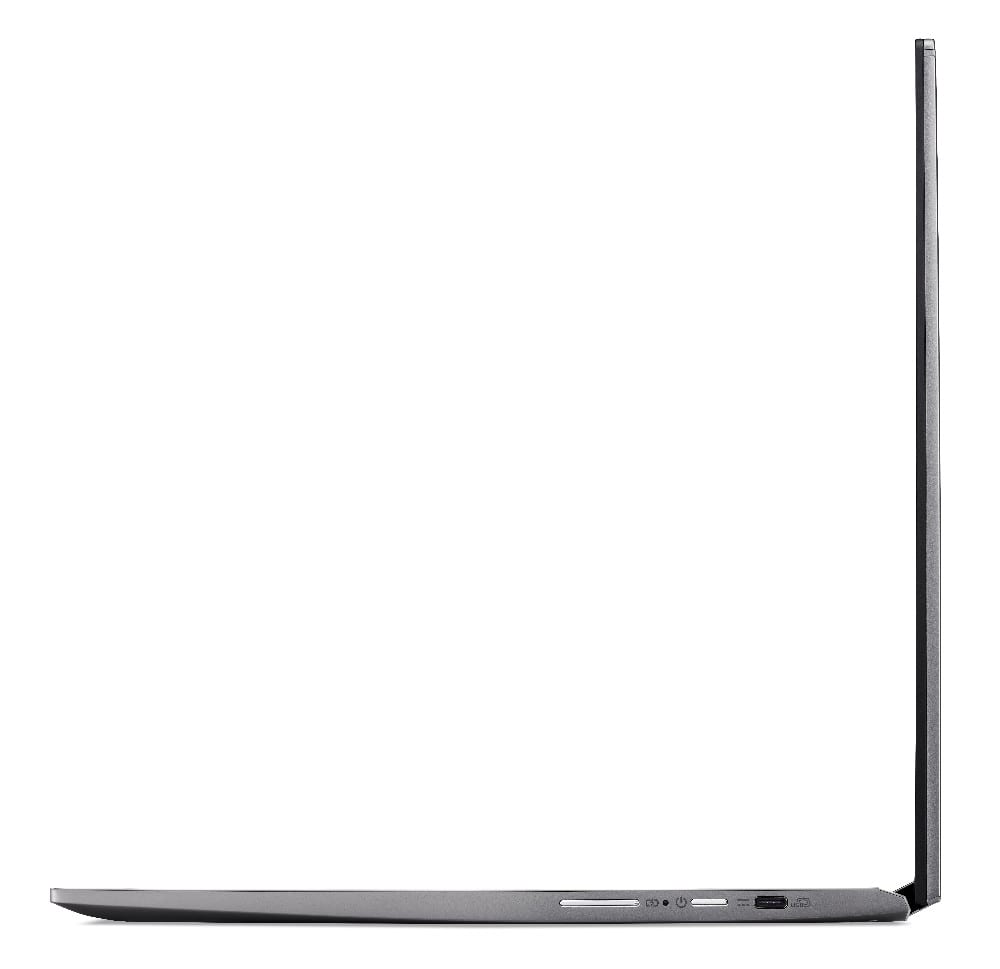
Here’s a rundown of the rest of the specs of the Chromebook Spin 13:
- 13.5″ 3:2 Full HD+ touch display with 2256×1504 resolution (3.3 million pixels)
- Wacom stylus garaged in the deck of the Chromebook
- Corning® Gorilla® Glass touchpad
- Sandblasted matte all-aluminum finish
- 2 x USB-C 3.1
- 1 x USB-A
- MicroSD
- Backlit keyboard
Stepping up, you can stay just under a grand and get a U-series Core i5 with 16GB RAM and the same 128GB of storage as the Pixelbook. I think Acer has nailed it with the Pricing on the Chromebook Spin 13 and we are anxious to get our hands on a review unit so we can put it through the paces.
Acer Chromebook 13
Here’s where I get a little confused about Acer’s pricing structure. The two models on offer in the traditional laptop for are as follows:
- 8th Generation Intel Core i3-8130U processor, 8GB LPDDR3 memory and 32GB eMMC storage for $649.99 USD and $899.99 CAD.
- 8th Generation Intel Core i5-8250U processor, 8GB LPDDR3 memory and 32GB eMMC storage for $749.99 USD and $1029.99 CAD.
For the most part, the specs are very similar to the Spin models but your storage gets cut in half. Oh yeah, you lose the touchscreen, stylus and I’m pretty sure the backlit keyboard. But the price only goes down $100. I know that’s not horrible for a current gen Core i processor and 8GB RAM but for the money, I don’t know how I would recommend this model over the base Spin 13. $100 more gets you way more functionality. Just my opinion.
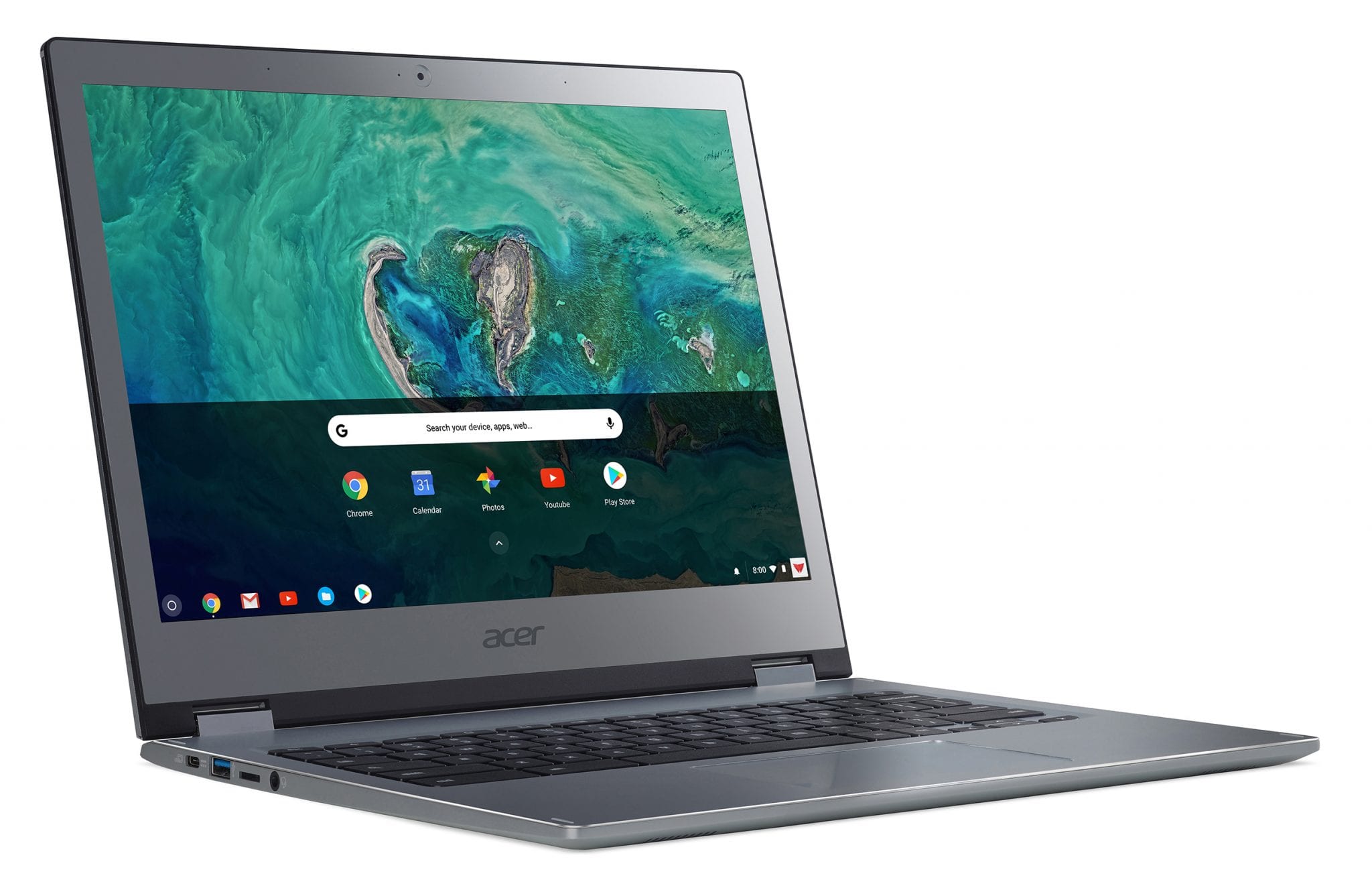


According to Acer, the new Chromebooks will be available through enterprise resellers in early September but no solid date has been given on a retail release. Keep an eye out and we’ll make sure to keep you informed on where you might be able to pick one up. Personally, I’m very excited about the Acer Chromebook Spin 13. It very well may become my next daily driver.
Shop Acer Chromebooks On Amazon
Source: Acer

