


Support our independent tech coverage. Chrome Unboxed is written by real people, for real people—not search algorithms. Join Chrome Unboxed Plus for just $2 a month to get an ad-free experience, access to our private Discord, and more. Learn more about membership here.
START FREE TRIAL (MONTHLY)START FREE TRIAL (ANNUAL)
Last week, Google took the time to highlight five of their existing widgets available on Android and revealed that the amount of Google widgets on that platform would reach a total of 35. In addition, they teased the launch of a new widget to make its way “in the coming weeks,” which will show real-time traffic from your current location.
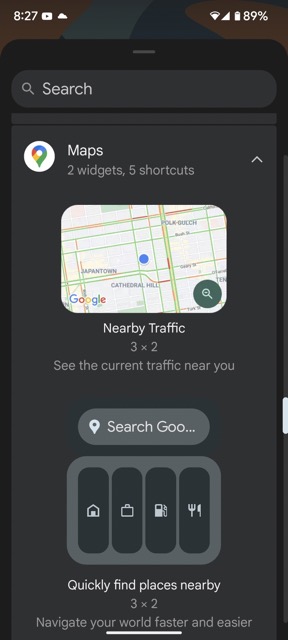
As noted by Esper’s @MishaalRahman, the new “Nearby traffic” widget has already begun to widely roll out and appear for users just a week after its announcement. The widget can be added from the Maps category, and while it originally takes on a 3 x 2 size, it can be resized as needed to take up either ess or more space on your home page.
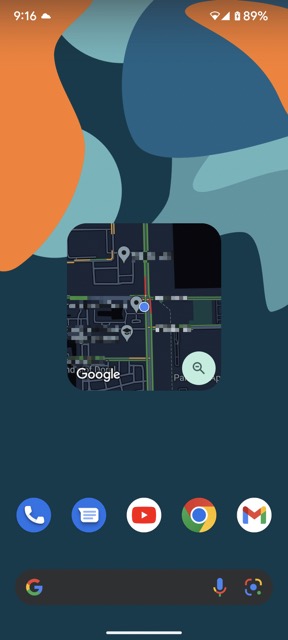
The widget is tappable to an extent. For example, you can tap on the zoom icon in its bottom-right corner, which immediately zooms out to cover more ground, while tapping on the same icon again brings you back to its original view. Tapping anywhere else on the widget will open the Google Maps app for you.
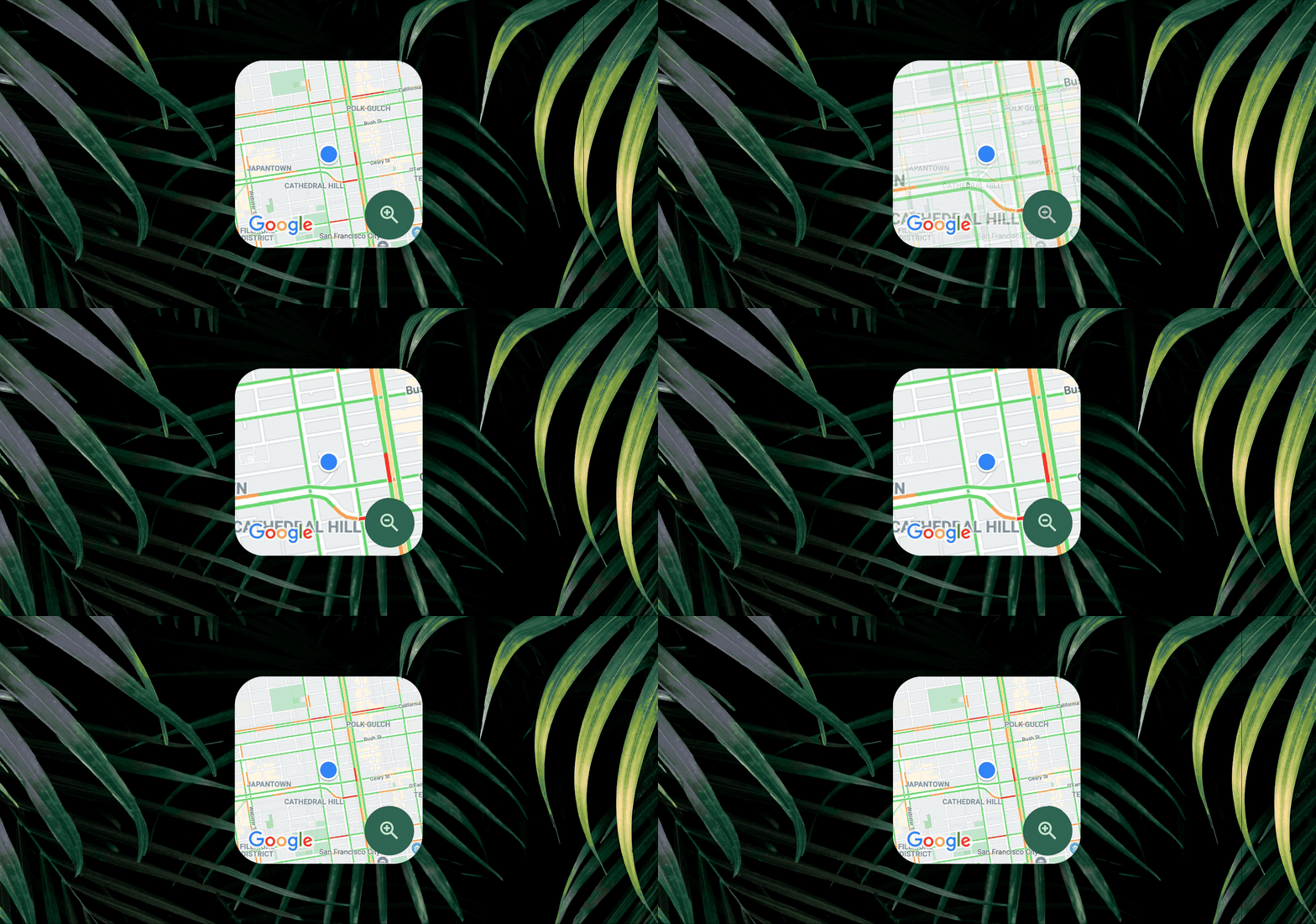
I find that this widget will be very handy when wanting to glance at traffic conditions around me quickly. Of course, opening the full Maps app will still be my default when planning a trip, but if I just want to quickly run an errand to the supermarket in my vicinity or pick up a prescription at my local pharmacy, I could just look at this widget and ascertain whether I should go for it, or wait a bit for traffic to die down.
SUBSCRIBE TO UPSTREAM
Get Chrome Unboxed delivered straight to your inbox
Upstream is our flagship, curated newsletter with the top stories, most click-worthy deals, giveaways, and trending articles from Chrome Unboxed sent directly to your inbox a few times a week. Join 31,000+ subscribers.
