


Support our independent tech coverage. Chrome Unboxed is written by real people, for real people—not search algorithms. Join Chrome Unboxed Plus for just $2 a month to get an ad-free experience, access to our private Discord, and more. Learn more about membership here.
START FREE TRIAL (MONTHLY)START FREE TRIAL (ANNUAL)
Logitech has unveiled a new USI pen that is directly focused on the education sector. Dubbed the Logitech Pen, this interesting stylus has a few nice tricks up its sleeve and is one of those accessories who’s thoughtful design makes me excited to see where the USI initiative will go over the coming months and years for Chromebooks.
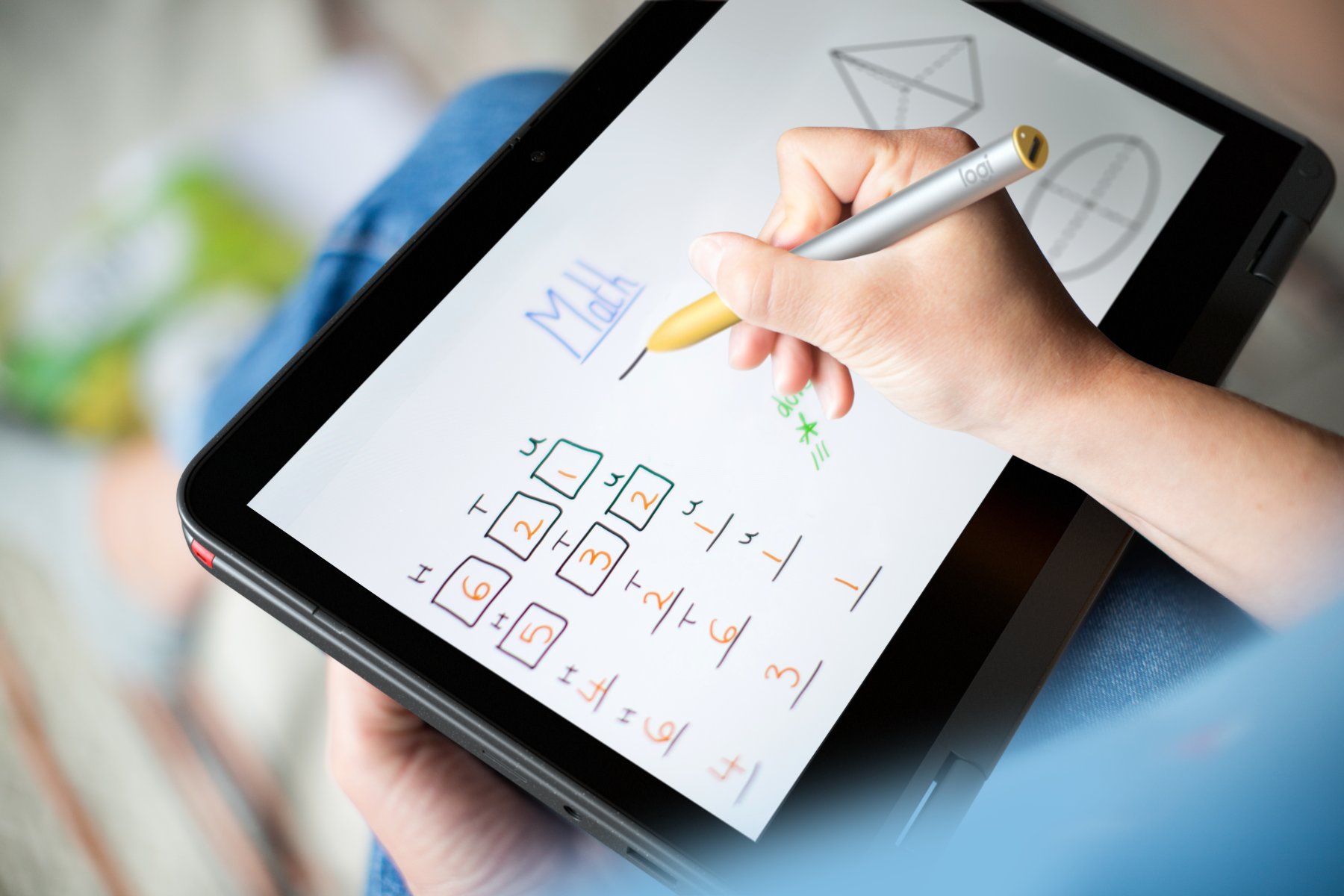
First up, this is a USI pen through-and-through, so don’t expect anything out of the ordinary from a functionality standpoint. It works as expected with any supported Chromebook, needs no pairing or setup, and possesses all the abilities any other USI pen would. That means 4096 levels of pressure sensitivity and low latency between the pen tip and the screen.
While we’re starting to get some new perks on other USI pens like side buttons and eraser tips, the Logitech Pen sticks to the basics and really nails them. The feel is solid, the look is unique, and the performance is exactly what you’d expect.
Thoughtful design
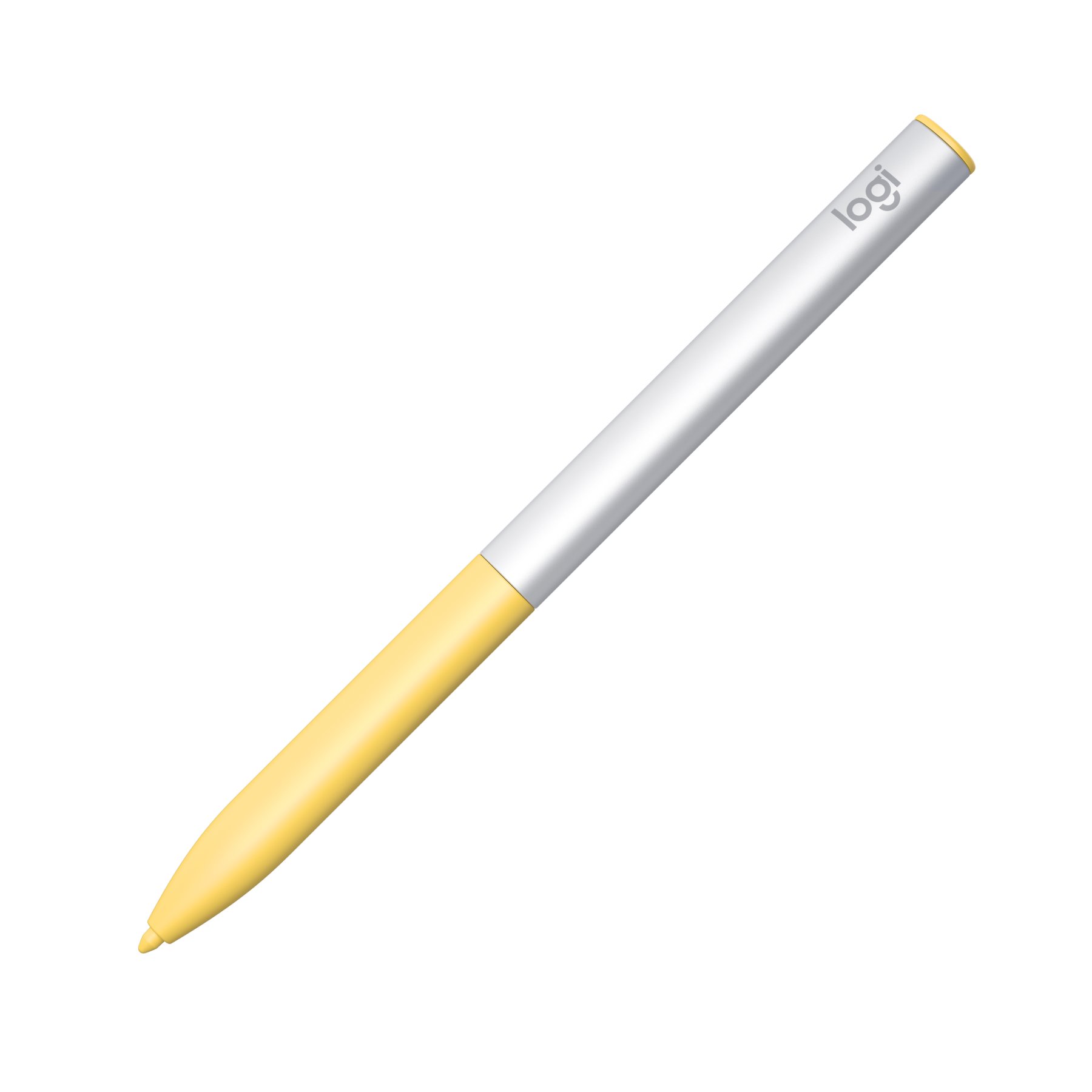




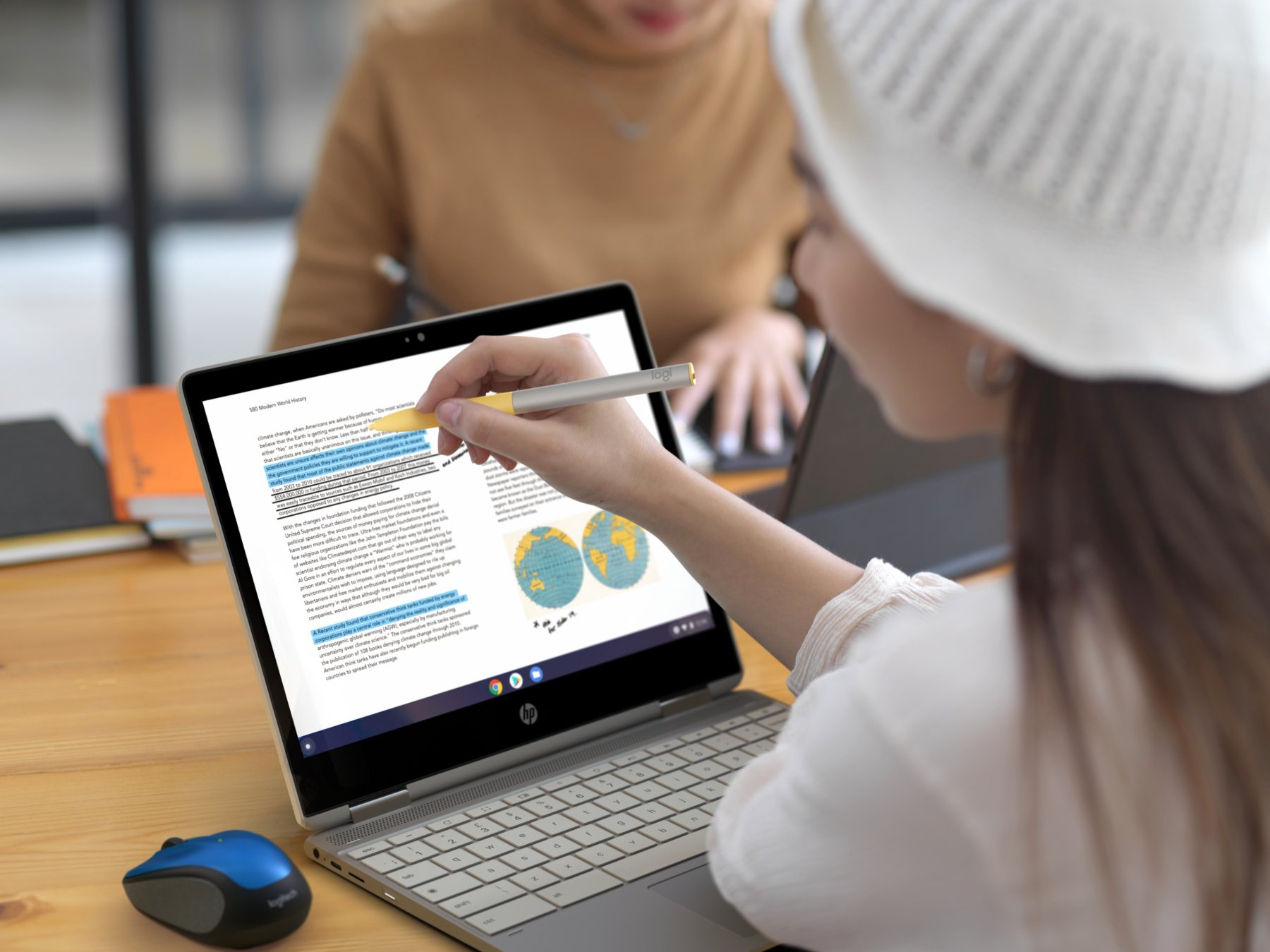
Where the Logitech Pen really impresses me is in a handful of thoughtful design tweaks that really add to the overall pen experience. First – and maybe most importantly for this pen’s ultimate destination – is the fact that this pen is spill resistant and has military-grade durability for those inevitable drops. Logitech said that they built this pen to endure the rigors of the classroom, and it looks like it will be able to stand up to a bit of abuse.
Secondly, Logitech spent a lot of time studying pen grips and the way kids hold writing utensils. After many trials and tests, the end result was a rounded, triangular-shaped device with an elongated, soft-touch grip area. Logitech said that they noted the different spots kids would hold a pencil and extended the rubberized grip area to accommodate for all sorts of students. And I have to agree that the triangular shaping of this pen feels pretty amazing to hold, too. Oh, and that shape also keeps it from rolling off the table.
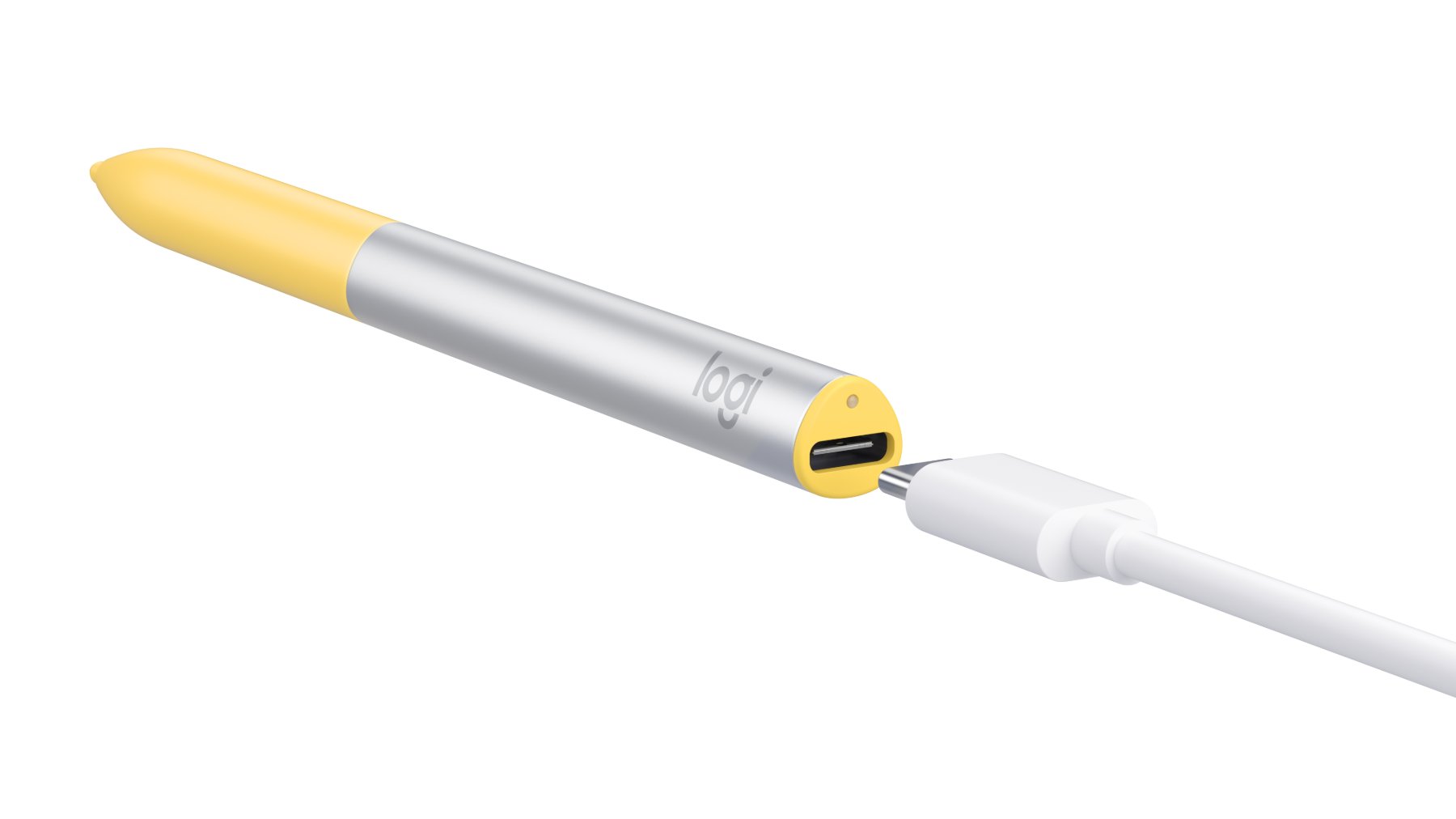
Finally, the Logitech Pen is rechargeable via USB Type C and will work just fine with any such charger. There is an internal mechanism that can adjust the power consumption when on a charger, so any Chromebook charger will work to top things up. That battery is also big enough to provide 15 days of use, so you don’t have to expect young learners to remember to charge it all the time. It also can get 30 minutes of usability with only a 30-second charge, so even if it doesn’t get plugged in when it should, you can be up and running in no time.
Overall, I really like this styluls and hope that Logitech decides to release a commercial/consumer version of a USI pen as well. For now, this one is only headed to education resellers, so don’t expect to see it on a Best Buy shelf anytime soon. For $65, I’d at least have liked to see Logitech put the eraser functionality in here, but for a pen that feels great, should last a very long time in a classroom, and is so thoughtfully designed, I suppose this is a fair price. Schools will likely see bulk discounts as well, so there’s a chance you see this pen in your child’s hands in the coming months.
SUBSCRIBE TO UPSTREAM
Get Chrome Unboxed delivered straight to your inbox
Upstream is our flagship, curated newsletter with the top stories, most click-worthy deals, giveaways, and trending articles from Chrome Unboxed sent directly to your inbox a few times a week. Join 31,000+ subscribers.

