


Support our independent tech coverage. Chrome Unboxed is written by real people, for real people—not search algorithms. Join Chrome Unboxed Plus for just $2 a month to get an ad-free experience, access to our private Discord, and more. Learn more about membership here.
START FREE TRIAL (MONTHLY)START FREE TRIAL (ANNUAL)
As we had hoped – and expected – Lenovo is back with another round of Chromebooks just in time to kick off MWC 2022 in Barcelona. The annual tech show is historically focused on the mobile device industry but recent years have seen a major increase in the number of laptop unveilings and the mobile-centric trade show. Lenovo is one of those OEMs and as of late, the PC giant has taken to debuting the company’s latest flagship Chromebooks during MWC.
Last year, Lenovo showed off the latest 13.3″ Flex 5i Chromebook and the lightbar-toting Chromebook 5i that we know by the code name ‘Lindar’. Both of these devices featured what was, at that time, the latest 11th Gen processors from Intel. This year, Lenovo is back with a wild twist on the Flex 5i Chromebook along with the highly-anticipated successor to the original Duet Chromebook tablet and a mid-range 15.6″ convertible for the masses. Here’s a quick look at the three new Chrome OS devices from Lenovo.
Lenovo Chromebook Duet 3 – 11″
As Robby speculated, Lenovo has, in fact, returned with a new iteration of the popular small-statured Duet tablet. The original Duet launched more than two years ago and was powered by the MediaTek MT8183 SoC. Two years later, the Duet is still a handy little tablet but it’s definitely time for a refresh and Lenovo did not disappoint.
The all-new Chromebook Duet 3 is much more than just a minor refresh. On the inside, it comes with the same Snapdragon 7c Gen 2 that powers its larger sibling, the Lenovo Duet 5. That upgrade alone is enough to get me excited about this tablet. The Qualcomm SoC boasts ample performance benchmarks and is suited perfectly for a smaller tablet like the Duet 3.
Speaking of smaller, the new Duet 3 is smaller than the Duet 5 but Lenovo has gone with an 11-inch display for the new version and that’s a smart move if you ask me. The original Duet was fine and the 400 nit screen looked great but it always felt slightly undersized when I was using it as a tablet. The new Duet will feature the same size screen as HP’s Chromebook x2 11 and it’s the sweet spot for smaller 2-in-1 devices.
On top of the screen and SoC upgrade, Lenovo has upgraded the RAM and storage options for the Duet 3. The new version will come with 4GB and 8GB memory options and users will have storage options of 64GB, 128GB, or 256GB. That will make this a much more versatile device all around and the addition of a second USB-C port should make this a detachable that can actually be a productivity-minded device when needed. Here’s a closer look at the new Lenovo Chromebook Duet 3.
Lenovo Chromebook 3 Key Specs
- Chrome OS
- Qualcomm Snapdragon 7c Gen 2 SoC
- 4GB/8GB RAM
- 64GB/128GB/256GB storage
- 11.0″ 2K LCD 5:3; Touchscreen with Stylus support
- Wi-Fi 5
- Bluetooth 5.1
- 2 x USB 3.0 USB-C
- 2 x 1W stereo speakers
- Storm Grey or Misty Blue
- Detachable keyboard/folio case


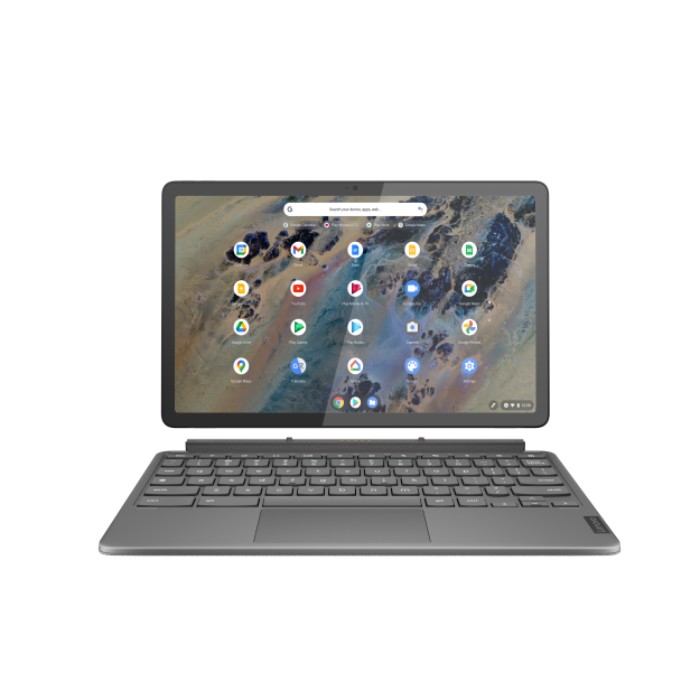
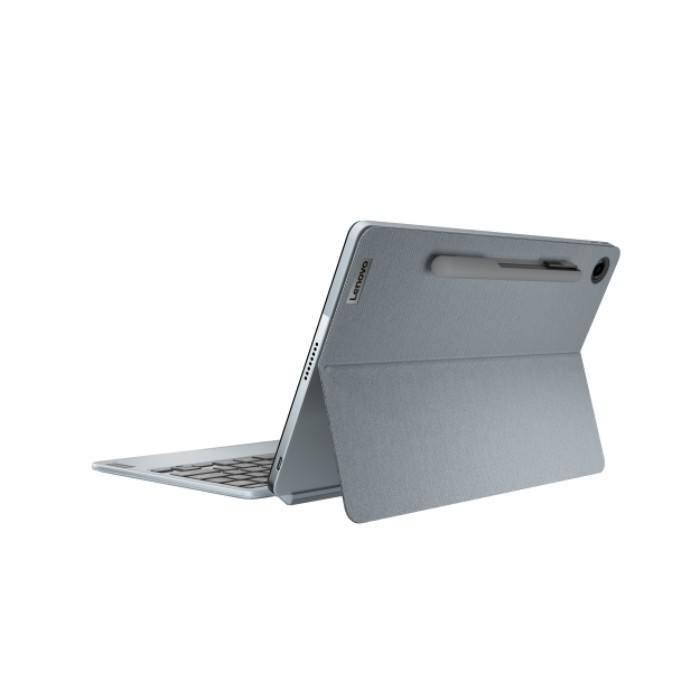
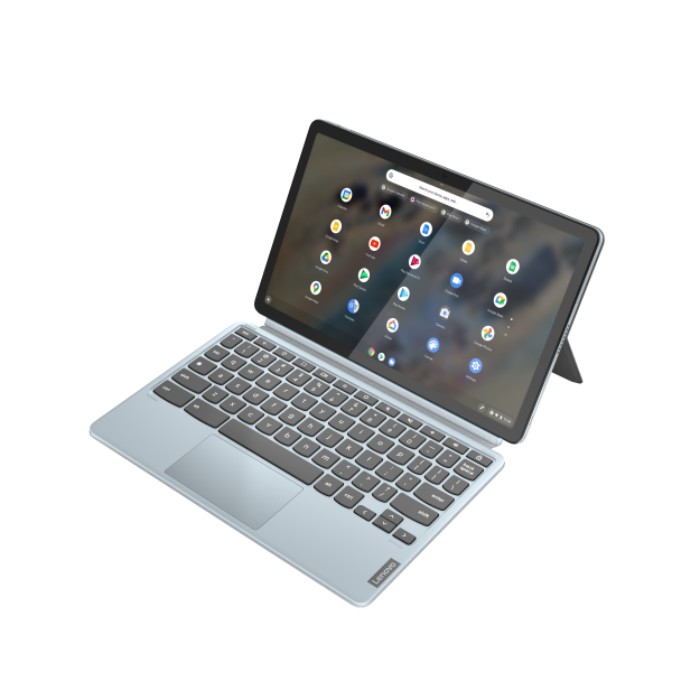
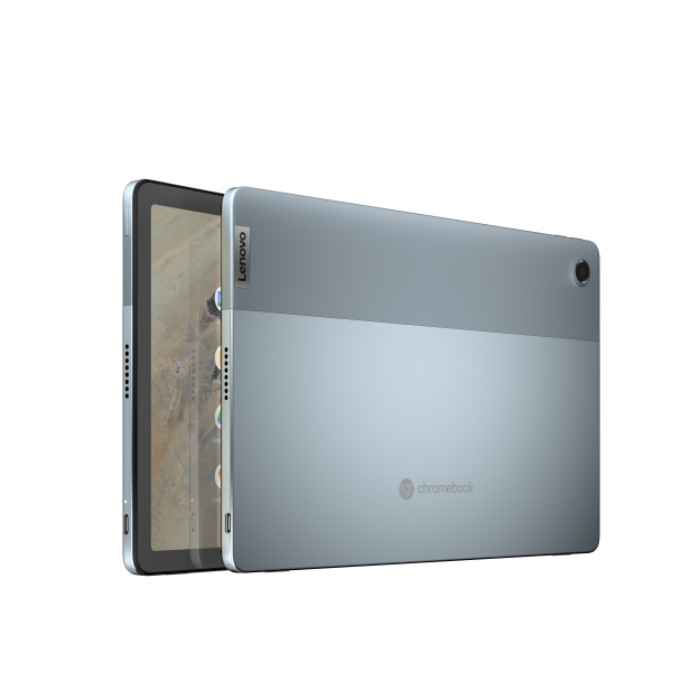

The IdeaPad Duet 3 Chromebook 11” with Qualcomm will start at $399.99 and is expected to be available starting May 2022.
Lenovo Flex 5i Chromebook
The latest addition to the Flex family of Chromebooks, the newest Flex 5i brings 12th Gen Intel processors but there’s much more to this convertible than just some new silicon. Previous iterations of the Flex 5 and Flex 5i have come in the form of a 13.3″ convertible and for the most part, have been very solid devices. The biggest selling point has always been the price. Compared to other flagships, the Flex 5 line has always been a hundred dollars or so less than the competition. The only real drawback of these models was the mediocre 250 nit display. A gripe that we have shouted for the rooftops for years, it seems that Lenovo has finally heard our cries.
The all-new 12th Gen Flex 5i departs from its predecessors by bringing a new display offering that starts at 300 nits and goes up to an option 400 nit panel. WIN! The brightness isn’t the only upgrade. Instead of a 13.3″ panel, the new Flex 5i comes bearing a 14″ 16:10 FHD display. This is going to raise the base price of the Flex 5i but I think that it will be well worth it when you look at everything this device offers.
Apart from the new display, the Chromebook Flex 5i will come with up to a 12th Gen Intel Core Core i5, up to 8GB of RAM, and up to 512GB of storage. Lenovo has also added a 1080p webcam which should be an answered prayer for countless users as 720p webcams are the worst and it’s time for PC makers to do better. Thank you, Lenovo. The Flex 5i is USI compatible and features 2 x 2W Stereo Speakers by MaxxAudio®. Here’s a breakdown of the key specs.
Flex 5i Chromebook Key Specs
- Chrome OS
- Intel® Core™ i5-1235U/Intel® Core™ i3-1215U/Intel® Pentium® 8505
- 4GB/8GB RAM
- 64GB/128GB eMMC or 256GB/512GB SSD
- 14″ 16:10 FHD IPS, 300 nits, 45% NTSC or optional 14″ 16:10 FHD IPS, 400 nits, 100% sRGB
- Wi-Fi6E
- Bluetooth 5.0
- 1 x MicroSD Card Slot (SD 3.0)
- 1 x USB 3.2 Gen 2.2 (Type-C™)
- 1 x USB 3.2 Gen 1.2 (Type-C™)
- 1 x USB 3.2 Gen 1.2 (Type-A)
- 1 x Combo Audio Jack
- 1 x Kensington Nano Security Slot
- 1080p HD webcam
- Storm Grey or Stone Blue
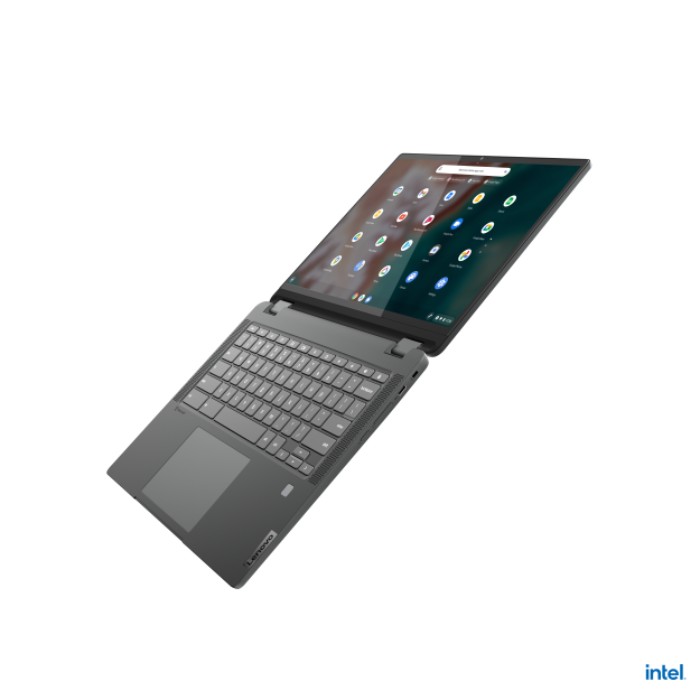
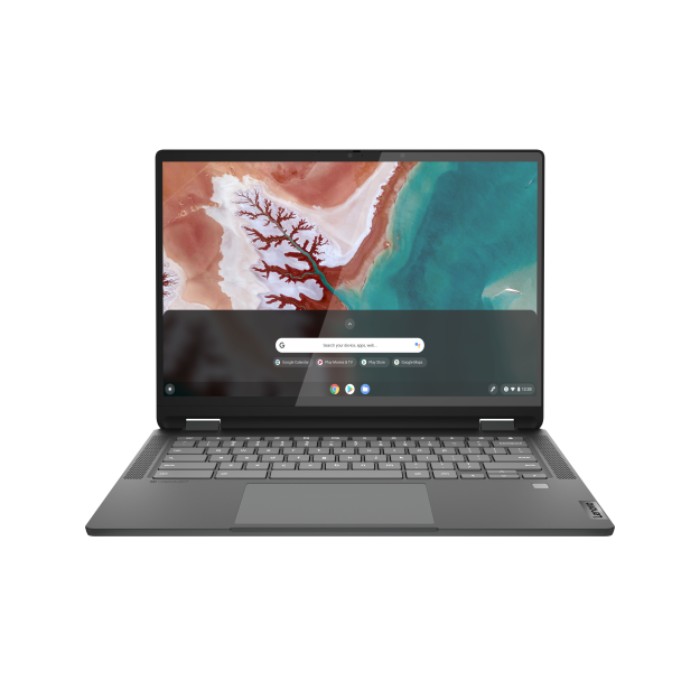
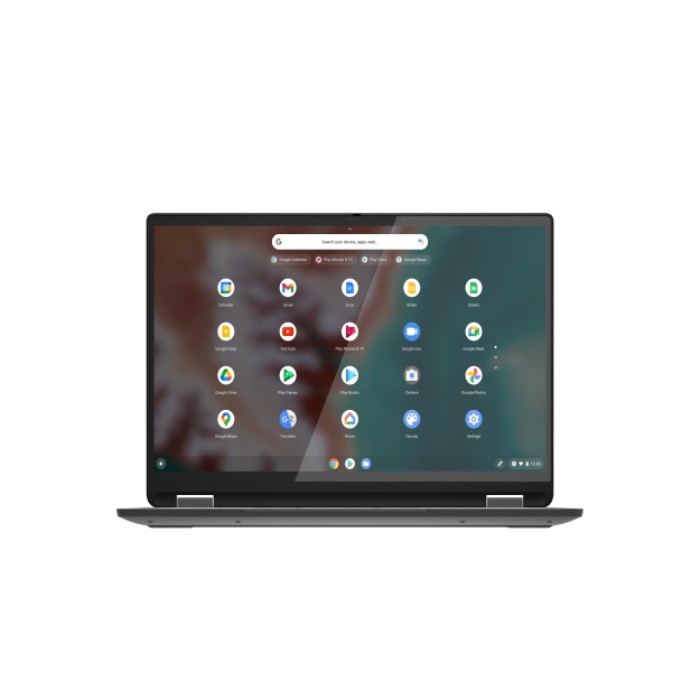
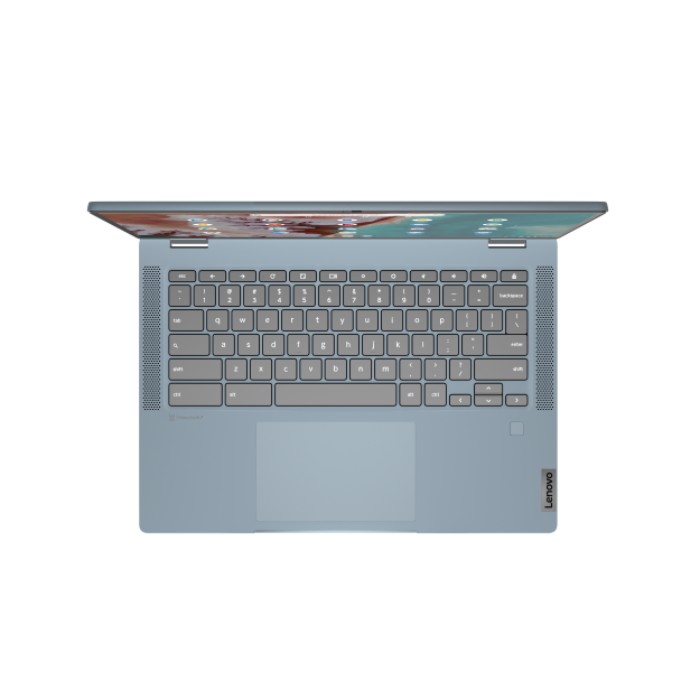
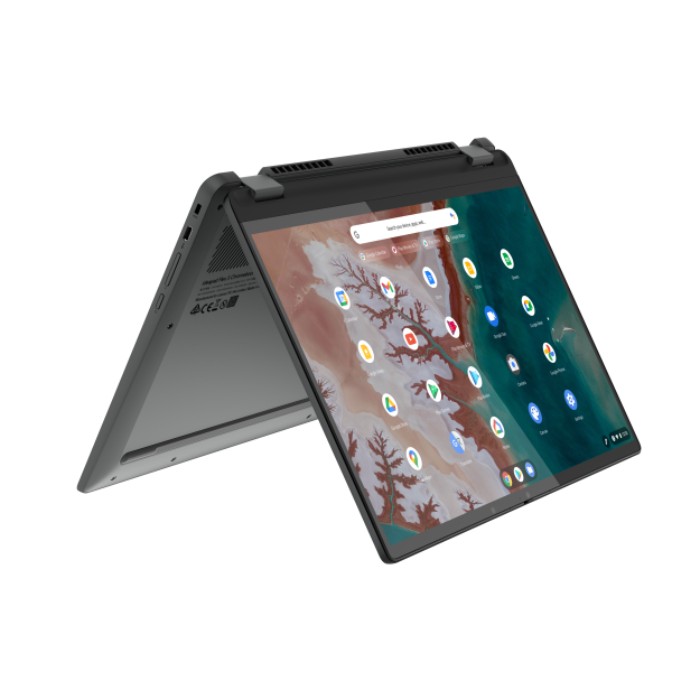
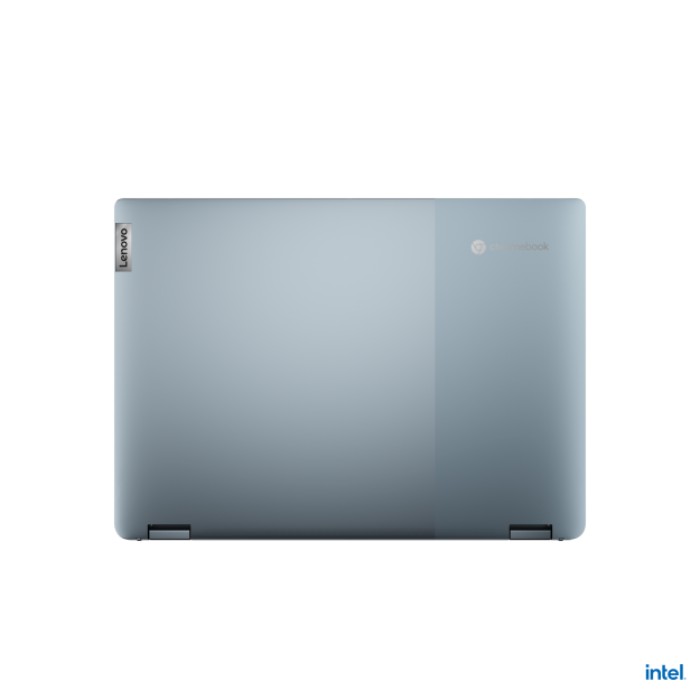
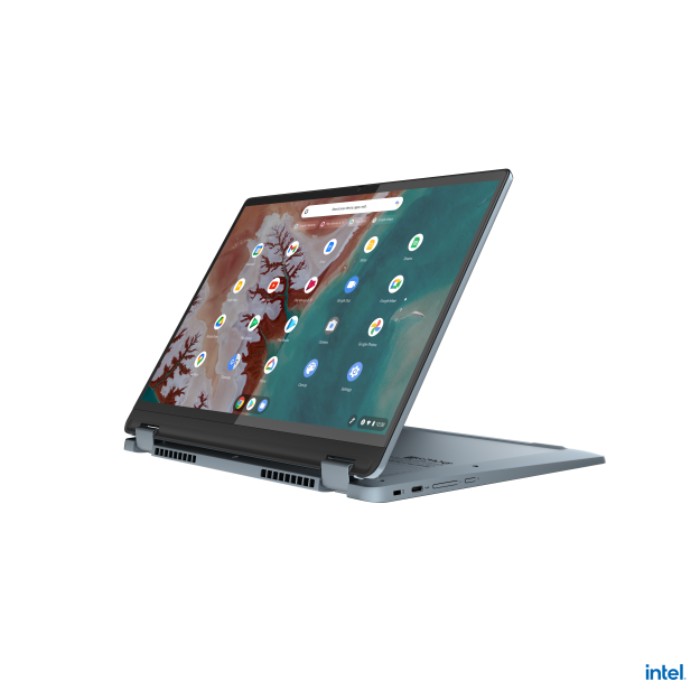
The IdeaPad Flex 5i Chromebook 14” will start at $499.99 and is expected to be available starting June 2022.
Lenovo Flex 3i Chromebook
Last on the list is a new 15.6″ Chromebook from Lenovo that’s powered by the current generation of small-core CPUs from Intel. The Lenovo “Flex 3i Chromebook is a 2-in-1 convertible with a touchscreen and built-in numeric keypad for the number crunchers out there. The large-screen convertible comes with your choice of an Intel Celeron N4500 or Pentium N6000. RAM options are 4GB or 8GB while storage comes in three flavors of 32GB, 64GB, or 128GB eMMC.
This Chromebook will be a great option for users wanting a larger display but don’t want to spend a king’s ransom on a premium device. Both the Celeron and Pentium CPUs have proven themselves to have more than enough power for moderate tasks and should perform admirably for general use. Check out the details of the new Flex 3i.
Flex 3i Chromebook Key Specs
- Chrome OS
- Intel N4500/N6000
- 4GB/8GB RAM
- 32GB/64GB/128GB
- 15.6″ FHD IPS 300 nits; Touchscreen
- 1 x USB 3.1 Gen 1.2 (Type-C™)
- 2 x USB 3.1 Gen 1.2 (Type-A)
- 1 x MicroSD™ Card Reader
- 1 x Audio Combo Jack
- 1 x HDMI
- Abyss Blue or Arctic Grey
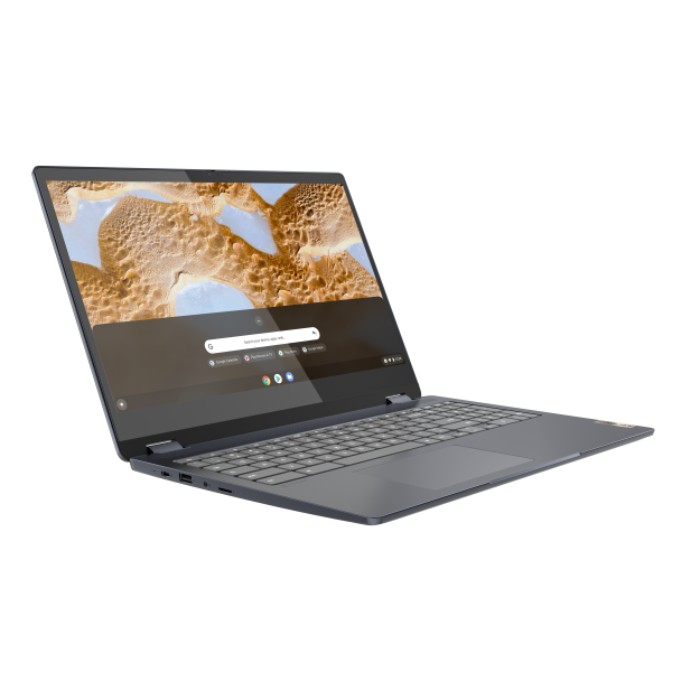
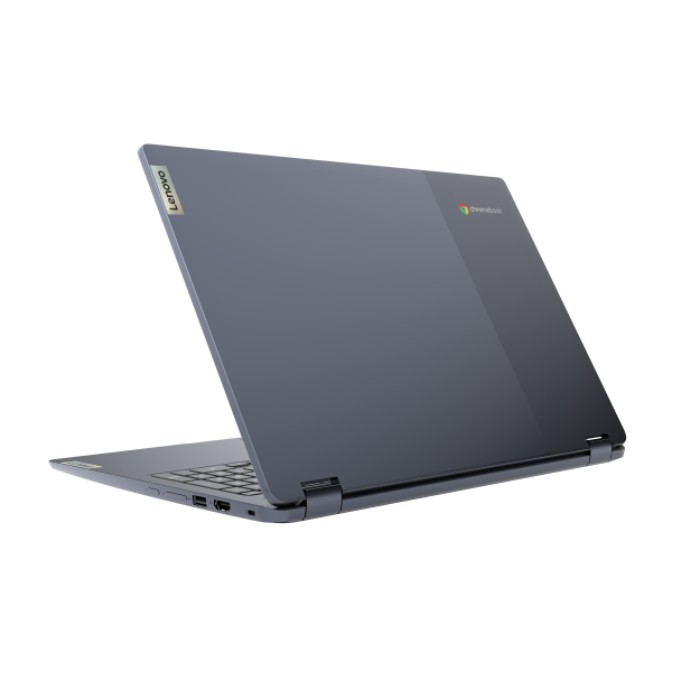
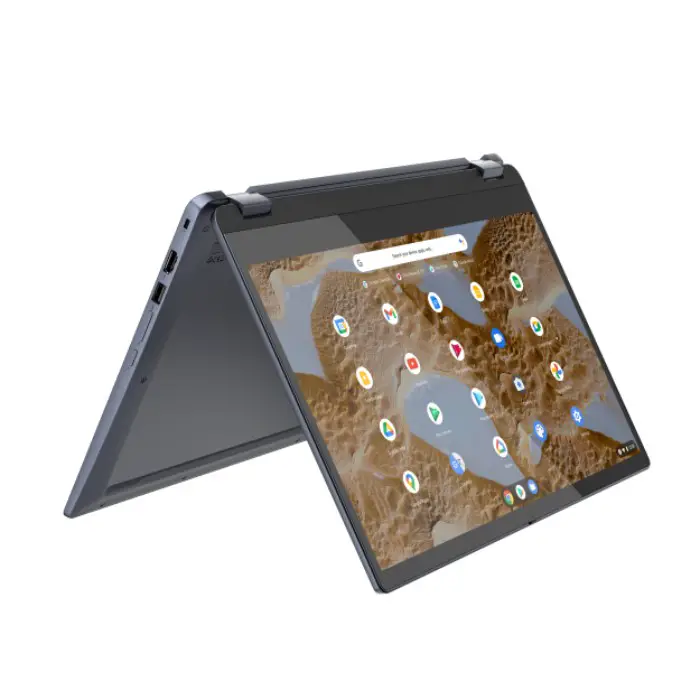

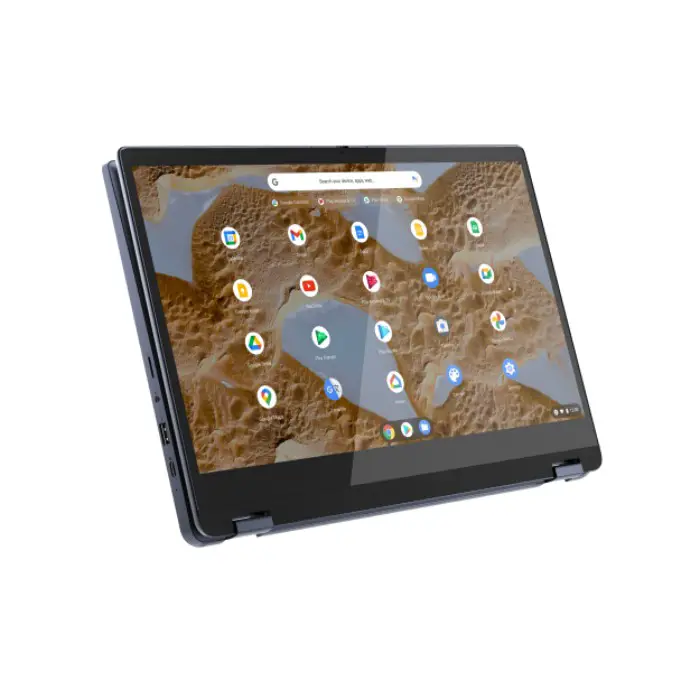
The IdeaPad Flex 3i Chromebook (15”, 7) will start at $399.99 and is expected to be available starting May 2022.
That’s it for the new Chromebooks from Lenovo. We do have a couple of these devices headed our way so make sure to check back later for our hands-on and initial impressions. The new Duet and the new Flex 5i are very exciting devices and they should continue to move the needle forward for Chrome OS in general.
SUBSCRIBE TO UPSTREAM
Get Chrome Unboxed delivered straight to your inbox
Upstream is our flagship, curated newsletter with the top stories, most click-worthy deals, giveaways, and trending articles from Chrome Unboxed sent directly to your inbox a few times a week. Join 31,000+ subscribers.

