


Support our independent tech coverage. Chrome Unboxed is written by real people, for real people—not search algorithms. Join Chrome Unboxed Plus for just $2 a month to get an ad-free experience, access to our private Discord, and more. Learn more about membership here.
START FREE TRIAL (MONTHLY)START FREE TRIAL (ANNUAL)
Last week, we had the pleasure of attending a virtual press event hosted by Lenovo. While we weren’t expecting much in the way of Chromebooks, I was relatively confident that our hosts would at least mention the new Jasper Lake model that I discovered a few days prior. There was actually no mention of the 15.6″ mid-range laptop but Lenovo did not disappoint. With an unexpected twist, Lenovo dropped a new Chromebook tablet that could be one of the most unique devices to come out of 2021.
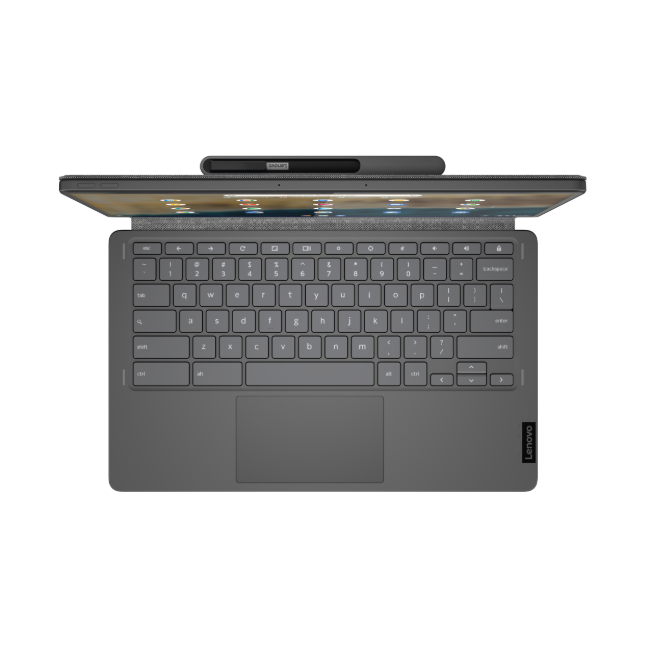
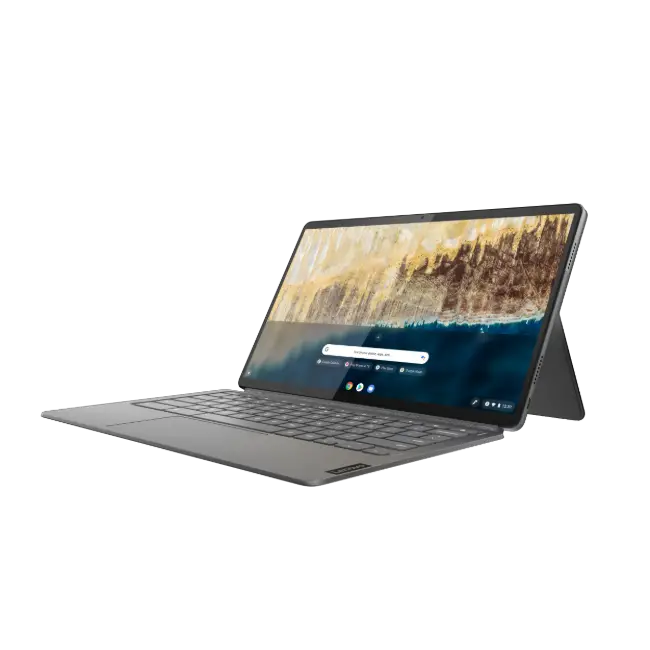
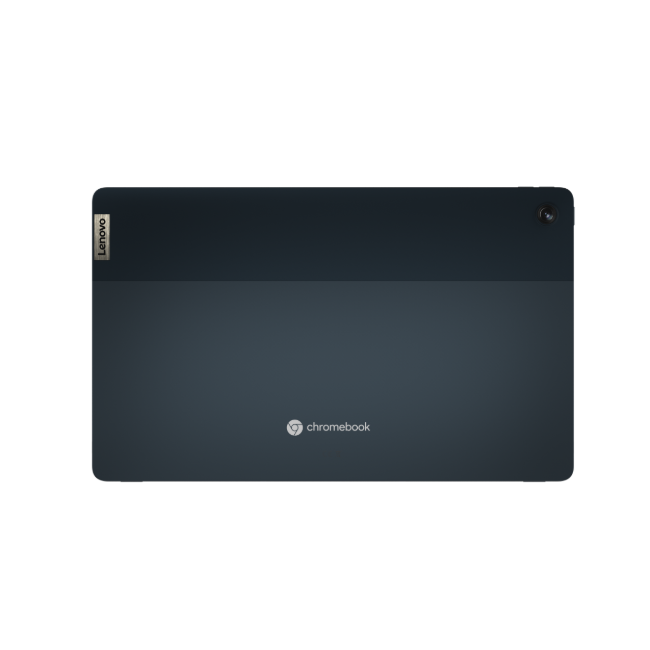
The all-new Lenovo IdeaPad Duet Chromebook 5 builds on Lenovo’s popular Duet line with what they describe as a premium entrant into the Chrome OS tablet space. Powered by Snapdragon 7c (presumably, the same version found inside the HP Chromebook x2 11), the new Duet comes bearing some very interesting firsts for the Chrome OS space. For starters, this isn’t a dainty little tablet. No, Lenovo has produced the first-ever 13.3″ detachable to ever run the Chrome operating system. Personally, that’s a little large to satisfy my taste for a tablet, but that’s a story for another time.
The screen size isn’t the only unique feature on this Chromebook’s display. Lenovo is using a 400 nit OLED panel which should present some crisp, clear viewing experiences in just about any environment. The panel has also been certified as an Eyesafe Display and Lenovo stated that it eliminates up to 70% of harmful blue light emissions to protect your eyes from long-term damage.
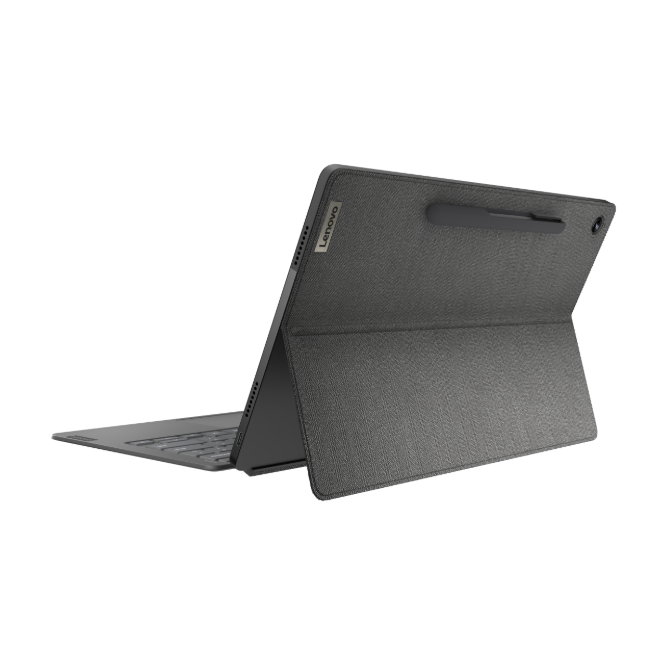
Apart from that, the new IdeaPad Duet 5 features two USB Type C ports: a plus for any device regardless of how mobile it may be. The folio-style case on the back features an odd pen holder that will house your USI stylus. I suppose it’s a good idea for keeping track of your pen, but I personally hope that it’s removable as I rarely tote around a digital inker. The tablet has four speakers and considering the larger screen size, it should offer some decent stereo separation as long as the speakers aren’t the normal Chromebook fare we’re used to.
Lenovo IdeaPad Chromebook Duet 5 Key Specs
- Chrome OS
- Snapdragon 7c Gen 2 Compute Platform
- 13.3” Full HD, OLED, 400 nits, 100% DCI-P3
- Up to 8GB LPDDR4x RAM
- Up to 256GB eMMC SSD supported
- Wi-Fi 5, Bluetooth 5.1
- 2 x USB 3.0 Type-C
- Detahable keyboard (Pogo pins)
- USI stylus support
- 42WHr battery Up-to 15 hours
- Certified as an Eyesafe® Display


The Lenovo IdeaPad Duet 5 Chromebook is slated for release in October with a starting price of $429.99. We’ll definitely stay on top of our contacts to get this one in-house ASAP. The chipset isn’t anything to get too excited about but this unique Chromebook should continue the push of new and noteworthy form-factors in the Chrome OS space. Stay tuned for more about this Chromebook and when you can get your hands on it.
SUBSCRIBE TO UPSTREAM
Get Chrome Unboxed delivered straight to your inbox
Upstream is our flagship, curated newsletter with the top stories, most click-worthy deals, giveaways, and trending articles from Chrome Unboxed sent directly to your inbox a few times a week. Join 31,000+ subscribers.

