


Support our independent tech coverage. Chrome Unboxed is written by real people, for real people—not search algorithms. Join Chrome Unboxed Plus for just $2 a month to get an ad-free experience, access to our private Discord, and more. Learn more about membership here.
START FREE TRIAL (MONTHLY)START FREE TRIAL (ANNUAL)
15.6″ Chromebooks have historically been a bit of a unicorn device. Just a few years ago, the only real offering in the larger Chrome OS desktop space was Acer’s iconic Chromebook 15. In more recent years, Lenovo hit the 15.6″ scene with its now aging Yoga Chromebook C630. While it offered up some very premium specs and the first-ever 4K display on a Chrome OS device, it felt a bit unfinished and perhaps, ahead of its time. Fast forward to 2021 and we now have two 17.3″ devices on the market and the 15.6″ segment has been given some room to grow.
Currently, ASUS is the king of this niche segment of Chromebooks with its first-ever 15.6″ device that’s powered by Intel’s latest Tiger Lake CPUs. The Chromebook Flip CX5500 is a formidable device with a feature-rich spec sheet and power to spare. What we don’t see a lot of are lower-end devices in the 15.6″ range but it appears that Lenovo is about to crack that nut wide open with a new Jasper Lake Chromebook that features the larger display and an integrated numeric keypad.
Building on the IdeaPad 3 lineup that already includes a 14-inch and 11.6-inch model, the new Ideapad 3 Chromebook 15 turned up on Lenovo’s reference website today which indicates that it should be officially announced in the very near future. There are a handful of configurations which include the small core Jasper Lake Celeron N4500 CPU and the beefier Jasper Lake Pentium 6000. The latter of which has already proven itself to be a powerful CPU that’s capable of handling the needs of most consumers.
It doesn’t appear that the new Chromebook is attempting to run in the premium market as you won’t find a backlit keyboard option and it appears to be made totally out of plastic. However, the Pentium packs a punch and someone needing a productivity machine with a large screen may find this Chromebook of interest if Lenovo doesn’t price itself out of the market. Here’s a look at what the upcoming Lenovo Ideapad 3 Chromebook 15 has to offer:
Lenovo IdeaPad 3 Chromebook 15
- Chrome OS
- Intel Jasper Lake N4500 or Pentium 6000
- 4GB/8GB RAM
- 64GB/128GB eMMC storage
- 15.6″ FullHD display TN or IPS @ 220 or 250 nits/optional touch display @ 300 nits
- 1x microSD card slot
- 1x Headphone / microphone combo jack (3.5mm)
- 1x HDMI 1.4
- 2x USB 3.2 Gen 1
- 1x USB-C 3.2 Gen 1
- 2 x 2W spearers
- 720p webcam
- numeric keypad
- Abyss blue or Arctic grey
- 3.48 lbs

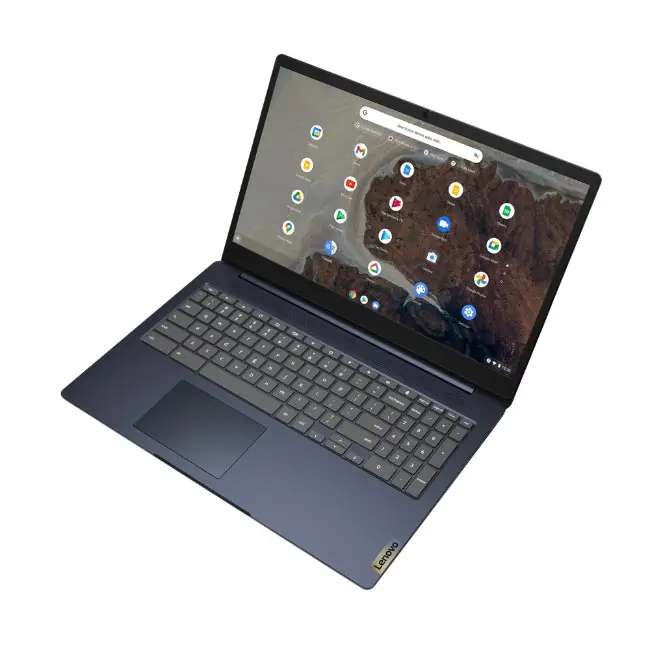
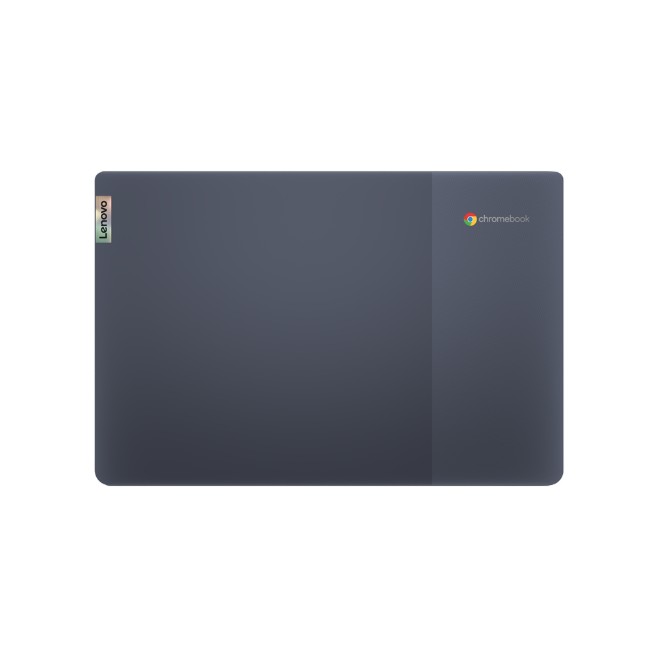
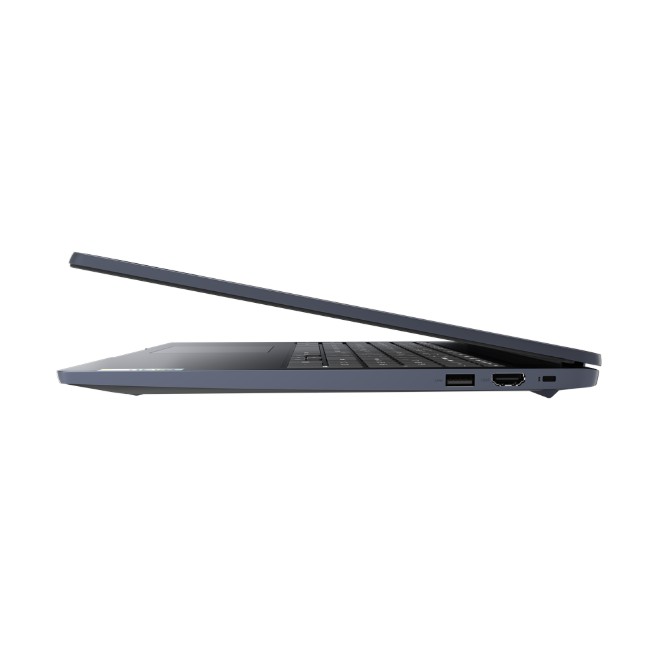
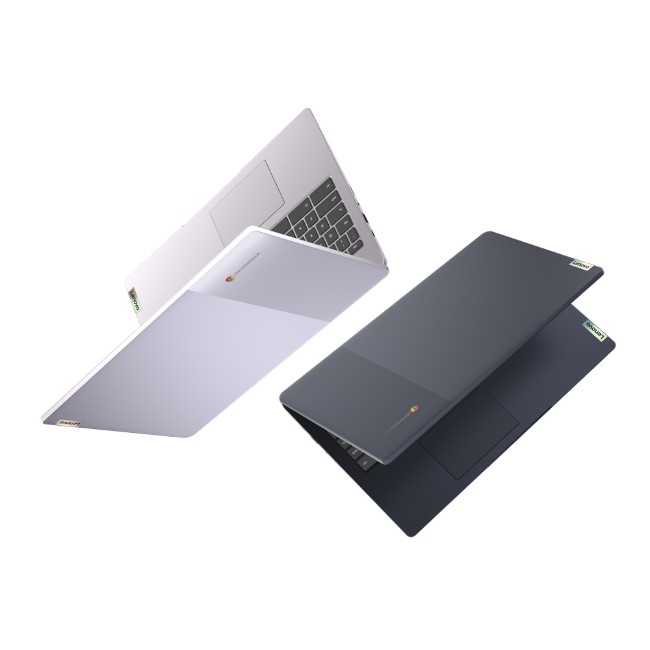
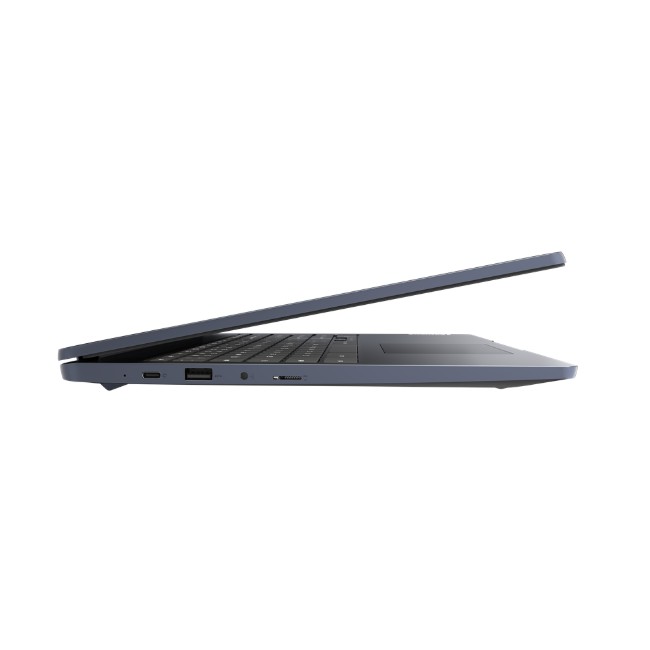
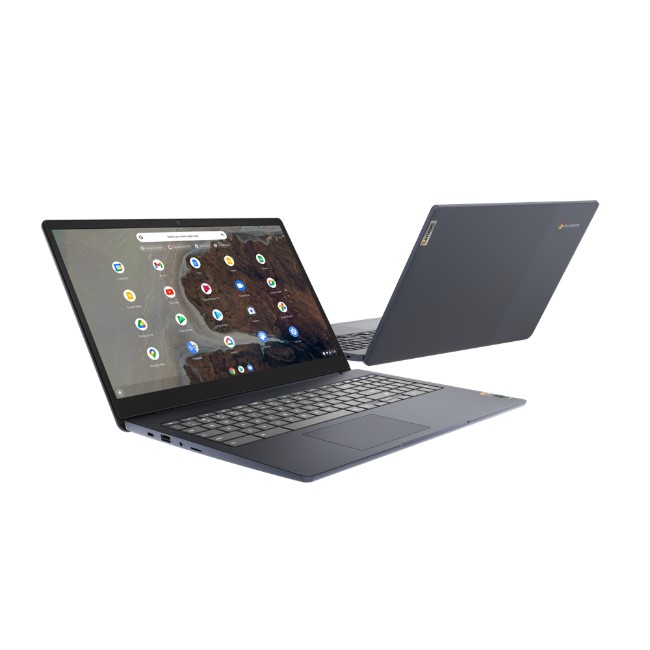
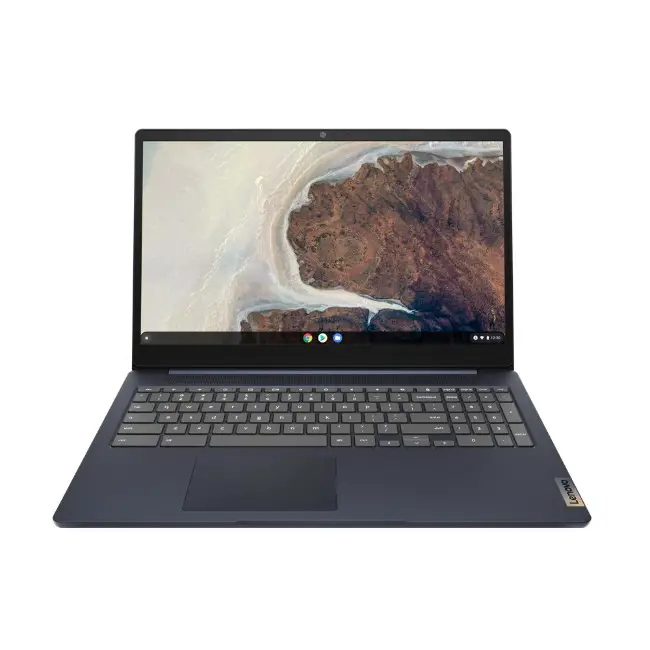
We don’t have an official release date for the new Lenovo at this time but one overseas website has the Pentium 4GB/128GB model listed at €349.71 which equates to roughly $415 USD. Hopefully, those prices don’t translate and they normally do not. There are models listed for multiple countries on Lenovo’s website but I wasn’t able to find a version specific to the US. That model could come later this month after an official announcement but we’ll reach out to our contacts to see if we can get some more detailed information.
SUBSCRIBE TO UPSTREAM
Get Chrome Unboxed delivered straight to your inbox
Upstream is our flagship, curated newsletter with the top stories, most click-worthy deals, giveaways, and trending articles from Chrome Unboxed sent directly to your inbox a few times a week. Join 31,000+ subscribers.

