


Support our independent tech coverage. Chrome Unboxed is written by real people, for real people—not search algorithms. Join Chrome Unboxed Plus for just $2 a month to get an ad-free experience, access to our private Discord, and more. Learn more about membership here.
START FREE TRIAL (MONTHLY)START FREE TRIAL (ANNUAL)
Welcome to 2022 where CES might as well have been 100% virtual and most PC makers are content to simply launch new products on their own schedules. Personally, I’m all for it. As much as I like attending in-person events, a good majority of Chromebook-related releases require far less fanfare and a virtual press event does the trick. With conference dates getting shuffled around and many events teetering between in-person and virtual, OEMs such as HP are opting to announce new products via online press events ahead of major conferences like the upcoming BETT 2022 that is currently scheduled for late March in London.
Last week, HP took to the digital stage at a private press event to share some of the company’s latest products designed for the Education sector. Before we get to the new devices, it’s worth mentioning that HP has branded the company’s Education-focused products. Moving forward, it appears that HP’s classroom-centric laptops, webcams, and future products will now live under the name ‘Fortis‘. Yeah, your guess is as good as mine but I can tell you that Fortis is Latin for “strong” and that HP applied to trademark the brand name last year. With that, we now have a new line of Fortis Chromebooks and Windows PCs for the classroom. We’ll be covering the Chromebooks, of course.
HP Fortis 11” G9 Q Chromebook
I’ll go ahead and let you off the hook. These new “Fortis” Chromebooks don’t bring a lot to the party in the way of new features or designs. They are, however, the next iteration of rugged EDU devices from HP and as such, deserve some attention. After all, these are the devices that will help educate the young minds that will shape the future.
The first device, geared towards students, is the latest EDU clamshell from HP and it looks very much like its predecessors but there are some notable changes. For starters, this isn’t your standard 11.6″ classroom laptop. Instead, the all-new Fortis 11″ G9 gets an 11-inch HD panel that is rated at 220 nits. The slightly smaller panel can be upgraded to an optional touchscreen but you’ll still get the somewhat meh 220 nits of brightness.
The more important change is under the hood. Instead of the industry-standard Intel Celeron processors, the new HP Chromebook will come equipped with a Qualcomm Snapdragon 7c SoC. This is the same chip that powers HP’s popular HP Chromebook x2 11. It’s not a powerhouse but it should be ample enough for elementary and middle school workloads. The HP Fortis 11: G9 Q Chromebook will come with up to 8GB of RAM and 64GB of storage which is pretty much par for the course in the EDU space. Schools can also opt for LTE support when configured at the time of purchase. Combined with presumably good battery life, thanks to the ARM SoC, the LTE option will make this a very versatile and portable device.
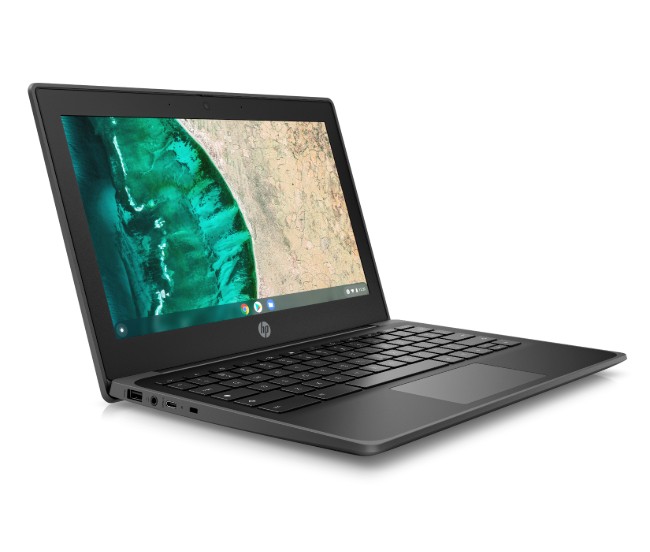
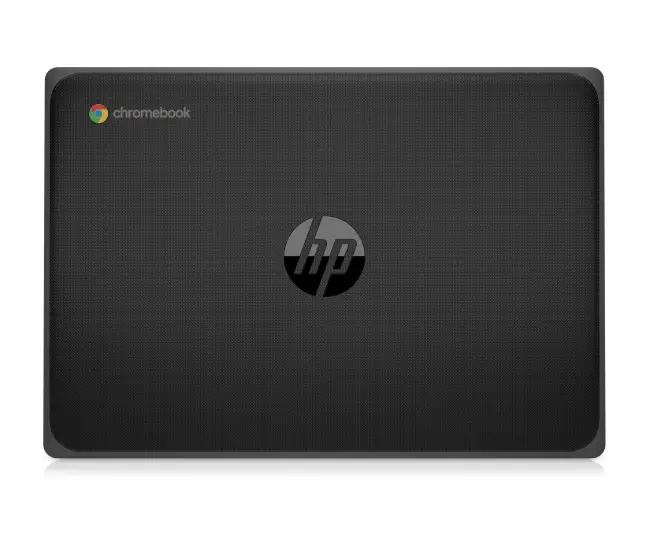


HP Fortis 11″ G9 Q Chromebook key specs:
- Chrome OS
- Qualcomm® 7c processor
- 11” diagonal HD Anti-glare SVA display, 220 nits/ 11” diagonal HD Anti-glare UWVA display 220 nits/ 11” diagonal HD Anti-glare UWVA touch display 220 nits
- 32/64GB eMMc
- 4GB/8GB LPDDR4X
- Anchored, spill-resistant keyboard
- 2x SuperSpeed USB Type-C® Gen 1(Power Delivery, DisplayPort™ 1.2, data)
- 1x Super Speed USB 3.2 Gen 1
- 1x headphone/microphone combo
- 1x SIM card slot
- 1x Nano Security Lock Slot
- HD Privacy webcam
- optional esim support for LTE
HP Fortis 14-inch G10 Chromebook
For educators, HP presented a new 14-inch Chromebook that also carries the Fortis branding. Like the G9 Chromebook before it, the HP Fortis 14-inch G10 Chromebook features a 14-inch HD display with an option to upgrade to FullHD and touch. This model will come bearing the latest Celeron and Pentium processors from Intel and like the 11-inch model above, has an LTE option for staying connected on the go.
Users will have the option to upgrade to 128GB of eMMC storage as well as 8GB of RAM which is probably the wise choice for teachers and administrators. The 14-inch clamshell features a spill-resistant, anchored keyboard and is drop-tested to 122cm. This Chromebook will be perfect for educators or students in a wide range of classroom settings. Here’s a closer look.
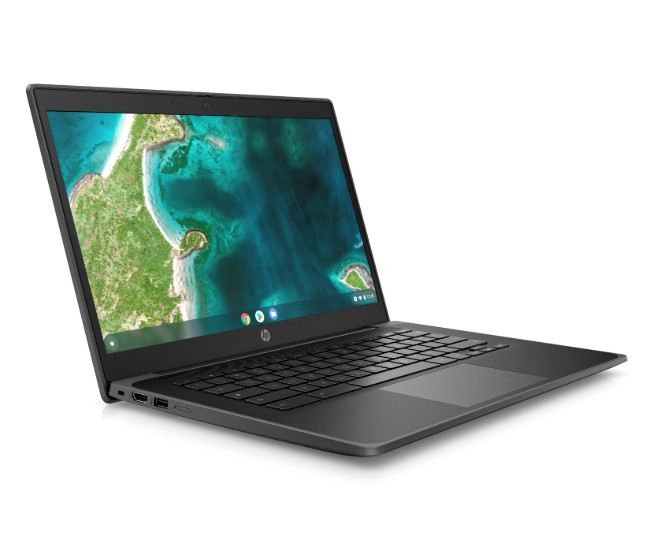
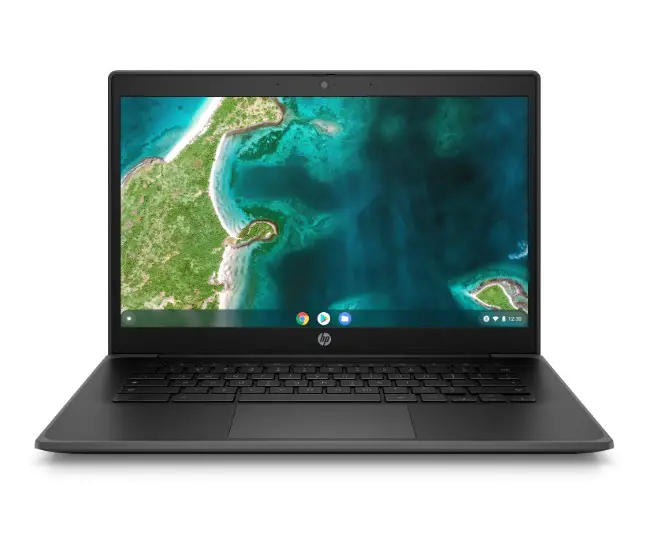
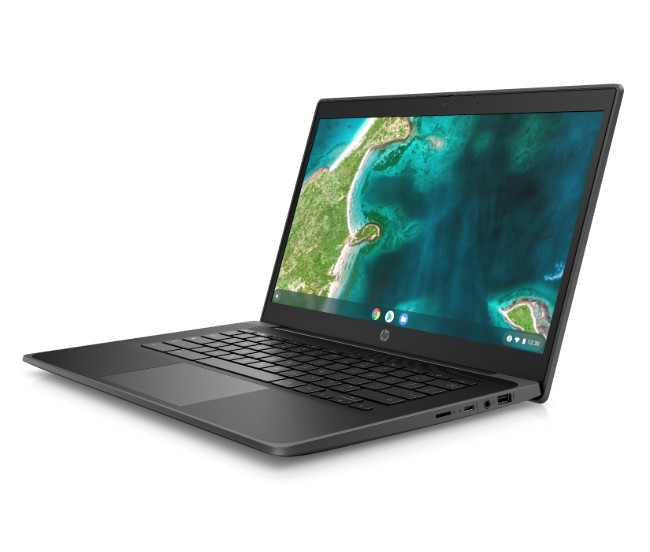
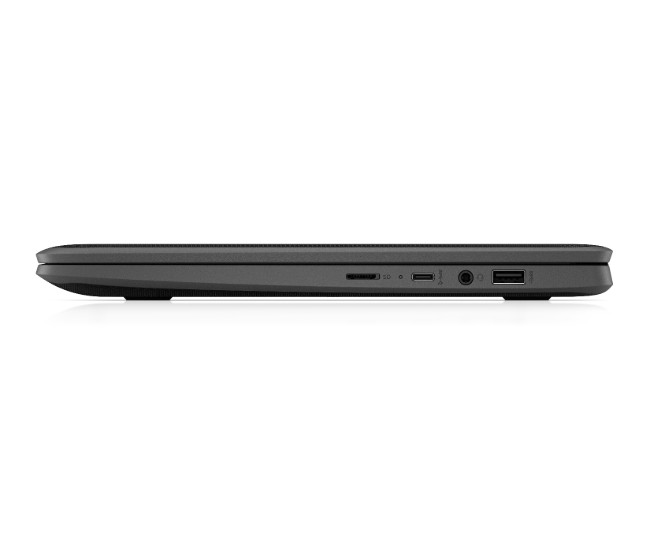
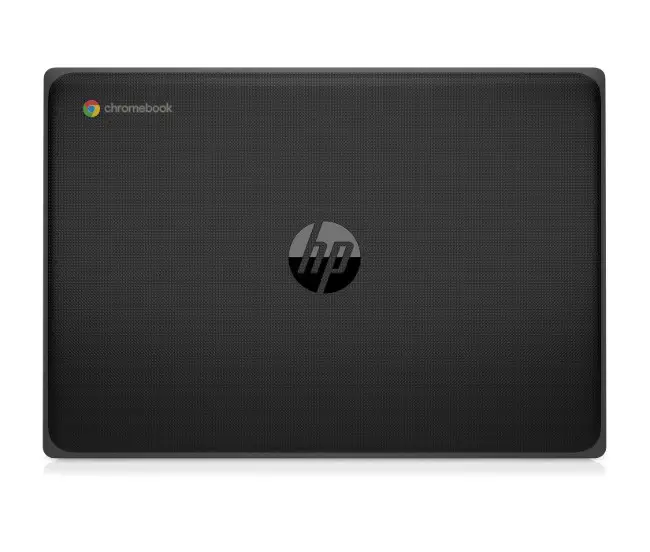
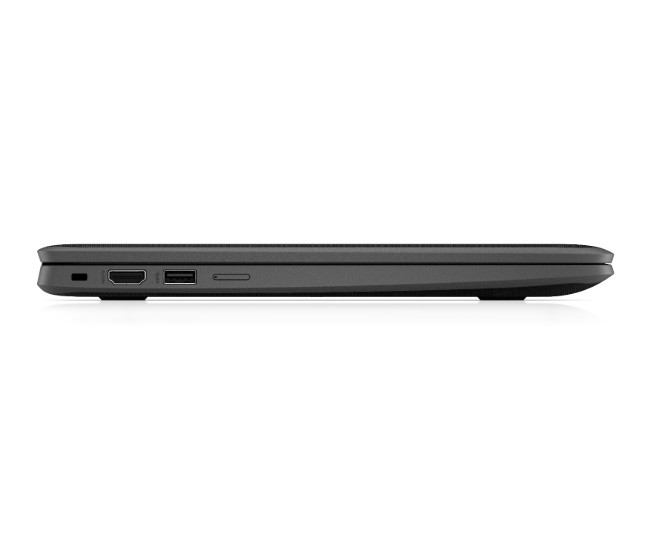
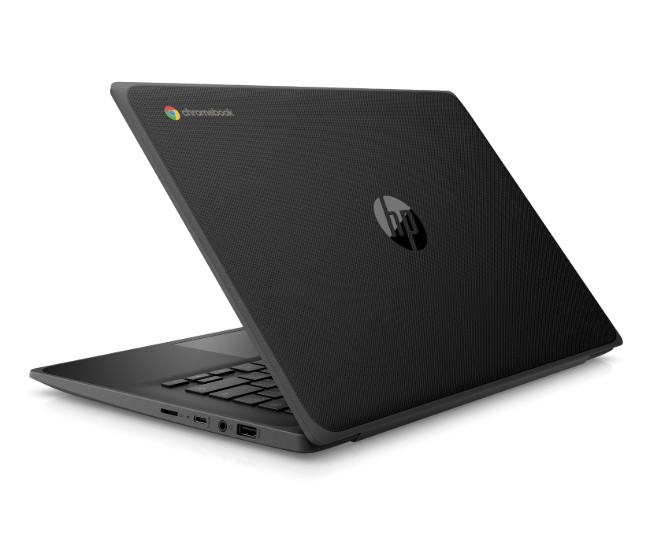
HP Fortis 14-inch G10 Chromebook key specs:
- Chrome OS
- Intel® Celeron®, Pentium® processors
- 14” diagonal HD Anti-glare (1366×768) Narrow Border, optional Touch or 14” diagonal FHD Anti-glare IPS (1920×1080) Narrow Border. optional Touch
- 32/64/128GB eMMc
- MEMORY4GB/8GB LPDDR4x
- 1x SuperSpeed USB Type-C® Gen 1(Power Delivery, DisplayPort™ 1.2, data)
- 2x Super Speed USB 3.2 Gen 1
- 1x HDMI
- 1x headphone/microphone combo
- 1x Micro SD Card Reader (supports SD, SDHC, SDXC)
- 1x Nano Security Lock Slot
- Dual top-firing speakers
- HD Privacy webcam
- Wi-Fi 6 & BT 5
Pricing and availability
The HP Fortis 14” G10 Chromebook is slated to be available this month with a starting price of $349. The HP Fortis 11” G9 Q Chromebook is expected to be available in June with pricing to be announced closer to the launch date. Stay tuned for updates to this story on the availability of the all-new Fortis family of Chromebooks.
SUBSCRIBE TO UPSTREAM
Get Chrome Unboxed delivered straight to your inbox
Upstream is our flagship, curated newsletter with the top stories, most click-worthy deals, giveaways, and trending articles from Chrome Unboxed sent directly to your inbox a few times a week. Join 31,000+ subscribers.

