


Support our independent tech coverage. Chrome Unboxed is written by real people, for real people—not search algorithms. Join Chrome Unboxed Plus for just $2 a month to get an ad-free experience, access to our private Discord, and more. Learn more about membership here.
START FREE TRIAL (MONTHLY)START FREE TRIAL (ANNUAL)
When it comes to premium, consumer-facing Chromebooks, two models have dominated the space for the past few years. One being the Spin Chromebook lineup from Acer and the other is HP’s wildly popular Chromebook x360 14. In years past, Acer has annually launched a 13.5″ convertible with the latest Core i5 from Intel and it has consistently been one of the absolute best Chromebooks you could buy for around $700. The latest model from Acer forgoes the 13.5-inch, 3:2 display in favor of a 16:10, 14-inch panel but retains everything we know and love about the consumer-focused Spin Chromebook. It even adds a stowable USI stylus and comes in at $729.
The HP counterpart has always been powered by the latest Intel Core i3 and and has half the storage of the Acer at 128GB. That said, it is still a formidable device that will handle just about anything the average user would throw at it. The HP Chromebook x360 14c is generally priced a tad less than the Acer and it’s a very solid Chromebook for $699. Our only gripe with the current 11th Gen model and its predecessors is the fact that HP continues to use a 250-nit panel and while the colors are crisp and clear, a flagship device should be no less than 300 nits of brightness, in my humble opinion.
Anyway, with all the hoopla surrounding HP’s upcoming Dragonfly Pro Chromebook, we’ve heard nothing about a new x360 14c iteration with an updated 12th Gen Intel chip set which is odd. HP usually stays right in step with Acer in this segment. Well, apparently HP had a new version of the Chromebook x360 14c up its sleeve all this time and today, it magically appeared on Best Buy’s website. The new Chromebook is still listed as “coming soon” so you can’t order it yet but chances are good that will change in the coming days. This update to the HP Chromebook x360 14c takes a detour from previous devices but all in all, is a modest refresh to an already great Chromebook. Here’s a look at the all-new HP Chromebook x360 14c.
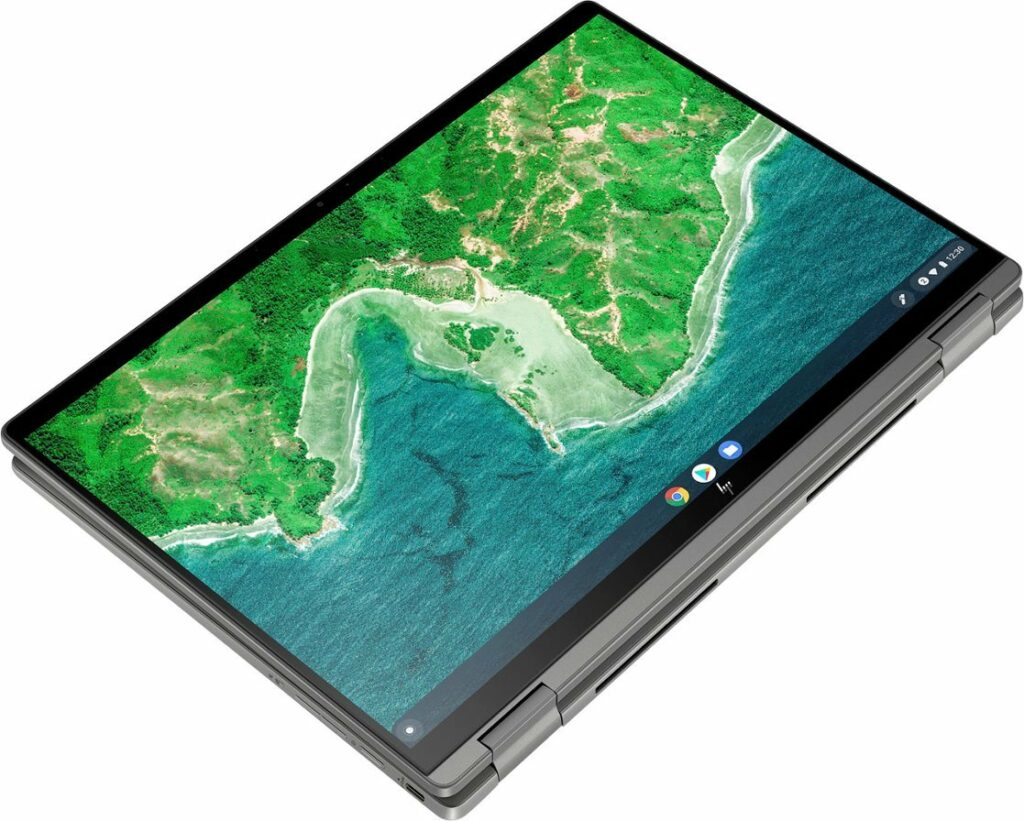
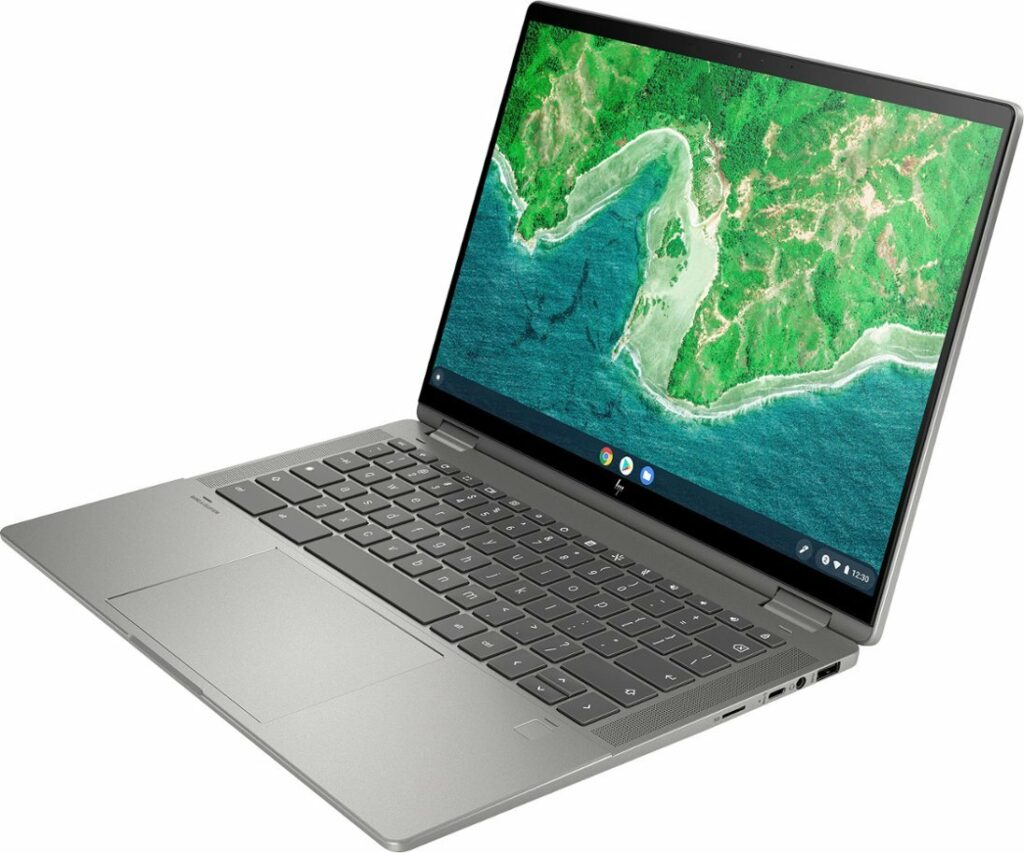
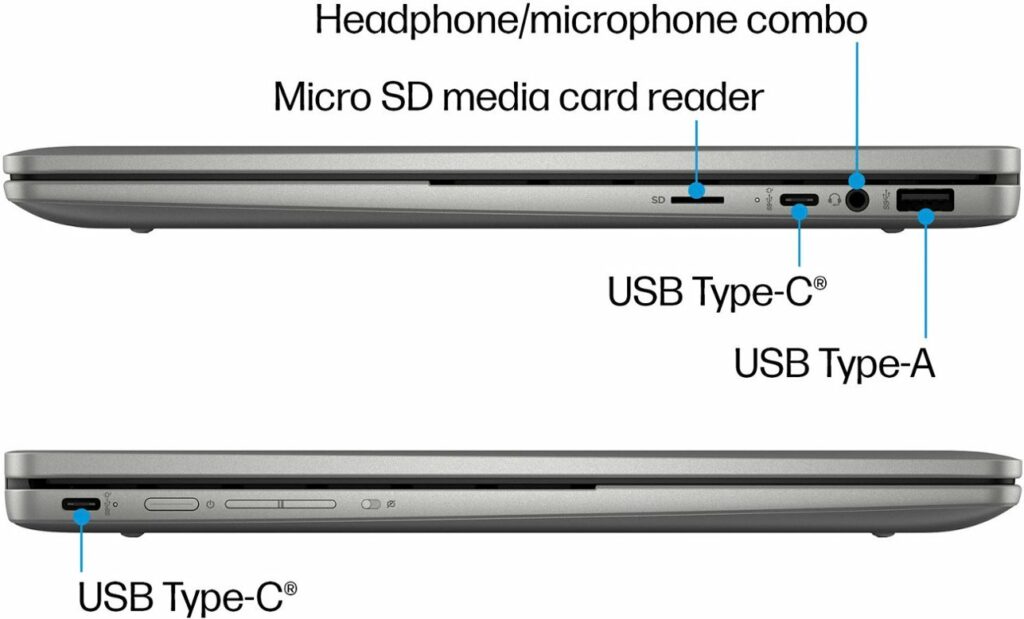
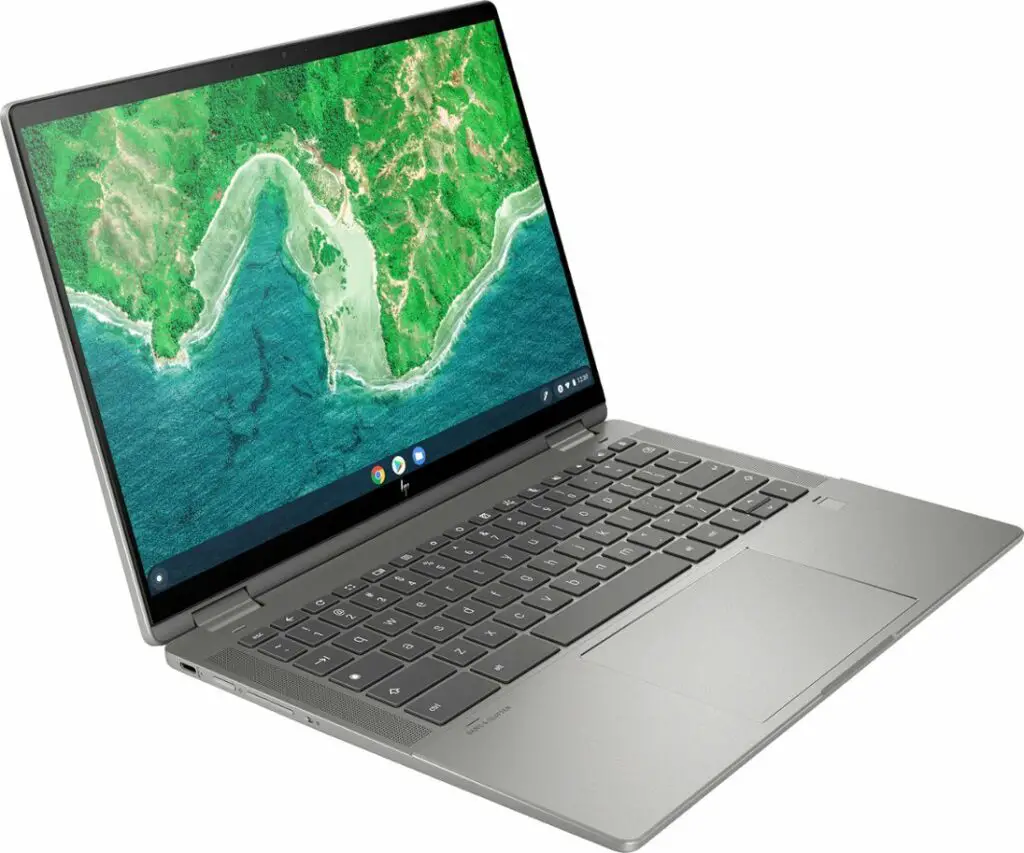
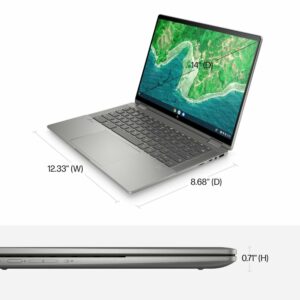
At first blush, you may be thinking that this looks exactly like the current HP available at Best Buy and you would be mostly correct. Looking at the spec sheet, the only real internal update is the move from an 11th Gen to a 12th Gen Intel Core i3 processor. It has the same partial aluminum build, same keyboard, same fingerprint sensor and so on and so forth. While the CPU bump is notable, the real change on this new HP is the switch to a display with a 16:10 aspect ratio. Past models all had a standard 16:9 panel but the entire Chromebook segment is slowly shifting to this taller display. Not a massive difference but a noticeable one if you like more screen real estate.
Sadly, someone has already asked about the screen brightness and an HP team member responded that this model is still an underwhelming 250 nits. HP did, however, keep the price right at $699 like the previous model and like its predecessors, I’m sure this Chromebook will go on sale in the future and you’ll be able to grab one for under $500. At that price, it will be well worth the money. You can find the HP at the link below and sign up to get notified when it is available. We’ll get our hands on one as soon as possible and let you know what we think.

