

Support our independent tech coverage. Chrome Unboxed is written by real people, for real people—not search algorithms. Join Chrome Unboxed Plus for just $2 a month to get an ad-free experience, access to our private Discord, and more. Learn more about membership here.
START FREE TRIAL (MONTHLY)START FREE TRIAL (ANNUAL)
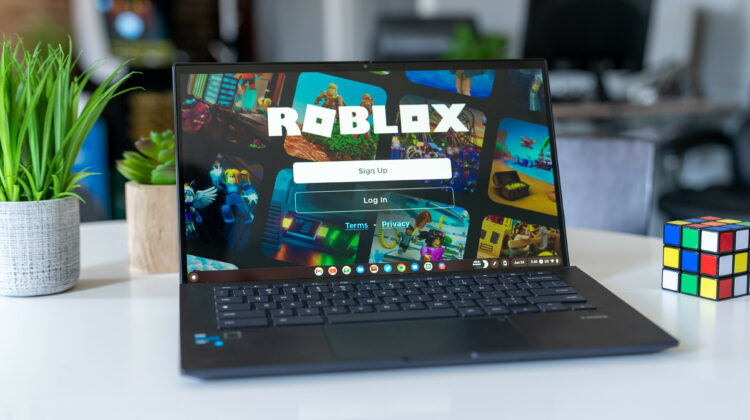
Got a new Chromebook? Got kiddos at home? Chances are good that you have or will experience the Roblox bug in your house. The online game and creation tool has more than 37 million daily users and the wide array of game types and styles appeals to children (and adults) of all ages. Thankfully, you have a couple of options if you want to get your Roblox on and you happen to be driving a ChromeOS device.
Personally, I think a convertible or tablet-style Chromebook in the 11.6″ – 12.5″ range is your best option for playing Roblox on ChromeOS because the touch controls are very user-friendly and it’s a great way for the kiddos to learn hand-eye coordination and build dexterity. That said, you can use keyboard and mouse inputs if your device doesn’t have a touch screen or you just prefer that method. As you can see in Robby’s video below, it doesn’t take a powerful Chromebook to enjoy a good gaming experience while playing Roblox.
Ways to play
If you own a Chromebook that was released in the past few years, you already have everything you need to install and play Roblox. That’s because, unlike Minecraft, Roblox is readily available for ChromeOS devices directly from the Google Play Store. If you haven’t already, head to your Chromebook’s settings via the system tray in the bottom right corner. Click the gear icon at the top of that window to open the settings. From there, find the App tabs on the left-hand menu and click that. Under apps, you should see the Google Play Store. Click the button that says “Turn on” and wait for the Play Store to finish its installation. Previously installed apps may come along for the ride but you can cancel their installation or remove them later if you don’t want them on your device.
Once the installation is complete, open the Play Store and search for Roblox. You can also click the link below and it should take you directly to the Roblox Android app. Once installed, you can log in with your existing Roblox credentials or create a new account. You can also log in with another device if you already have Roblox installed on your phone. Simply open Roblox on your phone and click the three-dot menu at the bottom. Scroll to the bottom and click “Quick log in” and enter the quick log in PIN from your Chromebook. You’re good to go. You can now play Roblox to your heart’s content.
Now.gg for Roblox
If you have an older Chromebook that doesn’t support Android apps or there’s some other reason preventing you from using the Play Store version, do not dismay. While not the best option, the cloud gaming website Now.gg offers a free-to-play, ad-supported version of Roblox that you can play right from your browser. Like Stadia, GeForce NOW, and others, Now.gg offers a variety of games that can be streamed from their services directly to your device. Unlike others, Now.gg focuses on mobile games and Roblox is a perfect fit for the cloud-based service.
To get started, just head over to the Roblox page on the Now.gg website. Since this is the mobile version being streamed to your browser, you will log in exactly as you would on your phone or Chromebook. Just punch in your credentials or use the quick log in option we covered above. I tested this out yesterday and the gameplay was good enough to enjoy the game but I did see some stutters here and there as the website told me my ping was relatively high. This is likely because there may not be a Now.gg server near me but again, the game was 100% playable. You can find the online version of Roblox and many other mobile games from Now.gg at the link below. Happy gaming!
SUBSCRIBE TO UPSTREAM
Get Chrome Unboxed delivered straight to your inbox
Upstream is our flagship, curated newsletter with the top stories, most click-worthy deals, giveaways, and trending articles from Chrome Unboxed sent directly to your inbox a few times a week. Join 31,000+ subscribers.

