• Skip to main content
  • Skip to primary sidebar
  • Deals
  • Features
  • Guides
  • Chromebooks
  • Videos
  • Podcast
  • More +
    • Reviews
    • Unboxing
    • Upcoming Devices
    • Chromebook Plus
    • Chrome
    • ChromeOS
    • Chrome OS Flex
  • Search
  • Sign Up
  • Log In
Chrome Unboxed – The Latest Chrome OS News

Chrome Unboxed - The Latest Chrome OS News

A Space for All Things Chrome, Google, and More!

  • Deals
  • Features
  • Guides
  • Chromebooks
  • Videos
  • Podcast
  • More +
    • Reviews
    • Unboxing
    • Upcoming Devices
    • Chromebook Plus
    • Chrome
    • ChromeOS
    • Chrome OS Flex
  • Search
  • Sign Up
  • Log In

Google’s new ‘Desktop Camera’ app gives us a new peek at Android on the desktop

February 2, 2026 By Robby Payne View Comments

Support our independent tech coverage. Chrome Unboxed is written by real people, for real people—not search algorithms. Join Chrome Unboxed Plus for just $2 a month to get an ad-free experience, access to our private Discord, and more. Learn more about membership here.
START FREE TRIAL (MONTHLY)START FREE TRIAL (ANNUAL)

While we all continue to speculate on the long-term convergence of ChromeOS and Android, a new piece of the puzzle has quietly appeared on the Play Store. Thanks to a cool find by 9to5 Google, we have a first look at a new app titled “Desktop Camera,” and its existence points toward a growing focus on optimizing the Android experience for traditional computer form factors.

The app is currently a “look but don’t touch” experience for most, as it is listed as incompatible with nearly every existing phone, tablet, and Chromebook. However, the screenshots and description provide a small glimpse into how Google is thinking about native utility apps for desktop-style interfaces.

Xremove ads

A simplified camera for a different context

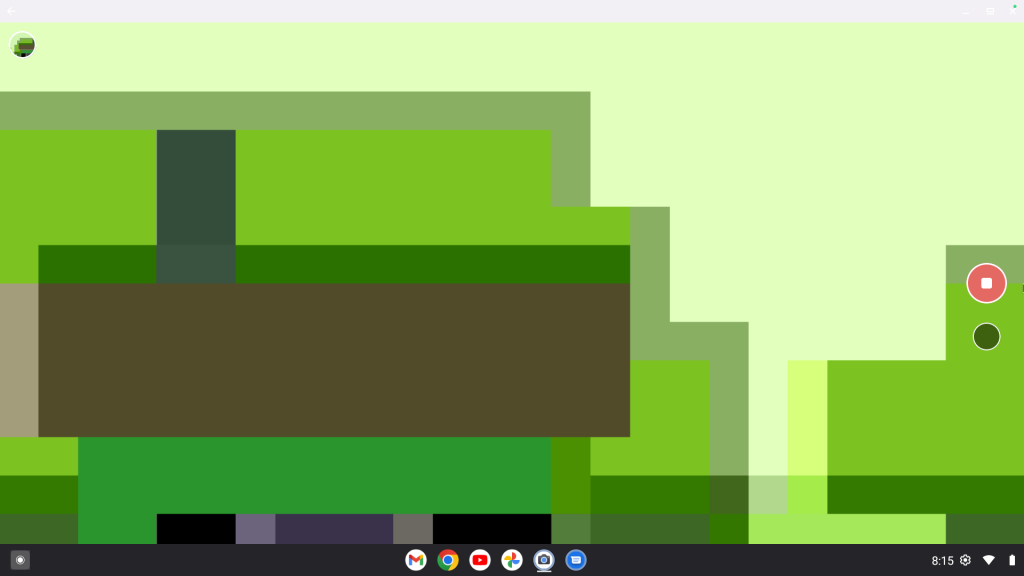
The Desktop Camera UI is remarkably straightforward, resembling a heavily simplified version of the Pixel Camera app. It features a large shutter button, a toggle for switching between photo and video, and a basic settings menu.
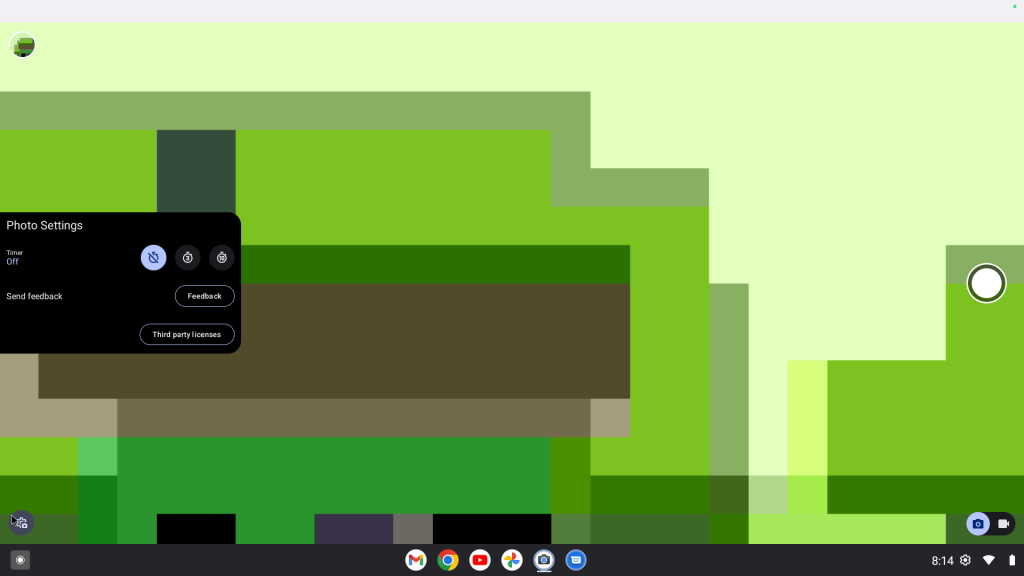
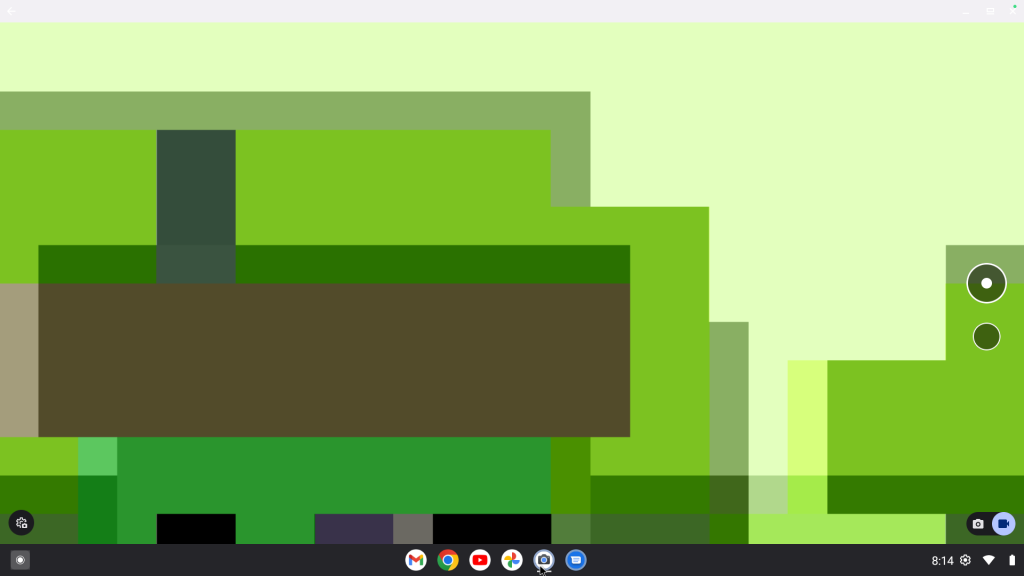
Unlike the feature-packed camera apps on our phones, this version feels built for the utility of a desktop and will be perfect for a quick headshot or a brief video recording without the clutter of mobile-first computational photography modes. It suggests that Google is looking to provide a consistent, native utility experience for devices that don’t fit the traditional mobile mold.

Featured Videos

Xremove ads

UI clues and contradictions

What’s particularly interesting are the screenshots provided in the listing. They show a desktop environment that feels very familiar to ChromeOS users, featuring a similar app drawer and system tray placement.

However, there are notable differences when compared to recent “Aluminium OS” leaks we’ve seen on boards like “Brya.” In those leaks, we saw a much taller, Android-centric status bar and a centered taskbar. In the “Desktop Camera” screenshots, the UI looks more traditional, with the app launcher button tucked back into the left corner. This suggests that Google is likely testing multiple interface iterations or that the UI is designed to be highly adaptive depending on the specific hardware it’s running on.

For now, “Desktop Camera” is more of a curiosity than a tool, but it serves as an interesting glimpse into the way Google working towards making Android play nice on the larger canvas of a laptop screen.

Xremove ads

SUBSCRIBE TO UPSTREAM

Get Chrome Unboxed delivered straight to your inbox

Upstream is our flagship, curated newsletter with the top stories, most click-worthy deals, giveaways, and trending articles from Chrome Unboxed sent directly to your inbox a few times a week. Join 31,000+ subscribers.

SUBSCRIBE HERE!

Filed Under: Aluminium, Android, ChromeOS, News

About Robby Payne

As the founder of Chrome Unboxed, Robby has been reviewing Chromebooks for over a decade. His passion for ChromeOS and the devices it runs on drives his relentless pursuit to find the best Chromebooks, best services, and best tips for those looking to adopt ChromeOS and those who've already made the switch.

Primary Sidebar

Googlebook

MediaTek unveils Dimensity CX C10 Max: 3nm, 55 TOPS NPU, and built for future Googlebooks

By Robby Payne
September 21, 2026

Googlebook is here, and we went hands-on with the new software in NYC [VIDEO]

By Robby Payne
September 21, 2026

We went hands-on with all 5 new Googlebook laptops: here is our first look [Video]

By Robby Payne
September 21, 2026

The ASUS Googlebook 14 is official: 2.18 pounds, 3K OLED, and Panther Lake power

By Robby Payne
September 21, 2026

The HP Googlebook 14 is official: Snapdragon X Elite power, 3K OLED, and 19-hour battery

By Robby Payne
September 21, 2026

More Googlebook

Xremove ads

Deals

The best Chromebook deals today

By Robby Payne
September 2, 2026

The best Chromebook ever made is $350 off at Best Buy right now

By Robby Payne
August 21, 2026

The excellent, powerful Acer Chromebook Plus Spin 514 is $150 off right now

By Robby Payne
August 12, 2026

Acer’s new Chromebook 315 is wildly affordable and points to the real future of Chromebooks

By Robby Payne
August 11, 2026

You can score the massively upgraded ASUS CX54 Chromebook Plus for just $599 right now

By Joseph Humphrey
July 28, 2026

More Deals

Xremove ads

Reviews

Acer Chromebook Plus Spin 514 Review: the best convertible you can buy [VIDEO]

By Robby Payne
July 1, 2026

Lenovo Chromebook Plus 2-in-1 Review: pretty great in a vacuum

By Robby Payne
April 23, 2026

My review after 6 weeks with the Lenovo Chromebook Plus 14 [VIDEO]

By Robby Payne
August 11, 2025

One week with the best small Android tablet you can buy, and I’m sold

By Robby Payne
May 9, 2025

Best Chromebooks of 2024 [VIDEO]

By Robby Payne
November 28, 2024

More Reviews

Xremove ads

TWITTER · FACEBOOK · INSTAGRAM · YOUTUBE · EMAIL · ABOUT

Copyright © 2026 · Chrome Unboxed · Chrome is a registered trademark of Google Inc.
We are participants in various affiliate advertising programs designed to provide a means for us to earn fees by linking to affiliated sites.

PRIVACY POLICY