

Support our independent tech coverage. Chrome Unboxed is written by real people, for real people—not search algorithms. Join Chrome Unboxed Plus for just $2 a month to get an ad-free experience, access to our private Discord, and more. Learn more about membership here.
START FREE TRIAL (MONTHLY)START FREE TRIAL (ANNUAL)
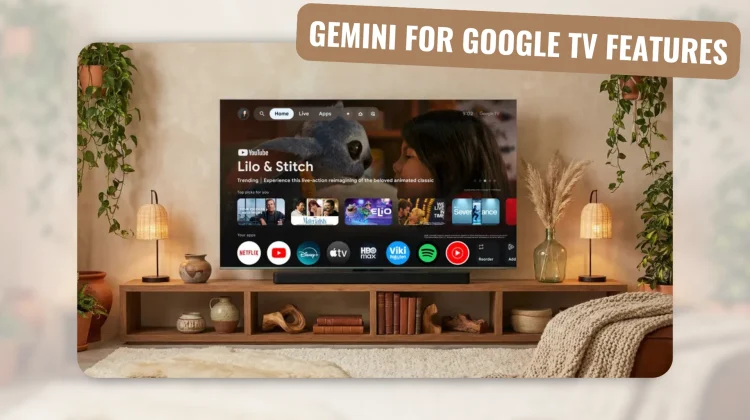
At part of CES 2026, Google is announcing a significant expansion of Gemini’s role in the living room. Moving beyond simple content recommendations, the latest updates to Google TV turn the television into a proactive assistant capable of handling complex queries, managing hardware settings, and even acting as a creative canvas.
A visually rich way to explore and learn
The core of this update is a new, visually oriented framework for information discovery. Instead of static text responses, Gemini now adapts to queries with a mix of high-resolution imagery, video clips, and real-time data: including live sports updates.
For those more intricate subjects that require more than a quick summary, Google is introducing “Deep Dives.” This feature provides narrated, interactive overviews specifically simplified for family viewing, effectively turning the TV into a shared educational hub.
Deep Google Photos integration and creative tools
Personal media is also getting a heavy dose of AI. Users will soon be able to use natural language to search their entire Google Photos library for specific people or fleeting moments directly from the couch.
To take it a step further, the new “Photos Remix” feature allows you to apply artistic styles to these images instantly. You can even transform your static memories into cinematic, immersive slideshows that feel more like professionally produced content than a basic photo scroll.
Beyond just viewing photos, Google is bringing its high-end generative models, Nano Banana and Veo, to the big screen. This allows users to reimagine their existing photos or generate entirely new, original media from scratch using voice commands. Whether you are looking to create an AI-generated background for a party or just experimenting with generative video, the TV is becoming a primary interface for these advanced creative models.
Simplifying hardware control with natural language
Perhaps the most practical improvement for the average user is the elimination of the traditional “settings menu hunt.” Gemini now allows for natural language optimization of picture and sound.
Instead of navigating through nested menus to find brightness or audio levels, you can simply tell Gemini that “the screen is too dim” or “the dialogue is lost.” The AI interprets these requests and adjusts the hardware settings in real-time without requiring you to leave your current movie or show.
Availability
As we often see with these major platform updates, the roll-out will be staggered. These new Gemini features will debut on select TCL devices first—specifically flagship models like the QM9K—before expanding to the broader Google TV ecosystem. Google expects these capabilities to reach other TVs, streaming boxes, and projectors over the coming months, eventually touching a massive portion of the 300 million monthly active devices currently running Android TV OS.
SUBSCRIBE TO UPSTREAM
Get Chrome Unboxed delivered straight to your inbox
Upstream is our flagship, curated newsletter with the top stories, most click-worthy deals, giveaways, and trending articles from Chrome Unboxed sent directly to your inbox a few times a week. Join 31,000+ subscribers.

