


Support our independent tech coverage. Chrome Unboxed is written by real people, for real people—not search algorithms. Join Chrome Unboxed Plus for just $2 a month to get an ad-free experience, access to our private Discord, and more. Learn more about membership here.
START FREE TRIAL (MONTHLY)START FREE TRIAL (ANNUAL)
I was browsing my Google TV library last night for a family movie to watch with my son, and when I clicked on Detective Pikachu, I was met with a very unfortunate surprise. The digital movie I purchased a license to was no longer available!

Everyone’s worst fear with digital content, right? Well, Google TV treated Detective Pikachu like a TV show with episodes instead of a movie, but worse still, a tv show I didn’t own! Instead of letting me watch the film, I was met with the screenshot you see below that states I have “0 episodes in your library”.
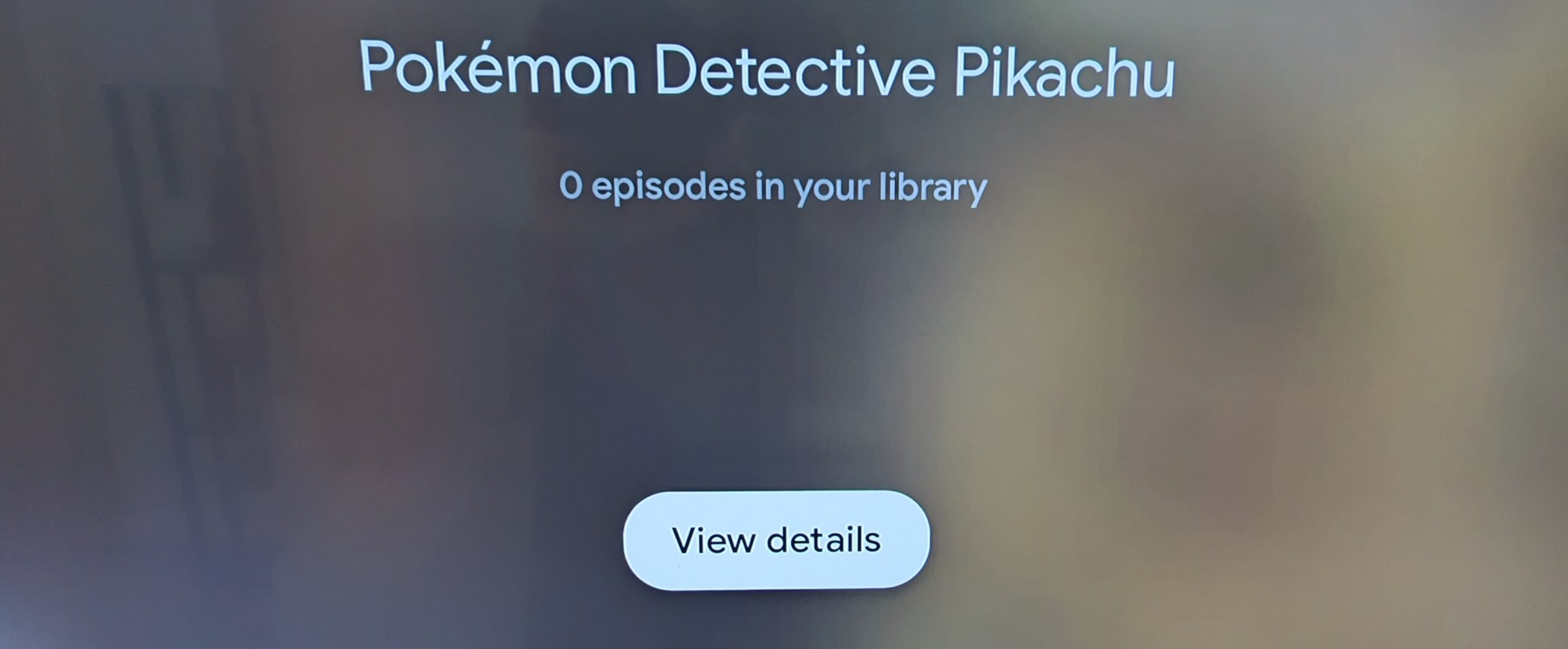
Obviously, there is no Detective Pikachu TV show, so something’s not right here, and the fact that my content went missing is concerning. I tried with a few other movies, and I got the same result! Fear not though, because while this is unfavorable, I do have a workaround you can use should this happen to you too.
You probably already guessed by now, but if you simply open the Google TV app on your phone and go to your library to cast it to your TV, your movies are, in fact, still available. I hope this isn’t widespread, but let me know in the comments if you’re also experiencing the same thing and if casting from your handheld device solved the issue!
SUBSCRIBE TO UPSTREAM
Get Chrome Unboxed delivered straight to your inbox
Upstream is our flagship, curated newsletter with the top stories, most click-worthy deals, giveaways, and trending articles from Chrome Unboxed sent directly to your inbox a few times a week. Join 31,000+ subscribers.

