

Support our independent tech coverage. Chrome Unboxed is written by real people, for real people—not search algorithms. Join Chrome Unboxed Plus for just $2 a month to get an ad-free experience, access to our private Discord, and more. Learn more about membership here.
START FREE TRIAL (MONTHLY)START FREE TRIAL (ANNUAL)
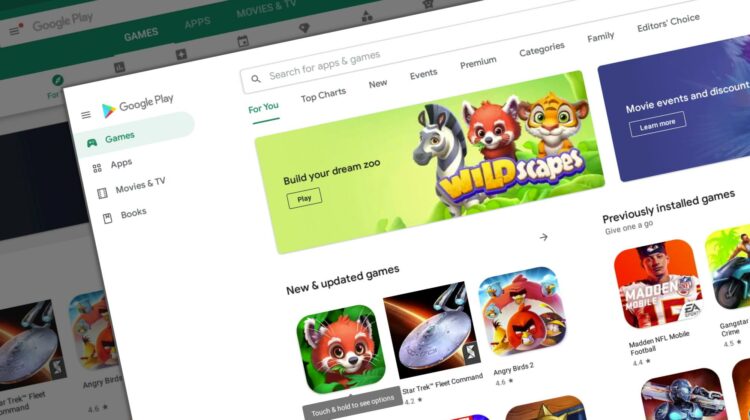
In an effort to expand upon its Teacher Approved content via the Kid’s Tab of the Google Play Store, Google is now allowing all apps that meet the Play Families Policy to be shown on that Kid’s tab of the storefront. As a reminder, one of the most important qualifications a developer must meet with their experience is that it has to be rated ESRB Everyone, or Everyone 10+.
Another requirement that Google urges is that if an app is not meant for children, the marketing does not unintentionally attract them. This has been a major problem in the past, and I’ve seen games that have excessive violence appeal to those with shorter attention spans, have colorful, playful themes, and more.
Anyway, I think that this update will cause a lot of additional confusion for children and I believe a ton of apps that shouldn’t be presented to children may end up being installed by them regardless. I’m not going to lie and say that this seems like a good idea.
Our team of teachers and experts across the world review and rate apps on factors like age-appropriateness, quality of experience, enrichment, and delight. For added transparency, we include information in the app listing about why the app was rated highly to help parents determine if the app is right for their child.
Android Developers Blog
More access to content is great, but I’m not completely confident in Google’s moderation. Of course, that burden of protecting the kiddos still lies on the parents, and everyone letting their little ones grab apps and games from the Play Store should still vet them with requests using the new Google Family Link app.
Google’s “teachers and experts” are still coming to the table with a bias on what is and is not acceptable for children of this age, so as always, and more than ever, do your due diligence to review a game’s screenshots, content, and more before approving it for install on your son or daughter’s device.
One area where I feel Google is doing a better job is by disallowing ads on kids’ experiences. This latest update will help to better protect users and make life easier for Families developers, according to the Android Developers blog post.
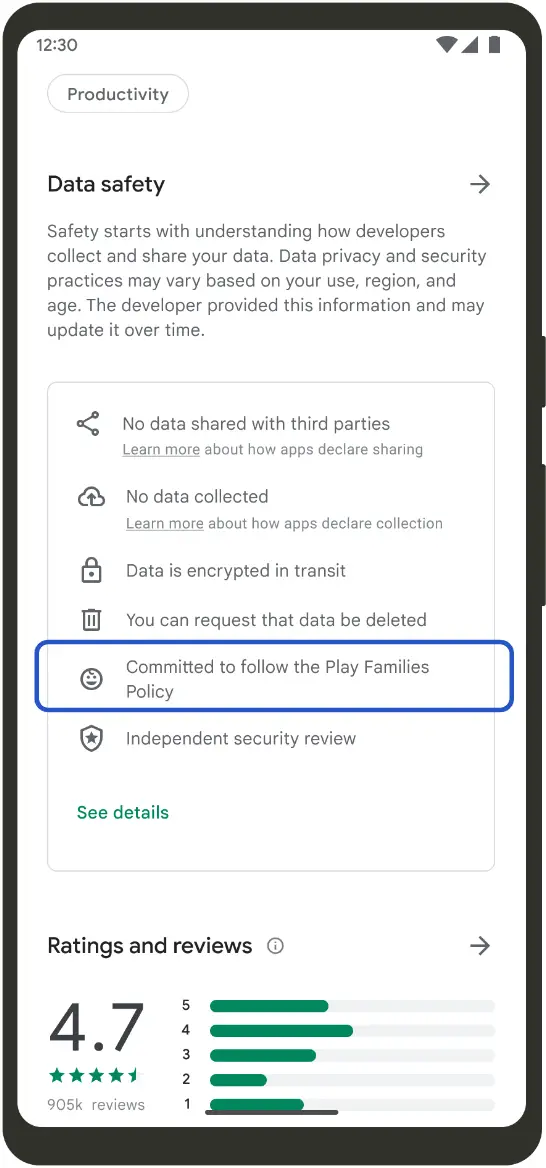
One benefit of the upcoming changes is that developers who have tailored their app to the Families Policy will get a badge on their app’s store page that shows as above – “Committed to follow the Play Families Policy”. If nothing else, this could serve as a good place to start vetting experiences before diving in further to qualify or disqualify them in your home.
SUBSCRIBE TO UPSTREAM
Get Chrome Unboxed delivered straight to your inbox
Upstream is our flagship, curated newsletter with the top stories, most click-worthy deals, giveaways, and trending articles from Chrome Unboxed sent directly to your inbox a few times a week. Join 31,000+ subscribers.

