

Support our independent tech coverage. Chrome Unboxed is written by real people, for real people—not search algorithms. Join Chrome Unboxed Plus for just $2 a month to get an ad-free experience, access to our private Discord, and more. Learn more about membership here.
START FREE TRIAL (MONTHLY)START FREE TRIAL (ANNUAL)
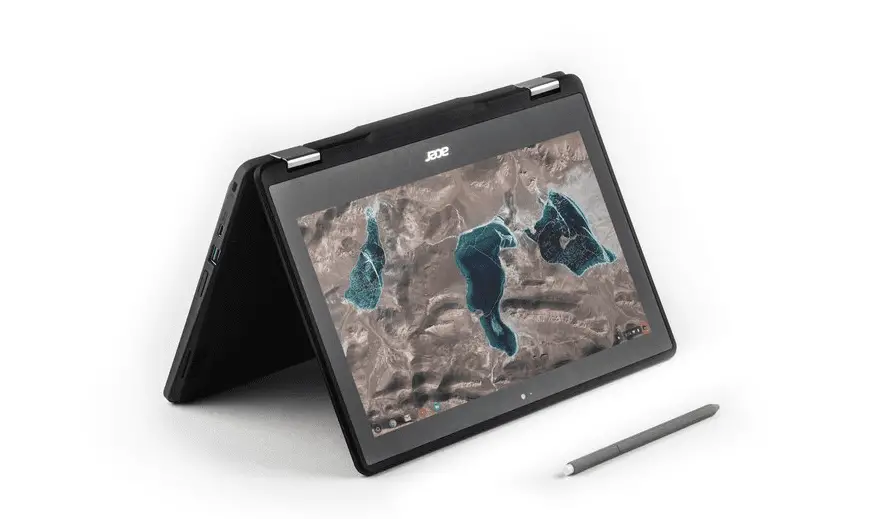
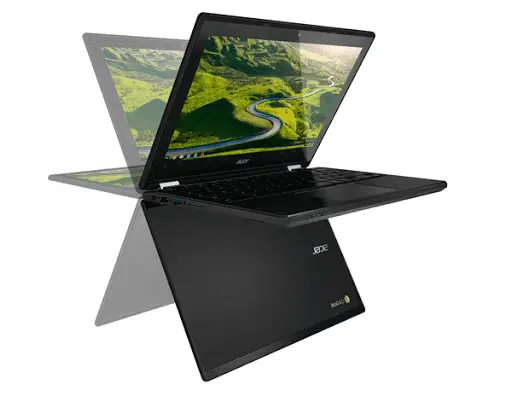
Out of the blue, Google announced the release of two new Chromebook models aimed at the Education market. The Acer Chromebook 11 Spin and the ASUS Chromebook C213 will be available in late spring and are being touted as “next generation” devices.
Here’s Why
These two new Chromebooks will be featuring the latest Apollo Lake chips from Intel. As the replacement for the Braswell line, these chips are targeted at low-cost models and have found themselves very comfortable in the education sector.
That doesn’t mean these devices don’t have a few tricks up their sleeves. The reason the Acer and ASUS are being labeled “next gen” is the features they offer that aren’t found in any other devices in their target market.
What’s New
According to Google’s Official Blog, these two Chromebooks come equipped with a low-cost Wacom Stylus and each device has been equipped with a pressure-sensitive digitizer. This makes them the first, outside of the Samsung Chromebook Plus/Pro, with this feature included.
USB-C is quickly becoming the new standard in mobile and computing devices and both the Acer and ASUS are equipped with one each for charging.
The new line-up of Chrome OS devices also include what is called a “world view camera.” Essentially a keyboard mounted camera that can be used in tablet mode so students can use the display as sort of a viewfinder while using the camera. This feature could be implemented as a microscope or even used in basic mapping projects.
The Acer Chromebook Spin is already available for order through the Google Education product store. According to sources at Google they will be shipping sometime in early spring. This is just another sign that Google and manufacturers aren’t afraid to go all-in on Chrome OS

