

Support our independent tech coverage. Chrome Unboxed is written by real people, for real people—not search algorithms. Join Chrome Unboxed Plus for just $2 a month to get an ad-free experience, access to our private Discord, and more. Learn more about membership here.
START FREE TRIAL (MONTHLY)START FREE TRIAL (ANNUAL)
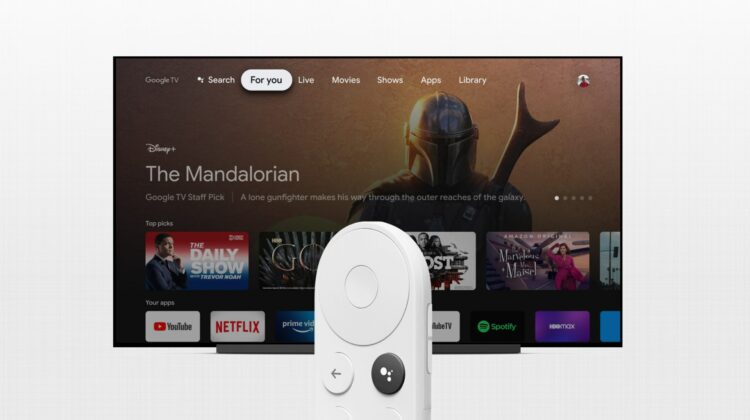
The Chromecast with Google TV is pretty great. In fact, it’s being heralded as the “Roku killer” by many, and for good reason. The only things missing from the Chromecast experience thus far have been a remote control and a refreshed interface centered around helping you dive into content more seamlessly and Google’s new device delivers on both.
Unfortunately, for some, – myself included – an error pops up sometimes rendering the device completely unusable. It states that your Chromecast has entered ‘Android Recovery’ and that your data may be corrupt. Oddly enough, this has happened to me and several others a good handful of times since the device’s launch.
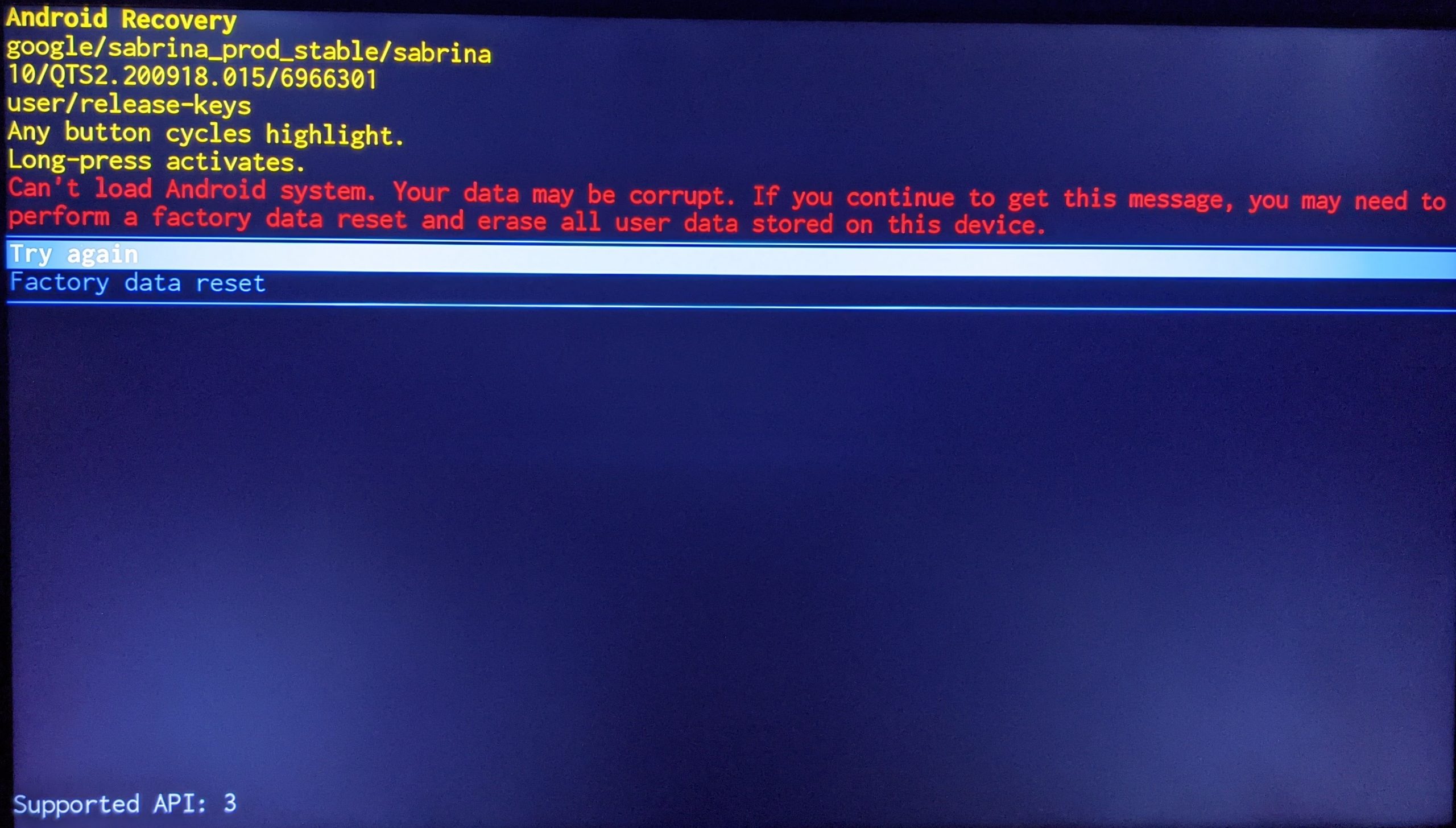
Can’t load Android system. Your data may be corrupt. If you continue to get this message, you may need to perform a factory data reset and erase all user data stored on this device.
If you’re facing this very same problem, we regret to say that we aren’t exactly sure what’s causing it, but we hope to see Google come out with an official statement sooner rather than later. It’s clear that this is an issue affecting only a small percentage of people, but that still translates to a lot of Google users. You should know, however, that it can be fixed. While the error does state that you may need to delete all user data from the device, that’s simply your Google account and any installed apps. This means that upon setting it back up again and signing in, you’re just a short way from being right back where you were before the Chromecast stopped working on you! Again, unfortunate and unacceptable, but not a difficult fix.
Okay, so how do you solve this problem? It’s actually quite easy – simply reach behind your television and press and hold the small button on the back of the Chromecast so that the LED begins to blink yellow. Shortly after, it will turn white and you can let go of it. Your television should wipeout for a few seconds. Wait a moment and then you’ll be presented with the setup process for your Chromecast with Google TV.
The error message will state that you can use your remote to navigate the menu and factory reset it, but I was unable to do this after several attempts. If you sit down to watch a show or movie and realize that your TV screen just won’t ‘turn on’, this is probably because pressing the remote won’t activate the input switching trick that the Chromecast is capable of. In that case, just grab your regular remote, switch the input to your Chromecast and you’ll notice the error message so that you can deal with it.
I can’t stress enough how unfortunate it is that this is happening to begin with and we certainly don’t want to give Google a pass on this. With that being said, our goal is to get you back to your favorite shows and movies, so we hope this helps someone. Are you as unlucky as I am and is your Chromecast bricked? Let us know in the comments!
SUBSCRIBE TO UPSTREAM
Get Chrome Unboxed delivered straight to your inbox
Upstream is our flagship, curated newsletter with the top stories, most click-worthy deals, giveaways, and trending articles from Chrome Unboxed sent directly to your inbox a few times a week. Join 31,000+ subscribers.

