


Support our independent tech coverage. Chrome Unboxed is written by real people, for real people—not search algorithms. Join Chrome Unboxed Plus for just $2 a month to get an ad-free experience, access to our private Discord, and more. Learn more about membership here.
START FREE TRIAL (MONTHLY)START FREE TRIAL (ANNUAL)
 If you haven’t picked up on the theme for the rest of 2017 around here, let me give you a hint:
— EVE —
Likely until it is finally revealed and for many months after, the Chromebook known only as ‘Eve’ will continue to captivate our imaginations.
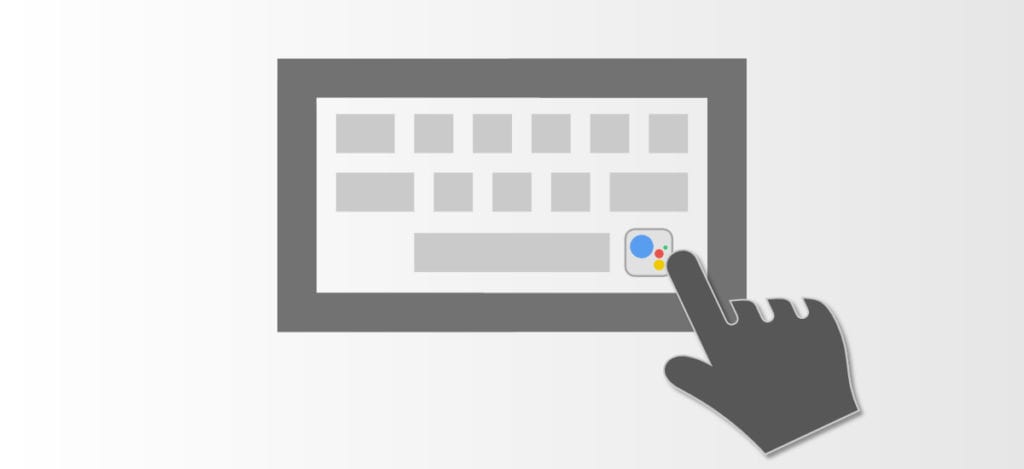
The list of things ‘Eve’ will come equipped with continues growing every day it seems. From a convertible form factor, High-res screen, advanced stylus, Assistant key, 7th-gen Kaby Lake processor, NVMe SSD, finger-print scanner, double-tap features with unique LED actions, backlit keyboard, Google’s new touchpad tech, and the hope of this being a #madebyGoogle device, ‘Eve’ has more anticipation building around it than anything we’ve ever seen in the Chrome OS space.
Today Adds Yet Another Unique Feature
Today, we have a myriad of commits showing ‘Eve’ will be outfitted with a new keyboard layout. This looks to be something that, moving forward, other Chromebooks will also include. For now, though, ‘Eve’ is clearly the flagship for this new input setup.
So, what are we seeing? The only definitive move from this new input list is the removal of the Forward key (or F2). From the looks of it, we’ll lose that key and shift everything left up to the volume keys.
Next, they’ll be adding in a dedicated media button for play/pause function just to the left of the current mute key. To the right of that, it looks like things are the same.
New Buttons
Up until now, Chromebooks have only utilized 11 function keys. Most times, the F11 key is the power button. For convertibles, this is replaced with a dedicated lock button as the power button is on the side with the other volume rocker.
What we are seeing from the above-linked commit is an open F11 and F12 key, which could be used for anything at this point. Likely, one would be a power/lock button and then the Google Assistant key we’ve been talking about.
But wait, there’s more!
Additionally, we just saw another commit in this topic that is registering yet another button: F13.
Moreover, the key is being referred to as a ‘hamburger’ key. Here’s the language from the commit:
This changes mapping from KEY_F13 to the KEY_CONTROLPANEL (which is “Application Launcher – Control Panel” key) and will invoke settings/system tray.
From that, you are left to make your own assumptions. The label ‘Application Launcher’ seems clear, but then it is followed by ‘will invoke settings/system tray’. The settings and system tray is currently just the menu that appears when you click on the right side of the shelf near the clock and your notifications.
It seems unlikely that there would need to be a dedicated key for just this part of the UI, but we also don’t know what other things will be housed there as we keep seeing Chrome OS evolve.
If you want to dig through all the commits around these changes, you can go here and see them all. We’ll obviously be keeping track as well and will report back with any other new keyboard mappings we find.
It is becoming more and more clear that ‘Eve’ is ready to redefine the Chrome OS experience through not only new hardware, but new ways in which that hardware will interact with Chrome OS on a fundamental level. I’m sure there will be more, and we’ll keep digging to find it.

