


Support our independent tech coverage. Chrome Unboxed is written by real people, for real people—not search algorithms. Join Chrome Unboxed Plus for just $2 a month to get an ad-free experience, access to our private Discord, and more. Learn more about membership here.
START FREE TRIAL (MONTHLY)START FREE TRIAL (ANNUAL)
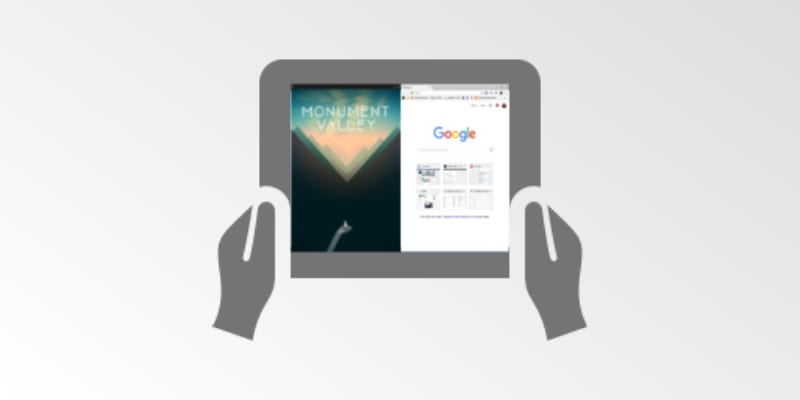 Despite the delay of the full Play Store release, for a small handful of devices the Android experience is an overall positive one. Still, if you have had the chance to use Android Apps on Chrome OS, you’ve probably already experienced one or more of the shortcomings that have come along for the ride.
One of the more noticeable deficiencies is certainly the way Chromebooks handle apps when in tablet mode. A more accurate description would be the lack of tablet-mode app support on Chrome OS. Multi-window functions are non-existent and, essentially, you are left to whatever the native behavior is of the app in focus. Most of the time that behavior is forced full-screen.
Currently, resizing apps on Chrome OS is possible with a little tweaking and we can expect it to become the native experience in the future. The problem at the moment is that tablet-mode completely negates any and all of these functions. It isn’t a simple as implementing traditional mobile behavior. Multi-window, side-by-side and screen rotation all work great in Android 7.1.1 but when you throw in the Chrome OS factor everything takes on an added dimension.
It is now clear that developers are figuring out the best way to handle the switch between desktop and tablet environments. A recent commit from the repositories gives us a glimpse of the first stages of Chrome OS’s Tablet Window Management. After digging through the very extensive commit, I can tell you this is not a small undertaking. It appears developers are building these functions from the ground up.
Likely they will be pulling a lot of behaviors from Android’s app management and customizing it for the Chrome OS environment. In the commit we see a lot of verbiage about window resizing, animations, split-screen and many more features you would expect to see from a tablet running Android Apps. As large as this file is, it is labeled as ‘Part 1″ leading me to believe the work has only just begun.

It very well may be quite some time before we see table-mode on Chromebooks handle apps as well as our mobile devices. However, with tablets and detachable on the horizon, the Window Management features will surely be top priority. We’ll be keeping close watch on this. The success of Android Apps on Chrome OS hinges greatly on how well tablet-mode handles applications.
*Update*- As of this morning the source file for this commit has been removed from the repository. This is a very unusual happenstance as projects are usually marked as “abandoned” if work ceases but this is the first time I have seen one actually removed.
Not sure what the play is here but it is doubtful that window management was abandoned. I’m just not sure as to why the files were removed. We will keep an eye out for any updates.
Source: The Chromium Project

