


Support our independent tech coverage. Chrome Unboxed is written by real people, for real people—not search algorithms. Join Chrome Unboxed Plus for just $2 a month to get an ad-free experience, access to our private Discord, and more. Learn more about membership here.
START FREE TRIAL (MONTHLY)START FREE TRIAL (ANNUAL)
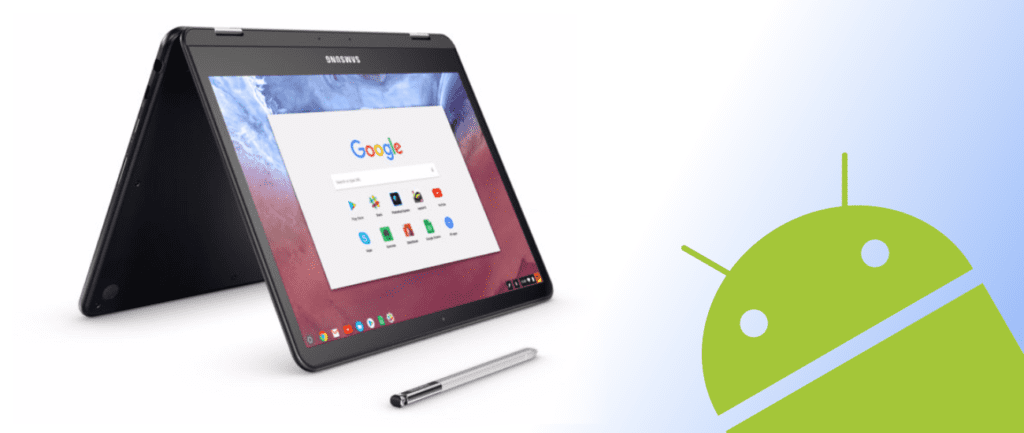 Up until recently, Android apps have had their own set of behaviors. On some Chromebooks – those running Nougat – apps can be opened in phone orientation, sometimes resized, and in free-floating windows around your desktop.
For those not yet on Nougat, all apps would open in a full window or a tablet interface.
Additionally, in the Developer Options for Android, you can set whether or not you want apps to open in phone, tablet or full-screen mode along with forcing resizing windows.
It’s been a bit of a mixed bag up to this point.
Oh, and let’s not forget one of the most annoying limitations: the inability to use Android Apps across extended displays.
For me on a daily basis, this behavior is the one that makes the Android implementation feel the least cohesive.
This Behavior Has Been Addressed
Luckily, it appears Google has addressed this last behavior and is doing some additional things to make extended display workflow much more manageable.
First, Android Apps (just like any other window open on your desktop) can now be freely moved across all your screens. Before this change, Android Apps were simply locked to your Chromebook’s primary display. That is where they would open and where they would stay. Being windowed apps at this point, this behavior always made my Android App experience feel very half-baked.
The changed behavior now allows users to freely drag Android Apps between displays as they see fit, and this all feels very native now. I honestly haven’t tried this for about a week or so, but a recent commit unearthed by Gabriel made me think about it again. We’ll get to that in a second, but if you have a Chromebook with Android Apps and Nougat, you should be free to move your apps about the desktop.

Second, you can also open apps on the extended display, provided you closed it there last time it was open. So, if you last had Kinemaster open in the extended display, for instance, if you close it and re-open it, the app will open in the same display. See below.

This last behavior is what the commit I referenced above is actually about. In the commit, it seems the developers are working on extended display behaviors and opening apps from the respective shelf for each display. Right now, even with Chrome apps, they open in the primary display first and can be arranged however you’d like. For me – and many others, too – this would make much more sense if I clicked an icon and that app launched on the screen I was currently viewing.
It seems this commit is working on that very thing. When in place, this behavior will go a long way in making extended display workflows feel much more refined. Additionally, it prompted me to discover the additional abilities now inherent to Android Apps on extended displays, so its been a win/win.
I have to admit, more than it has in months, the Android experience on Chrome OS is really starting to feel more at home. Call me crazy, but I’d bet we’re in the final stages of Beta and getting close to seeing Android apps on Chromebooks finally feel like the integrated experience Google promised us almost a year ago. If the growing pile of Chromebooks getting apps and Nougat are any indication, anyway.

