

Support our independent tech coverage. Chrome Unboxed is written by real people, for real people—not search algorithms. Join Chrome Unboxed Plus for just $2 a month to get an ad-free experience, access to our private Discord, and more. Learn more about membership here.
START FREE TRIAL (MONTHLY)START FREE TRIAL (ANNUAL)
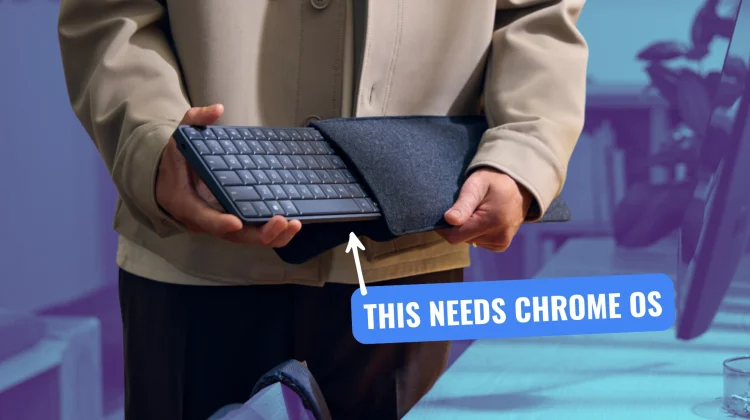
At CES 2026, HP unveiled a device that feels like a modern tribute to the early days of home computing: the Eliteboard G1a. It is a fully functional desktop computer – complete with a processor, cooling system, and internal storage – entirely housed within a compact keyboard. While HP is currently positioning this as a unique solution for Windows-driven office environments, the form factor itself feels like one of the most logical fits for a Chromebox I’ve seen in a long time.
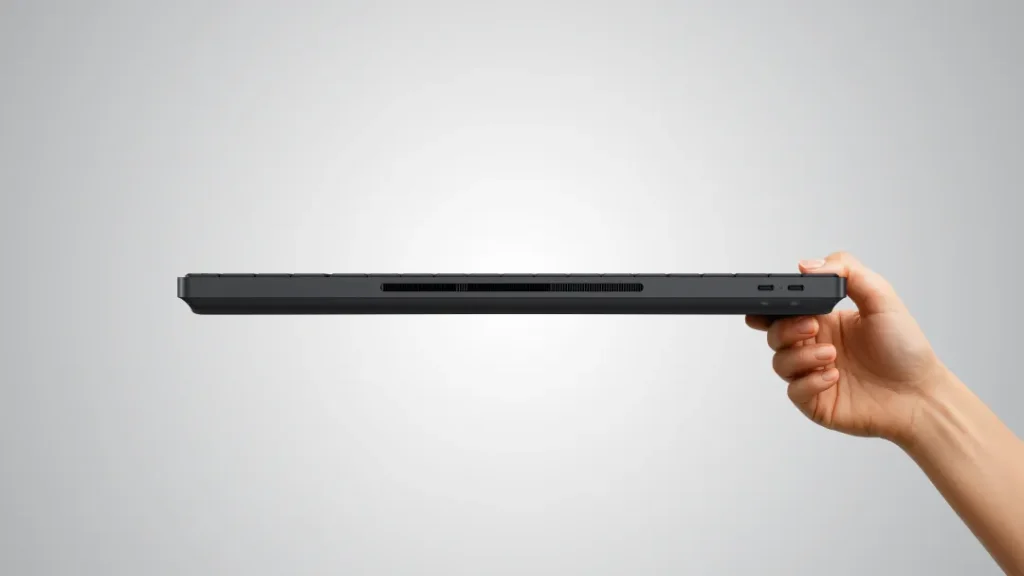
Inside its 1.7-pound chassis, HP has managed to fit AMD’s Ryzen AI 300-series chips, up to 64GB of DDR5 RAM, and support for dual 4K displays. It even features an optional 35Wh battery for unplugged use and a fingerprint sensor for biometric security. It is a full-blown workstation that requires nothing more than a monitor and a mouse to become a complete computing setup.
Why ChromeOS would be a great fit
ChromeOS is defined by its low compute overhead and incredible efficiency. While a Windows-based device in this slim form factor has to contend with significant thermal management and background resource consumption, a ChromeOS version would likely deliver incredibly fast performance with the same hardware limitations.
And the potential for a ChromeOS version of the Eliteboard is huge, particularly in sectors where Google already has a strong foothold. In education, IT departments could transform existing monitors or older “dumb” terminals into modern workstations simply by swapping out the peripherals. It simplifies cable management and reduces the physical footprint of the computer to basically none.
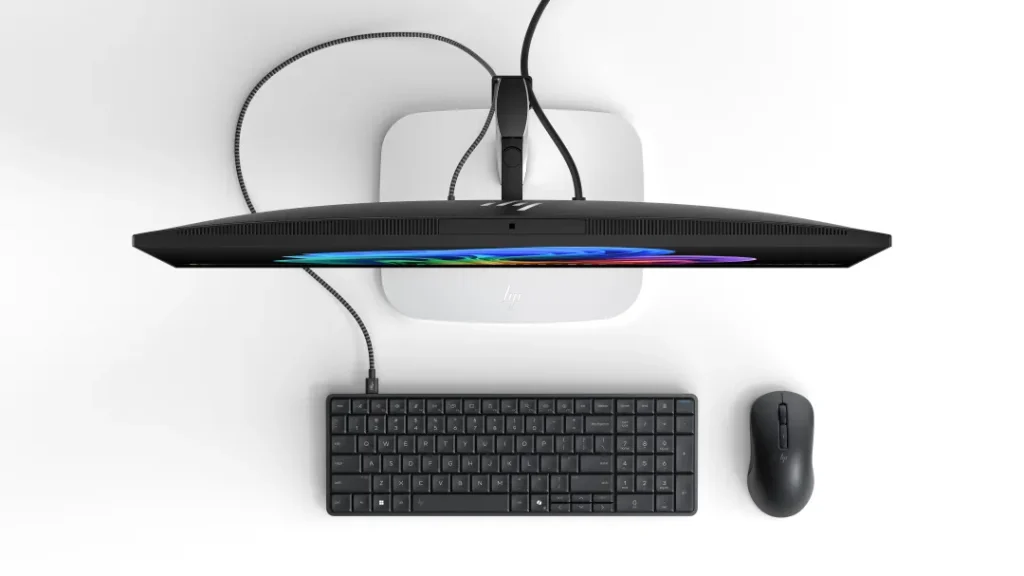
For the enterprise world, this form factor could be a great fit, too. An employee could carry their entire keyboard-equipped Chromebox in a bag, arrive at any workstation, and plug in a single USB-C cable to access their entire workflow. Because ChromeOS syncs everything via the cloud, the transition would be seamless, and the built-in fingerprint sensor would give workers the necessary hardware-level security for corporate environments.
Even in the realm of digital signage and kiosks, having the compute power integrated directly into the input device would simplify installation and maintenance. This sort of form factor removes the need to mount a Chromebox behind a screen or inside a cabinet, keeping all the essential ports and the power button easily accessible on the desk.
If HP or another major manufacturer were to bring a Ryzen-powered ChromeOS variant to market, it would offer a compelling alternative to the traditional desktop and even the laptop for many users. Will someone do it? I sure hope so! At this point, HP could simply ship this new device with ChromeOS flashed on it out of the box and you’d be up and running. Or, maybe we just need to get one and install ChromeOS Flex on it.
SUBSCRIBE TO UPSTREAM
Get Chrome Unboxed delivered straight to your inbox
Upstream is our flagship, curated newsletter with the top stories, most click-worthy deals, giveaways, and trending articles from Chrome Unboxed sent directly to your inbox a few times a week. Join 31,000+ subscribers.

