


Support our independent tech coverage. Chrome Unboxed is written by real people, for real people—not search algorithms. Join Chrome Unboxed Plus for just $2 a month to get an ad-free experience, access to our private Discord, and more. Learn more about membership here.
START FREE TRIAL (MONTHLY)START FREE TRIAL (ANNUAL)
 As reported by Chrome Story earlier this month, HP has launched a standalone app for Chrome OS aimed at taking all the pain points out of printing from a Chrome OS device. And, from what we’ve seen here at Chrome Unboxed, this little app is simple, steady, and does exactly what it advertises.
With a little caveat.
This will only work on HP printers (not suprisingly). And HP doesn’t specify what the specs required are for your printer, either. But, trying out an app is likely only a few minutes of your time, so we would highly recommend giving this a shot.
First, download and install the app from the Chrome Web Store here.
Next, there are two really awesome things you can do with the app.
First among those is the ability to print over your local network without the need for Google Cloud Print. Google Cloud Print is the service most of us use on Chromebooks to print to wireless, connected printers. And, while it has worked for years for me, there have been times when the Google Cloud Print servers don’t respond and I’m left waiting for a print job for upwards of an hour.
Not great.
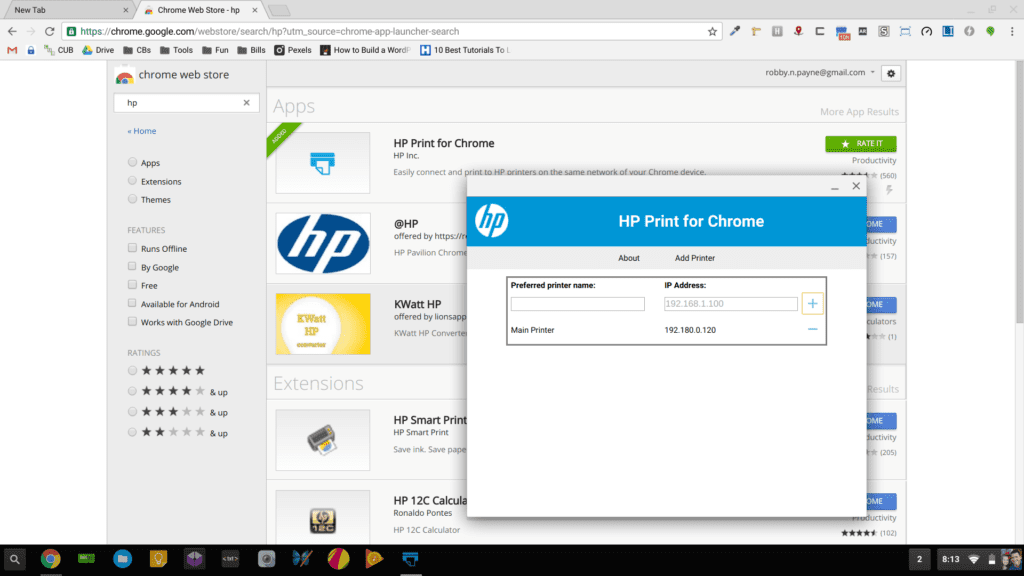
This app relieves that issue and allows me to simply input the IP address of my HP printer and add it as a local network printer. Open the app you just installed, type in the IP address of your HP printer, click the + sign, and you are done. By the way, the IP in the image below is bogus, so don’t bother trying to mess with it! =)
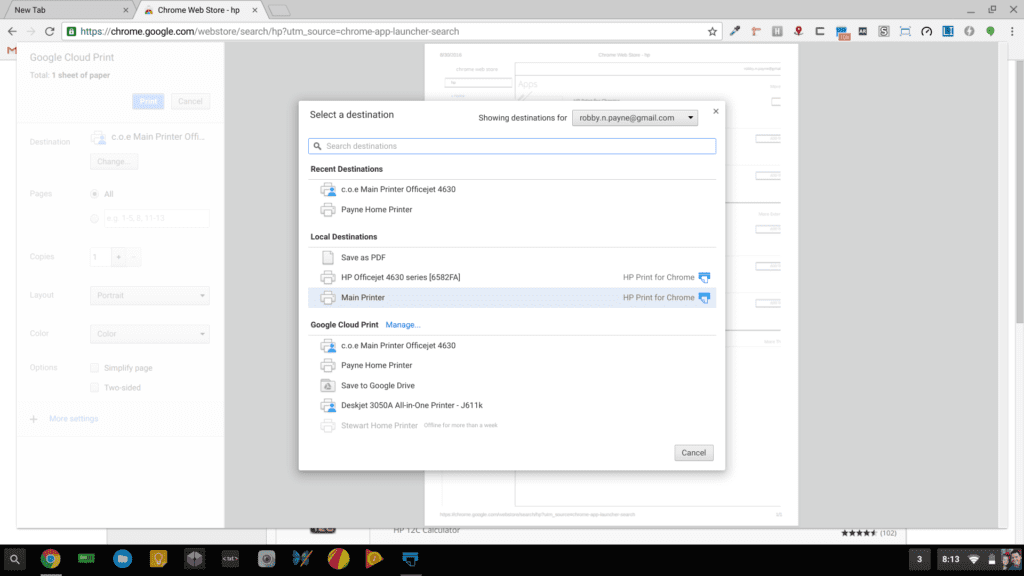
Now, when you go to print (go ahead, hit CTRL+P anywhere and give it a try), you’ll see the printer you added as long as you are on the same local Wifi network.
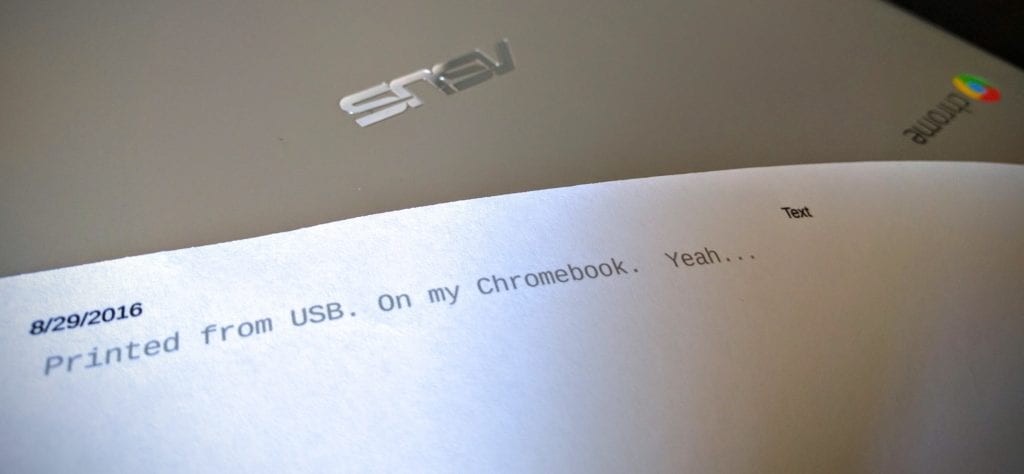
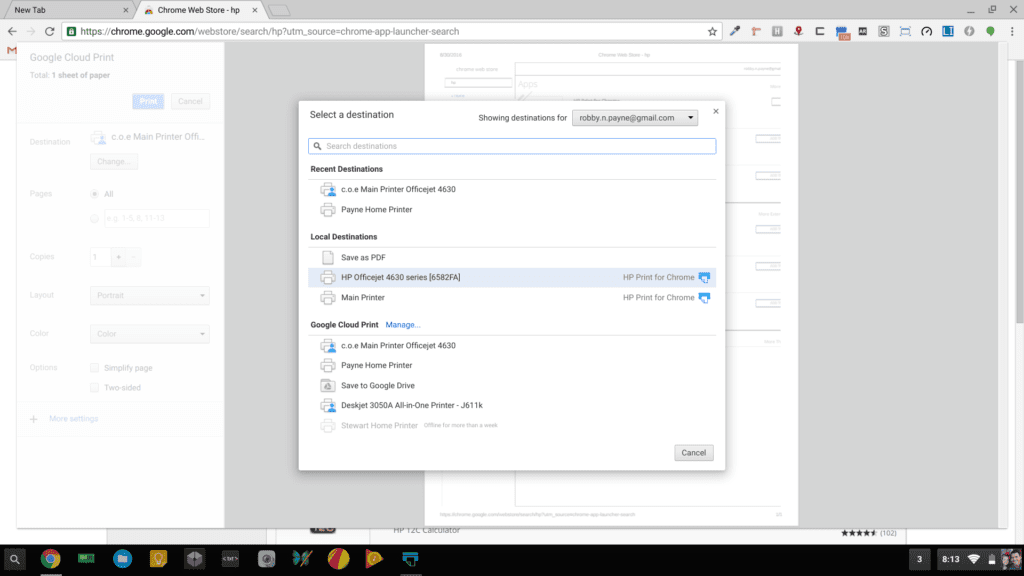
Secondly, you can now print via USB. While this feels like a technological step backward, it is one of those utilitarian needs that has been missing from Chrome OS until now. And the best part? It is dead-simple.
Grab your USB cable, plug it in, select the local printer, print. It really is that simple.
As a matter of fact, it is the simplest printer setup and use I’ve ever come across. Granted, it is only available on HP printers, but this goes a long way in showing printing on Chromebooks can be simple. HP has taken the lead here, and given their footprint in the printer space, this comes as no surprise. That presence combined with their business focus with the HP Chromebook 13 G1 has clearly given HP the proper motivation to create a simple solution to printing from Chrome OS.
Printer manufacturers: please follow HP’s lead here. Make a quick, simple app for Chrome OS that integrates with your printers. We all thank you in advance!

