

Support our independent tech coverage. Chrome Unboxed is written by real people, for real people—not search algorithms. Join Chrome Unboxed Plus for just $2 a month to get an ad-free experience, access to our private Discord, and more. Learn more about membership here.
START FREE TRIAL (MONTHLY)START FREE TRIAL (ANNUAL)
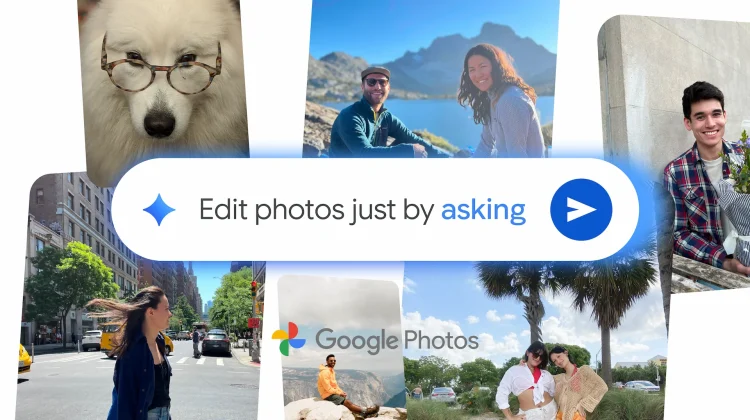
As part of the massive slate of announcements from today’s Made by Google 2025 event, the company has unveiled a truly game-changing new feature for Google Photos that leverages the power of Gemini to make photo editing unbelievably easy. Get ready for conversational editing.
Coming first to the new Pixel 10 series in the U.S., you’ll soon be able to edit your images in Google Photos by simply asking for the changes you want to see.
Just ask for the edits you want
While the recently redesigned photo editor in Google Photos is already great, this new feature takes it to another level. Instead of needing to select tools, find the right sliders, or know any editing terminology, you can now simply describe the edits you want to make by text or voice, and watch the changes appear.
Thanks to advanced Gemini capabilities, the editor can understand open-ended, conversational requests. You can ask for something specific like “remove the cars in the background” or something more general like “restore this old photo.” You can even make multiple requests in a single prompt, like “remove the reflections and fix the washed out colors.”
If you have no idea where to start, you can simply say or type, “make it better,” and Photos will give you a starting point. From there, you can use follow-up instructions to fine-tune the image until it’s just right.
From simple fixes to creative fun
This new conversational editor isn’t just for corrective edits. You can also ask for more creative help, like completely changing the background of an image or adding fun items like a party hat or sunglasses to the main subject. It’s a powerful tool that opens up complex editing possibilities to everyone, regardless of their skill level. All you have to do is ask.
A new standard for AI transparency
Alongside this powerful new editing tool, Google is also improving transparency around AI-generated images. The Pixel 10 will be the first phone to implement the industry-standard C2PA Content Credentials within its native camera app. This means photos created by the Pixel Camera, both with and without AI, will have this information embedded.

Google Photos will also add support for C2PA Content Credentials, allowing you to see information right in the app indicating how an image was captured or edited. This will be available first for Pixel 10 and will roll out gradually to other Android and iOS devices in the coming weeks.
This new conversational editing feature is a fantastic and powerful addition to the Google Photos toolkit and a very compelling new exclusive for the Pixel 10. It’s another brilliant example of Google using its most advanced AI to make powerful tools feel simple and intuitive for everyone.
SUBSCRIBE TO UPSTREAM
Get Chrome Unboxed delivered straight to your inbox
Upstream is our flagship, curated newsletter with the top stories, most click-worthy deals, giveaways, and trending articles from Chrome Unboxed sent directly to your inbox a few times a week. Join 31,000+ subscribers.

