Up next in 10



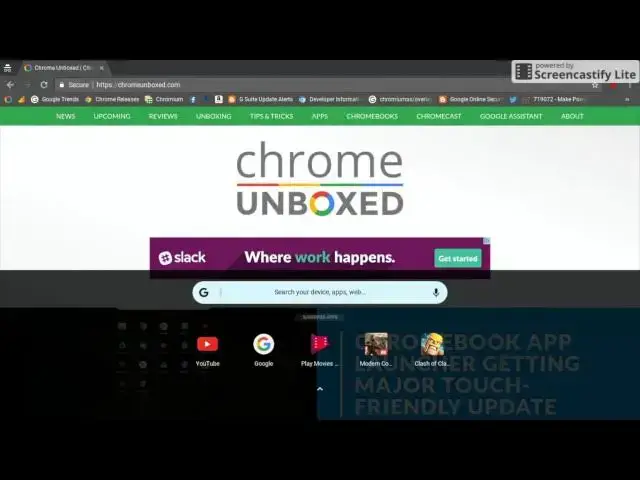
Check out a more in depth look at the new launcher developers are experimenting with in the Canary Channel of Chrome OS.
https://chromeunboxed.com/chromebook-app-launcher-update-touch/
Show More Show Less View Video Transcript
0:01
[Music]
0:09
hey guys Gabriel Chrome unboxed just
0:11
wanted to bring you a quick video little
0:13
closer look at the new experimental
0:16
launcher they're working with in the
0:18
canary channel of Chrome OS if you
0:21
haven't heard about it check out the
0:23
link in the description below for
0:24
Robbie's article so here's what we're
0:27
looking at I'm on a Lenovo Flex 11
0:30
running the canary Channel have Android
0:32
apps enabled I have my shelf set to
0:35
autohide but you can see if you click
0:38
the launcher icon what you're generally
0:41
used to is the box that pocks up with
0:42
your recently used apps and then of
0:45
course you can explore all apps now when
0:48
you click this you get something that
0:50
looks a lot more like a mobile phone uh
0:54
you can see your suggested apps probably
0:56
based on what your most recent apps used
0:58
were and then if you swipe up
1:00
you're going to get a full list of apps
1:01
that you can scroll
1:03
through and then a simple swipe down on
1:05
either side goes back to the truncated
1:08
look and then another swipe down and
1:10
it's gone um the commit that Robbie
1:13
originally references makes it seem like
1:16
swiping up from the bottom of your
1:18
screen will bring that launcher up it
1:21
looks like it's not working at the
1:23
moment uh there is also a reference to a
1:26
specific uh popup for the system tray
1:29
sep separate from the App Launcher but
1:32
if you are in an app or a window you can
1:35
just click the search button on your
1:37
keyboard brings it up swipe up swipe
1:40
down and you're out of the way I was
1:43
curious to see how this would look with
1:45
Android app so we have a little Modern
1:48
Combat 5 running
1:50
here get it to
1:55
reconnect activated good luck out there
1:58
over solid copy
2:00
key you have
2:02
your app
2:04
list swipe back
2:07
down pauses just like it would on your
2:09
mobile device and same thing
2:13
works switching between
2:21
apps so yeah there you go guys this is a
2:25
pretty pretty indepth rich feature they
2:29
seem to be working on here um kind of
2:31
came out of
2:33
nowhere uh so hopefully we'll be seeing
2:35
this make its way to the more stable
2:38
channels very soon but anyways check it
2:41
out let us know what you think drop a
2:43
comment below you like it you lump it
2:46
we'd love to hear from you till next
2:50
[Music]
2:57
time
#Technology News