
How To Switch Between Chromebook Users With A Keyboard Shortcut
Dec 13, 2021


Join our Patreon community for exclusive extras, an ad-free website experience, access to our private Discord server, and more: https://www.patreon.com/chromeunboxed
How To Setup Downloads Folder in Google Drive: https://bit.ly/3kdV0GQ
・・・・・・・
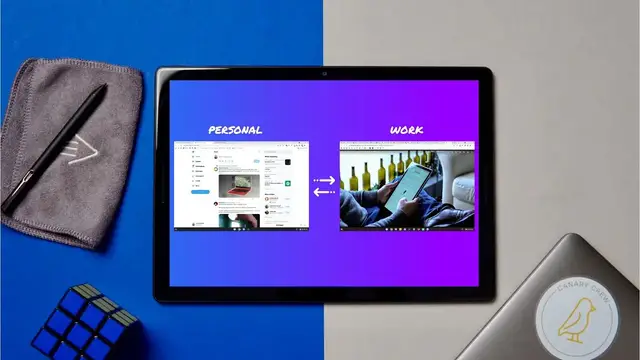
When I first started using Chromebooks after years of working on macOS, there was one part of my workflow that was missing: the ability to log into multiple Chrome browsers with separate Google accounts. On macOS, this allowed me to keep things like bookmarks, saved passwords, payment methods, and extensions separate and distinct for my work and personal accounts. But I have found a workaround that I’ve been using for some time now that allows me to easily switch between signed-in users with a simple keyboard shortcut on my Chromebook. Hope you all find this helpful!
Read more: https://chromeunboxed.com/how-to-switch-users-chromebook-keyboard-shortcut/
Join our newsletter: http://bit.ly/2WjCDm7
・・・・・・・
Shop Chromebooks on CHROME SHOP: https://chrmshop.com/
Subscribe to the channel: http://bit.ly/2xFuj6L
The Music We Use - PERFECT for YouTube: http://bit.ly/31W6PYP
Follow us:
Show More Show Less #Software